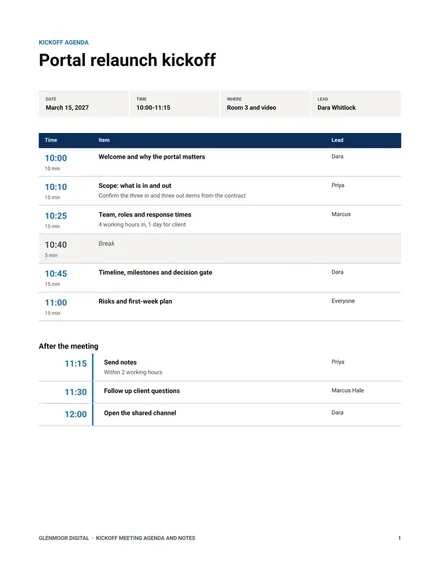
Kickoff Meeting Agenda and Notes
Docs + Word8 pages
Free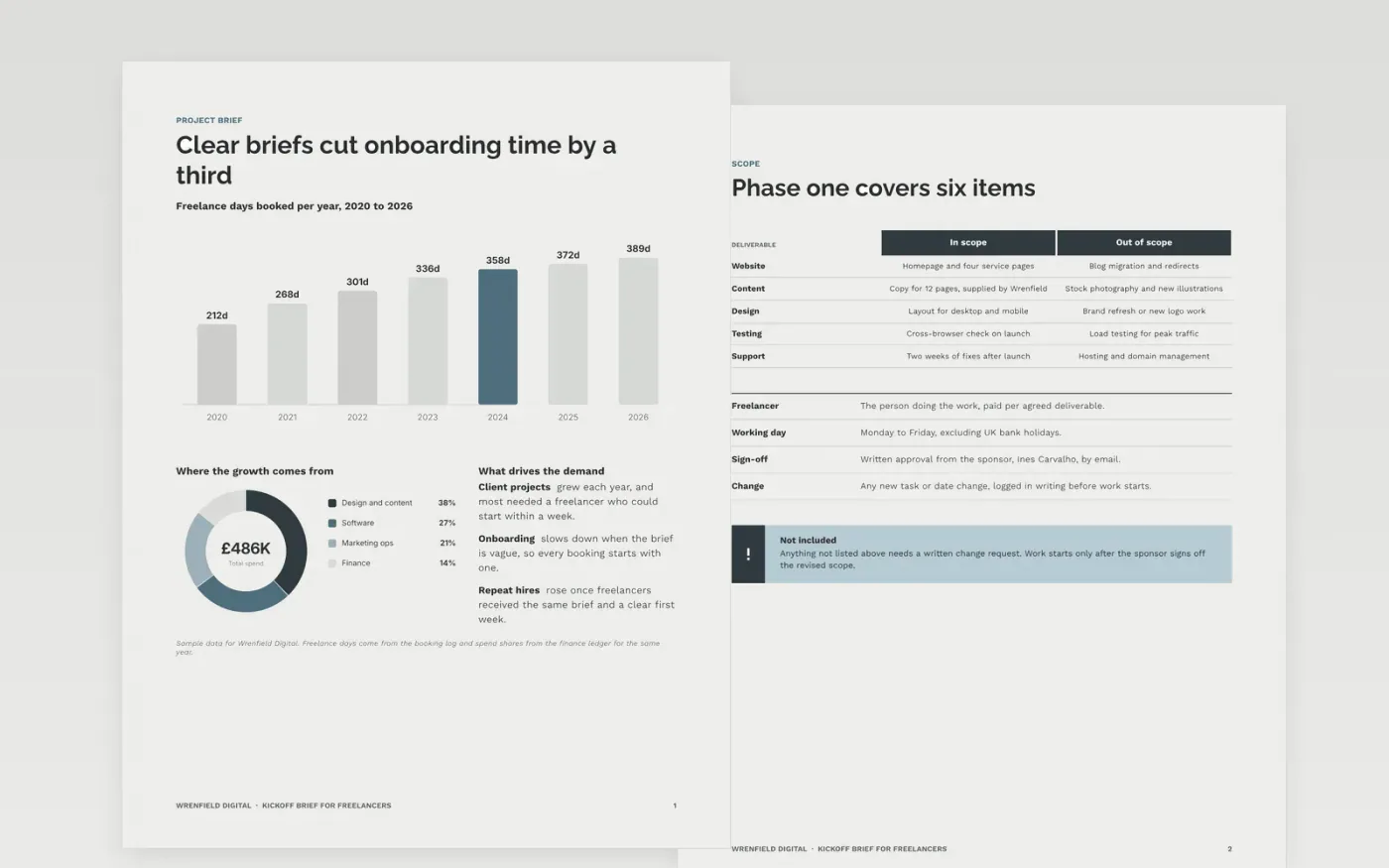
Freelancers who start without a brief spend their first weeks asking who decides, what is in scope and when work is due. This template gives them everything on day one across seven pages: background, deliverables, deadlines, files and access, payment terms, a detail page on fees, and a guide. Each page is short enough to read in a few minutes and to talk through at the kickoff call.
The sample for Wrenfield Digital shows a website project with a scope table of five rows, five dated gates, a rates table that adds up to the quoted total and a layered access diagram. All names, emails and figures are fictional. Replace them with your own agreed scope and dates, keep the deadlines and scope pages in step, and use the guide page as your checklist before anyone signs.
Click Make a copy in Google Docs, then confirm on the Google page. The copy is saved to your own Google Drive.
Replace the Wrenfield sample scope, names and dates with the items and people you have already agreed.
Set the five gates on the deadlines page, then confirm the rates in the payment tables.
Delete the guide page, then share the brief with the freelancers it names or present it at kickoff.
No. Wrenfield Digital, its project, people, emails and prices are fictional sample content, so replace every one of them before you send the brief to anyone.
Most teams keep it to about six pages that can be read in around twenty minutes. Put the decisions in the scope and deadlines pages and keep the rest for reference during the first weeks.
A signature helps with the scope and rates, because it stops later arguments about what was agreed. If you do not use a signing tool, ask for written approval by email instead.
Docs + Word8 pages
Free
Docs + Word8 pages
Free
Docs + Word6 pages
Free
Slides + PowerPoint10 slides
Free
Slides + PowerPoint11 slides
Free
Slides + PowerPoint12 slides
Free
Slides + PowerPoint12 slides
Free
Slides + PowerPoint10 slides
Free
Slides + PowerPoint10 slides
Free
Slides + PowerPoint10 slides
Free
Slides + PowerPoint12 slides
Free










