Change Communication Deck
Slides + PowerPoint12 slides
Free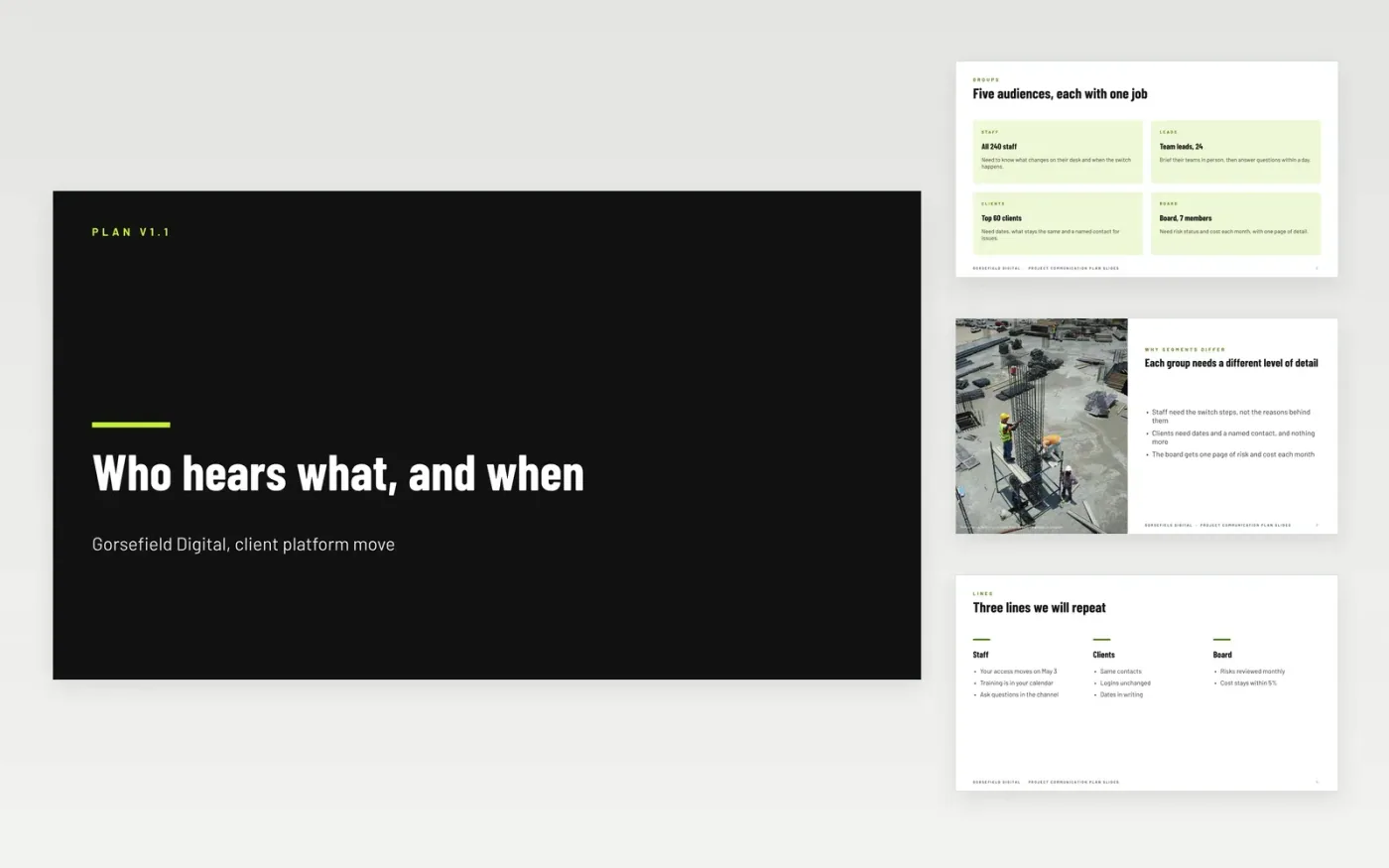
A change that reaches people late, twice or not at all generates more questions than the change itself. This eleven-slide deck gives the sponsor one page to approve for each part of the plan: the audiences, the messages each group needs, the channels that carry them, the calendar and the owner of every send. It is built to be reviewed in one meeting and then used as the schedule for the weeks that follow.
The sample plan belongs to Gorsefield Digital, a fictional company moving its client platform. It shows how a short audience list maps to three key lines, five channels and a six-week calendar, with senders and approval times in the owners table. Replace the audiences, messages and dates with your own, then add the two feedback measures you will check each month.
Click Make a copy in Google Slides, then confirm on the Google page. The copy is saved to your own Google Drive.
Agree the audiences and their head counts with the sponsor before you write any message.
Rewrite the three key lines in your organization's voice, keeping each one under 25 words.
Fill the owners table and calendar with real senders, approvers and dates for the next six weeks.
Delete the guide slide, then share the deck for approval or present it at the planning review.
Yes. Gorsefield Digital, its staff, the people named as senders and approvers, and every date and head count in this deck are fictional. Replace them with real details before the plan is shared.
Review the calendar at each milestone and the audiences every month during a change. Record what was sent, when it was read and which questions came back, then adjust the next two weeks.
Without a named approver, messages wait for several people to agree and go out late. Give each message type one approver, a backup and a turnaround of 24 to 48 hours.
More Google Slides templatesMore project management templates
Slides + PowerPoint12 slides
Free
Slides + PowerPoint11 slides
Free
Docs + Word8 pages
Free
Docs + Word7 pages
Free
Docs + Word7 pages
Free
Docs + Word8 pages
Free
Docs + Word8 pages
Free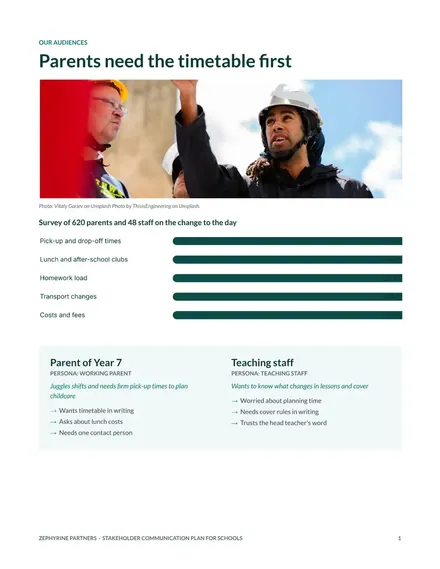
Docs + Word8 pages
Free










