Change Communication Deck
Slides + PowerPoint12 slides
Free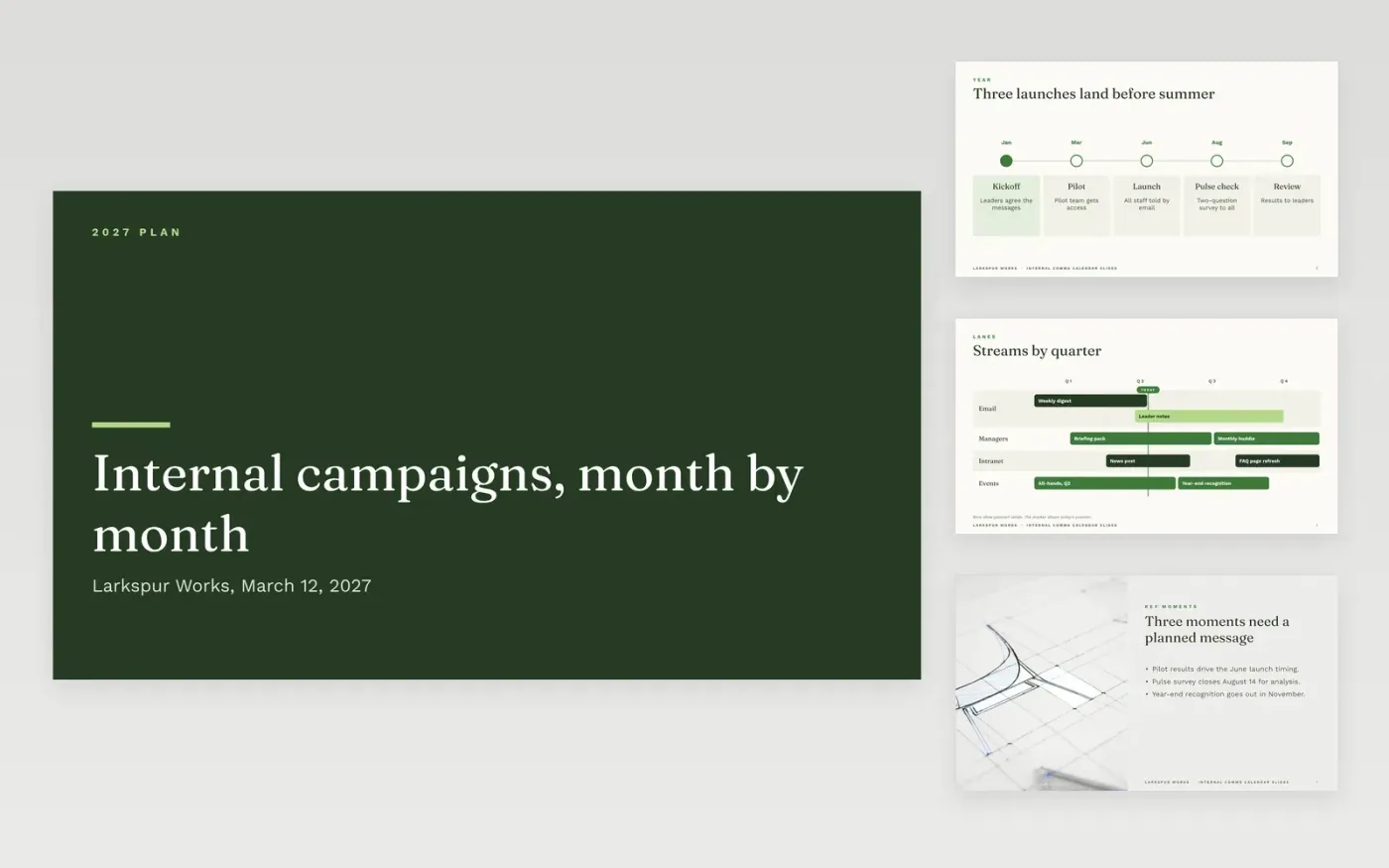
Internal messages often go out in bursts, with some teams hearing everything twice and others hearing nothing at all. This plan spreads a year of campaigns across one calendar, so each send has a date, a sender and an approver before anything is written. The sections run from the year view to the key moments, the campaign measures and the channel mix, so the team can see what goes out in each month and why it goes out then.
The sample is a fictional year for Larkspur Works, with a launch in June, a pulse survey in August and a year-end review, each with an owner, a success measure and a route for replies. Replace the dates, senders, campaign names and budget with your own, and keep the figures the same on every slide so leaders can check them quickly.
Click Make a copy in Google Slides, then confirm on the Google page. The copy is saved to your own Google Drive.
Replace the five milestones on the year view with your own launch and review dates.
Fill the roadmap lanes with your real channels, senders and send dates for the next six weeks.
Name the owner, approver and backup for each campaign and channel on the campaign slides.
Delete the guide slide, then share the deck or present it to your sponsor.
Yes. Keep the year view but set its dates to the project span, and use the roadmap lanes for each stage. Four quarters can become four project phases without changing the layout.
No. Larkspur Works, Lena Ortiz, Marcus Vale, the budget, the audience sizes and the survey targets are fictional sample data. Replace them with your own figures before you share the plan.
Review it at the start of each month and after any change in launch timing. Log each send with its real date, so the measures show what happened, not only what was planned.
More Google Slides templatesMore project management templates
Slides + PowerPoint12 slides
Free
Slides + PowerPoint11 slides
Free
Docs + Word8 pages
Free
Docs + Word7 pages
Free
Docs + Word7 pages
Free
Docs + Word8 pages
Free
Docs + Word8 pages
Free
Docs + Word8 pages
Free










