Project Communication Plan
Docs + Word7 pages
Free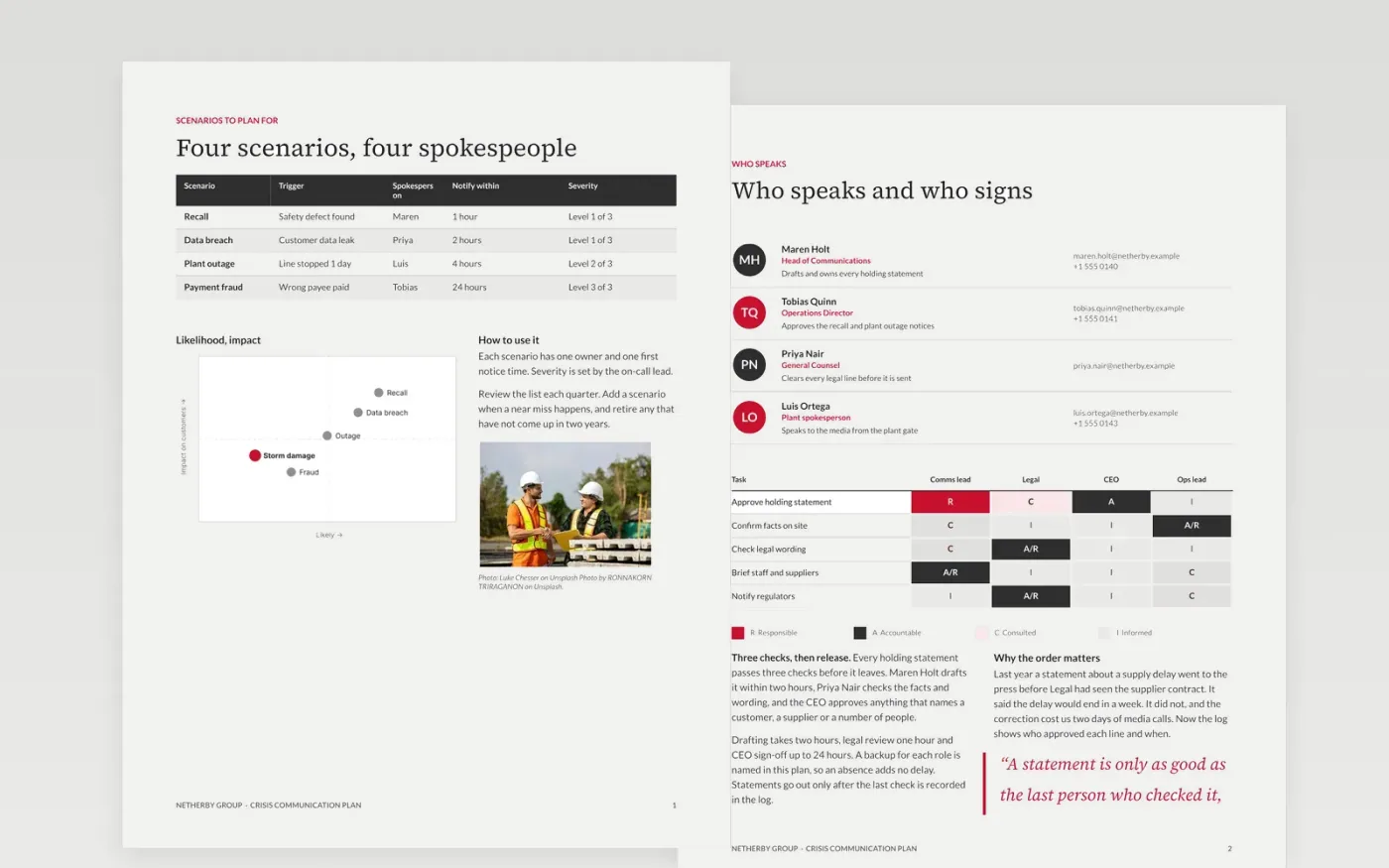
Crisis communication fails when people hear the wrong message from the wrong person, or hear nothing at all. This plan sets out the scenarios Netherby Group expects, the spokesperson and approver for each role, the approval chain, pre-approved holding statements and a channel schedule. Each page is a designed Google Docs layout, so the plan reads as one document.
The sample shows Netherby Group handling a product recall, a data breach, a plant outage and a payment fraud. Every name, figure and scenario is made up for the example. Make your own copy, replace the scenarios, names and figures with your own, and keep the approval turnaround and check-in dates in step with your team.
Click Make a copy in Google Docs, then confirm on the Google page. The copy is saved to your own Google Drive.
Replace the scenarios on page 1 with the risks your organization actually faces.
Name the people for each role, then agree every approver and backup with them.
Fill the channel table and calendar with real owners and dates for the next six weeks.
Delete the guide page and the sample notes, then share the plan or present it to the team.
Yes. Make a copy in Google Docs and it is yours to edit, with no sign-up and no cost. The copy is saved in your own Google Drive.
Yes. The pages use standard Google Docs styles, so you can change fonts, colors and layout as you would in any document. Keep the page order if you want the same flow.
No. Netherby Group, its people, figures and scenarios are fictional and made up for the example. Replace all of them with your own before you share the plan.
Docs + Word7 pages
Free
Docs + Word5 pages
Free
Slides + PowerPoint11 slides
Free
Docs + Word7 pages
Free
Docs + Word7 pages
Free









