
Project Proposal
Docs + Word5 pages
FeaturedFree
This timeline is for product managers and small launch teams who need one view of a release across all its workstreams. In the Launch plan tab each milestone has a workstream, an owner, start and finish dates, working days, progress and a status, and a 20-week timeline is drawn from the earliest start. The Dashboard counts milestones, how many are done or at risk, the average progress and the working days by workstream, with a chart for each.
The sample plan follows a software launch in early 2027, with product, marketing, sales, support and legal rows. Replace the milestones with your own, then update progress as work finishes. Keep an eye on the At risk count, since a few slipped dates can move the launch day.
Click Make a copy in Google Sheets, then confirm on the Google page. The copy is saved to your own Google Drive.
Start on the Launch plan tab: replace the sample rows with your own.
Keep the formula columns as they are; they fill in as you type.
Read the How to use tab for tips. For Excel, download the .xlsx file instead.
Edit the first milestone's start and end dates, then move the rows below by the same number of days. The timeline and working-day counts follow the dates automatically.
The timeline shows 20 weeks from the earliest start date. For a longer launch, change the timeline length in the sheet or split the plan into two tabs, one per phase.
Working days use Monday to Friday between the start and end dates, so weekends are not counted. Public holidays stay in the working-day count, so correct it manually if your team takes them off.
More Google Sheets templatesMore project management templates
Docs + Word5 pages
FeaturedFree
Docs + Word1 page
Free
Docs + Word11 pages
Free
Sheets + Excel4 tabs
Free
Sheets + Excel5 tabs
Free
Sheets + Excel4 tabs
Free
Sheets + Excel4 tabs
Free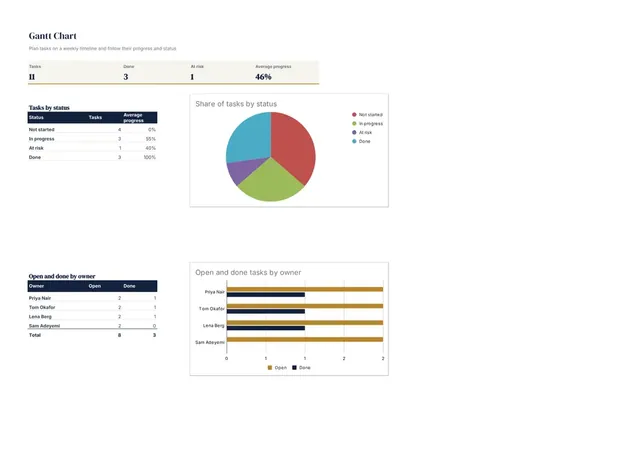
Sheets + Excel3 tabs
Free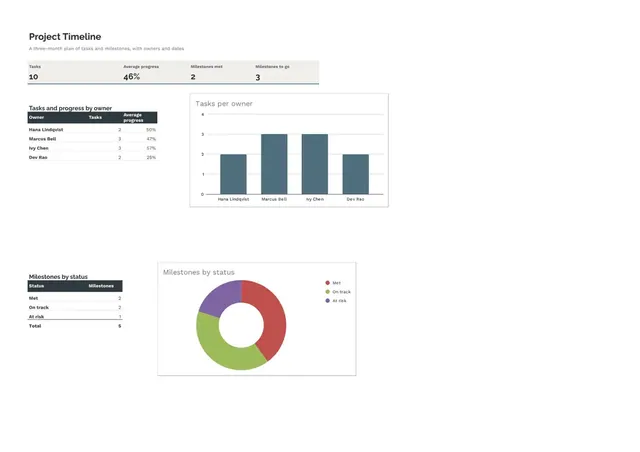
Sheets + Excel4 tabs
Free









