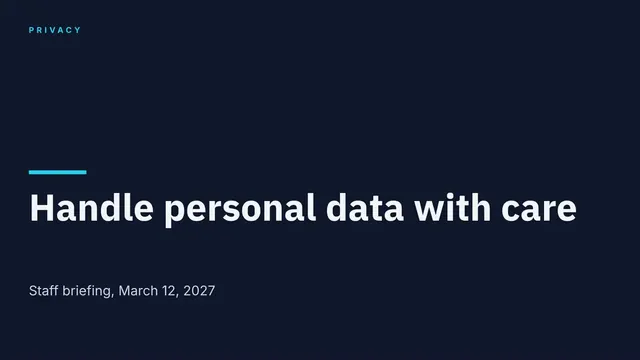
Personal Data Handling Briefing Slides
Slides + PowerPoint12 slides
Free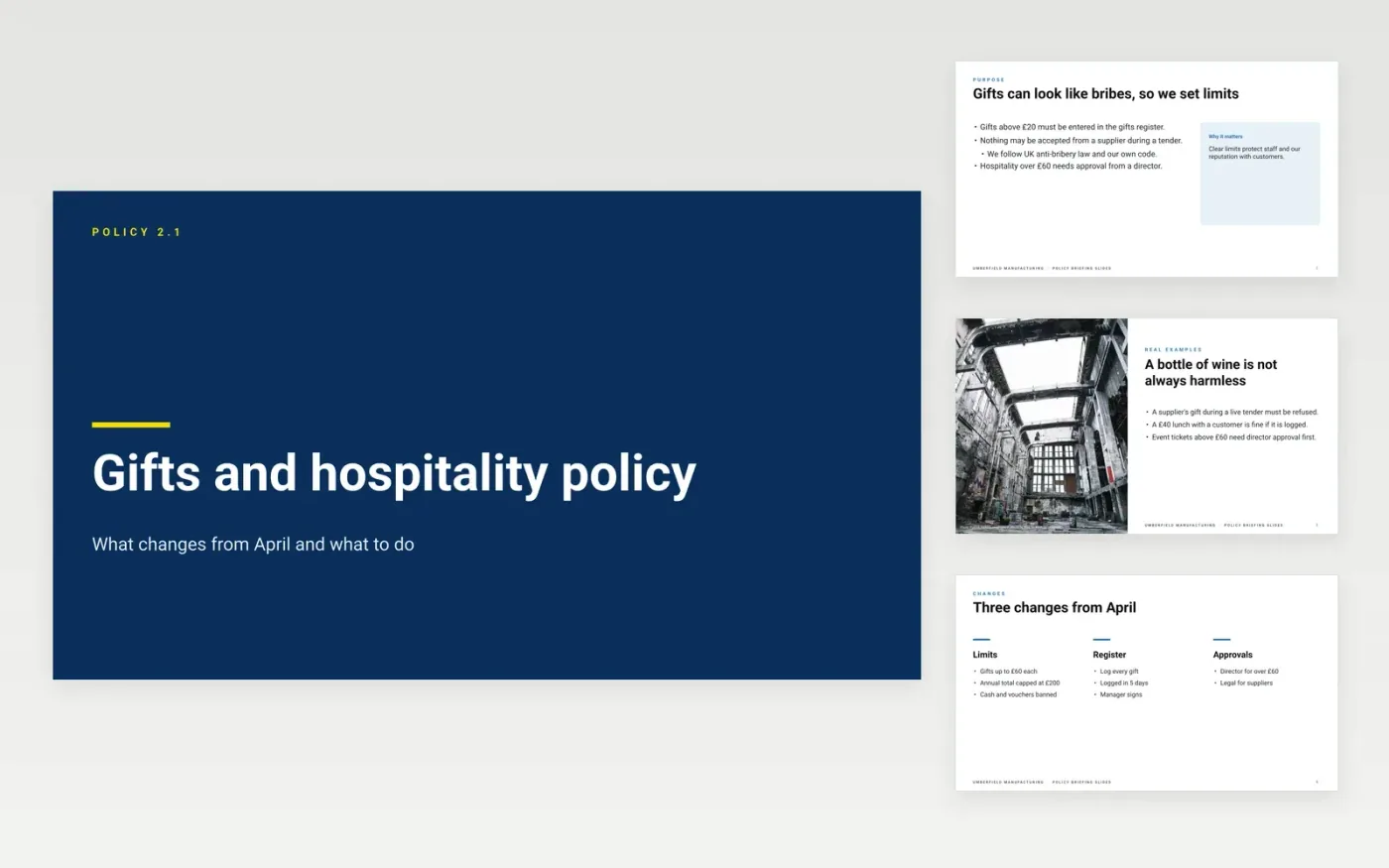
A new policy only works when staff understand what they must and must not do, and why. This eleven-slide briefing deck explains the reason for the policy, sets out the changes from the last version, shows who owns each duty and gives worked examples for the grey areas. It works in a team meeting, or as a read-first pack that managers take through their teams.
The sample for Umberfield Manufacturing, a UK manufacturer, briefs staff on a gifts and hospitality policy with a £60 gift limit, an annual cap of £200 and a register for gifts above £20. Every name, threshold and date is sample data. Replace the thresholds, owners and examples with your own, and check them against current law and your code before you circulate the deck.
Click Make a copy in Google Slides, then confirm on the Google page. The copy is saved to your own Google Drive.
Replace the cover with your policy name, version and effective date.
Replace the sample thresholds with your own, and check them against current law.
Name the owner, approver and the person who receives reports on the team and contact slides.
Delete the guide slide, then circulate the deck with a sign-off sheet for staff.
Yes. Keep the structure, which runs from why and what changes to responsibilities and examples, and replace the rules, thresholds and owners with those of your own policy.
No. Umberfield Manufacturing, its staff, thresholds, sums and owners are fictional sample data. Replace them with your own before you use the briefing, and check the content against your current policy.
No. The briefing explains the policy, and the staff sign-off sheet records that it was read. Keep the full policy, its version and its review date on file as the controlling document.
More Google Slides templatesMore business operations templates
Slides + PowerPoint12 slides
Free
Docs + Word8 pages
Free
Docs + Word8 pages
Free
Docs + Word8 pages
Free
Docs + Word7 pages
Free
Docs + Word3 pages
Free
Docs + Word8 pages
Free
Docs + Word6 pages
Free
Docs + Word8 pages
Free
Docs + Word8 pages
Free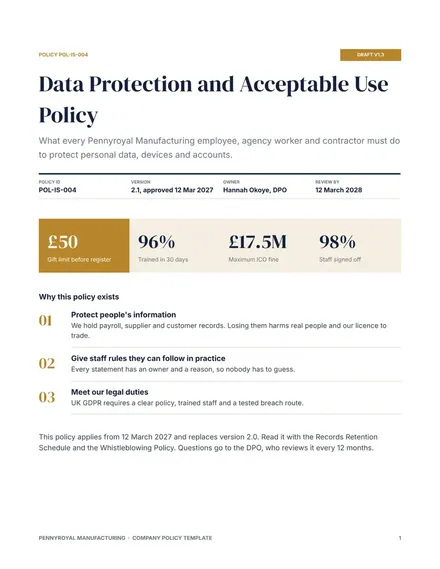
Docs + Word9 pages
Free