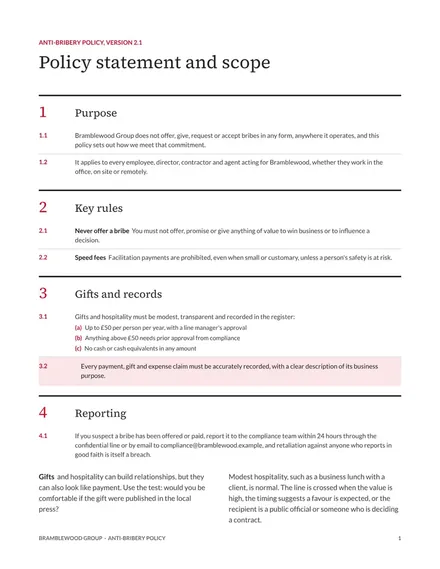
Anti-Bribery Policy
Docs + Word8 pages
Free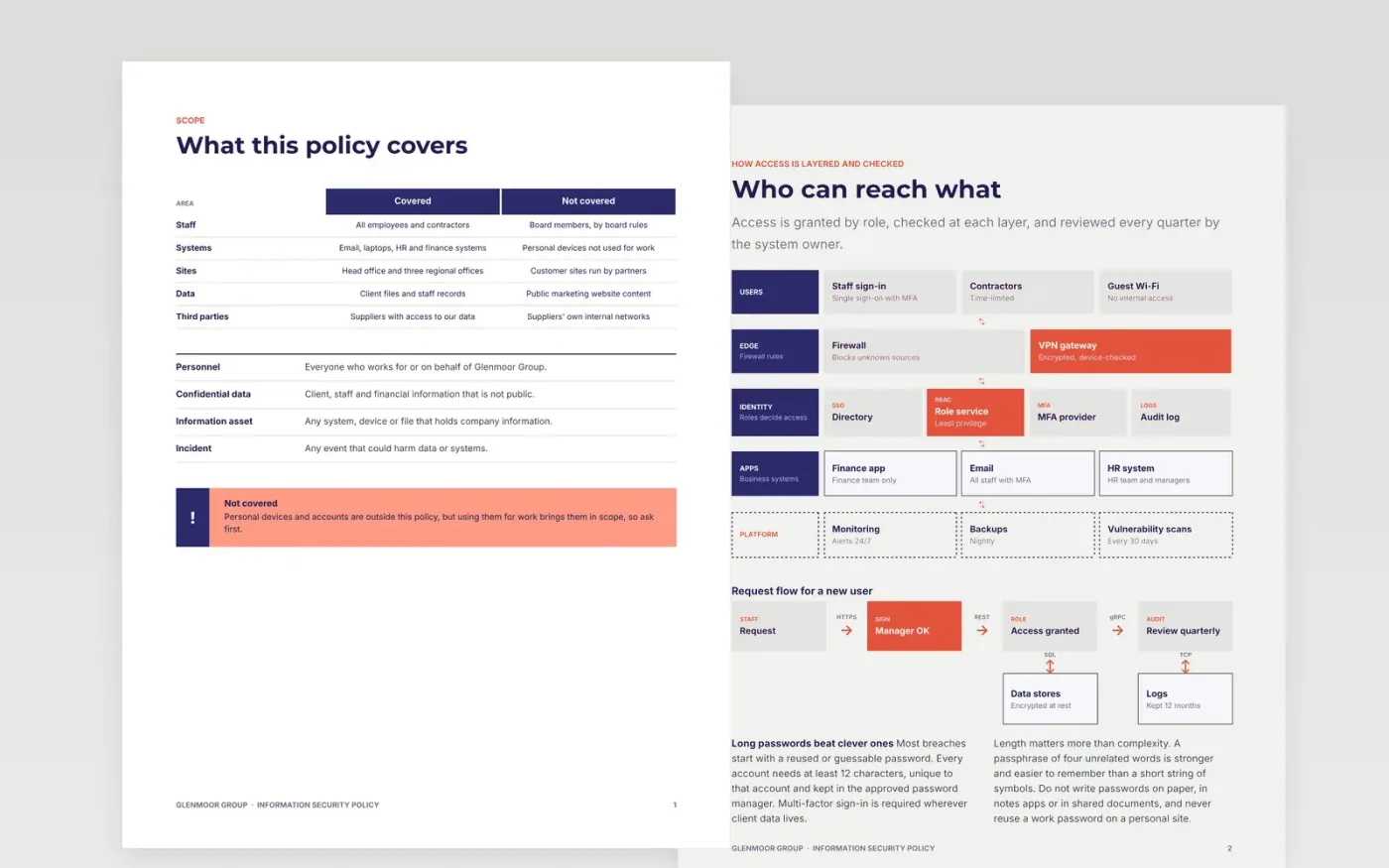
Every organization needs one place that says what staff must and must not do with systems and data, and who to tell when something goes wrong. This template sets out the scope, access control, password rules, device requirements, incident reporting and the compliance checks that auditors ask for first. Each rule carries a reason and an example for the grey areas, and the document-control block records the owner, approver, version and review date.
The sample is for Glenmoor Group, a US professional services firm with 340 staff across four offices. It sets a password minimum of 12 characters, gift limits of $50 with a register above $25, and breach reporting within 24 hours internally and 72 hours to the regulator where required. Replace the owner, sites, thresholds and approvals with your own, check each rule against current law, and circulate the policy with a sign-off sheet.
Click Make a copy in Google Docs, then confirm on the Google page. The copy is saved to your own Google Drive.
Rename the policy for Glenmoor Group and update the document-control block with owner, approver and version.
Rewrite the scope to name the people, systems and sites it covers, and delete anything that does not apply.
Check every statement against current practice, then change either the practice or the rule so they match.
Delete the guide page, then share the policy with staff and collect a signed acknowledgement sheet.
No. Glenmoor Group, the named people, the sites, thresholds and approval dates are fictional. They show how a finished policy reads, so replace all of them with your own before anyone relies on the document.
Review it at least every 12 to 24 months, and after any significant incident, system change or change in law. Record the next review date on the cover so staff can see whether their copy is current.
Yes. Most policies ask each person to acknowledge it on joining and again after each major change. Keep the signed record with the policy, since auditors often ask for it first.
More Google Docs templatesMore business operations templates
Docs + Word8 pages
Free
Docs + Word8 pages
Free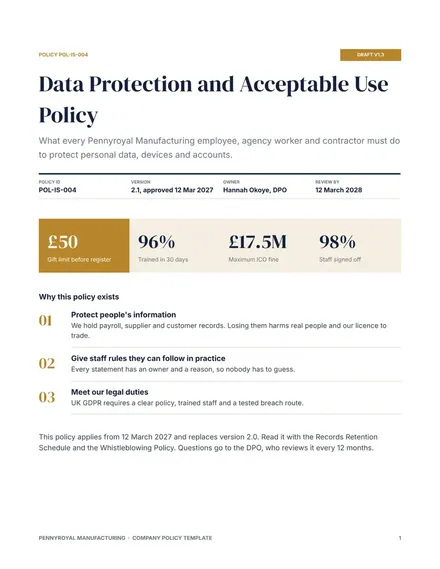
Docs + Word9 pages
Free
Docs + Word8 pages
Free
Docs + Word7 pages
Free
Docs + Word3 pages
Free
Docs + Word6 pages
Free
Slides + PowerPoint12 slides
Free
Slides + PowerPoint11 slides
Free
Docs + Word8 pages
Free
Docs + Word8 pages
Free