Policy Briefing Slides
Slides + PowerPoint11 slides
Free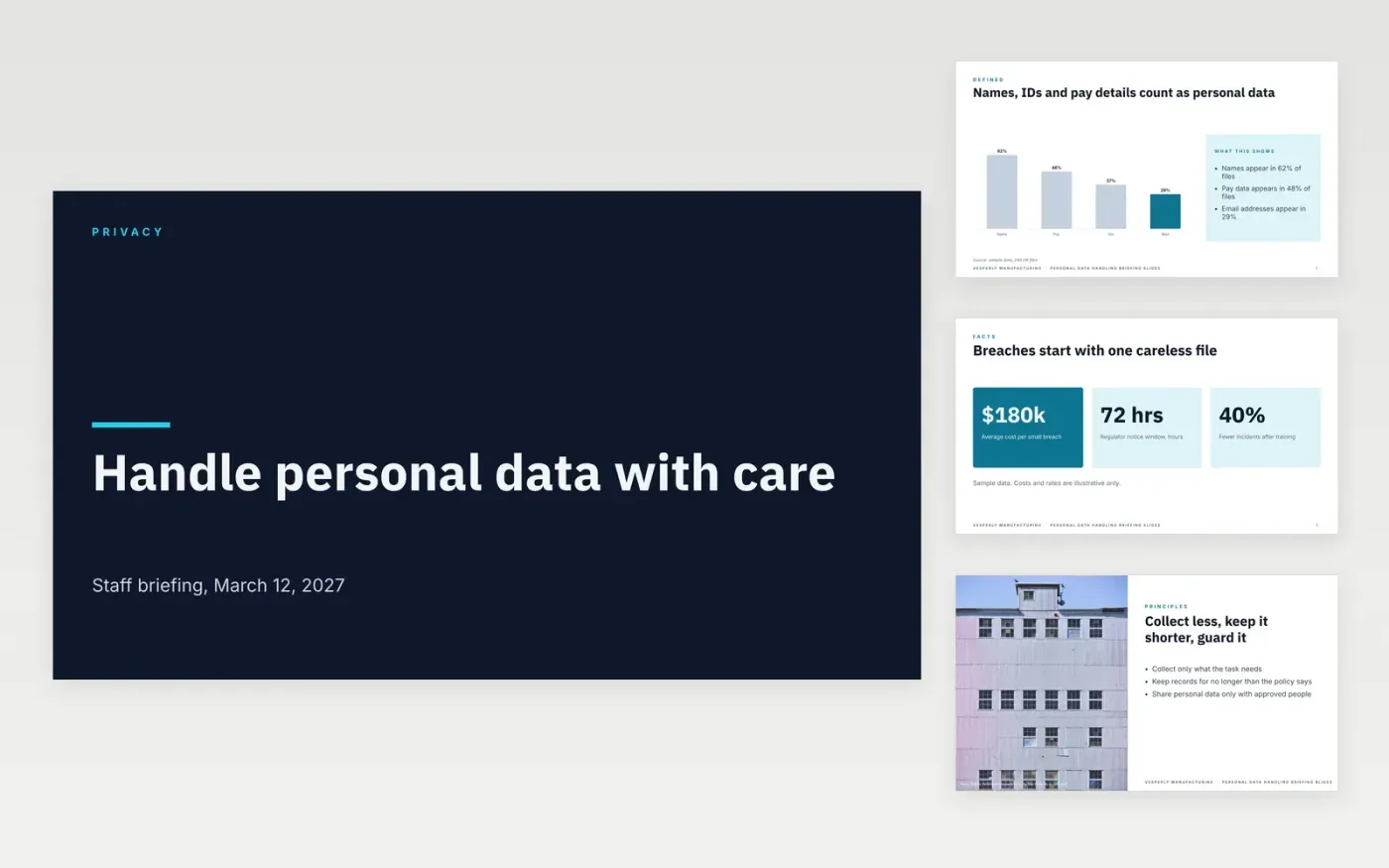
Small organizations often hand personal data to staff with no briefing, and the first careless mistake becomes a reportable breach. This deck briefs staff in one short session: what counts as personal data, the principles that apply, everyday do and don't rules, the four steps after a breach and a quiz to check understanding. Each slide makes one rule easy to remember.
The sample uses Vesperly Manufacturing, with a 24-hour internal reporting window, a 72-hour regulator window and a password rule of at least 12 characters. Replace the thresholds, contacts, reporting times and worked examples with your own, and check each one against current law before you run the session. The organization, people and figures are fictional.
Click Make a copy in Google Slides, then confirm on the Google page. The copy is saved to your own Google Drive.
Replace the sample thresholds, such as the 24-hour and 72-hour reporting windows, with your own.
Update the privacy lead's name and email on the closing slide.
Write two more worked examples that match the grey areas your staff actually face.
Delete the guide slide, then share the deck or present it at the staff briefing.
Any information that identifies a person, directly or in combination, such as a name, an ID number, pay details, an email address or a home address. If in doubt, treat it as personal data and protect it.
Report it internally within 24 hours, and notify the regulator within 72 hours where the law requires it. Legal decides whether a notice is needed, but the clock starts when someone first reports the problem.
No. Vesperly Manufacturing, the people named, the statistics, costs and reporting windows are fictional. They show a finished briefing and must be checked against current law before use.
More Google Slides templatesMore business operations templates
Slides + PowerPoint11 slides
Free
Docs + Word8 pages
Free
Docs + Word8 pages
Free
Docs + Word8 pages
Free
Docs + Word7 pages
Free
Docs + Word3 pages
Free
Docs + Word8 pages
Free
Docs + Word6 pages
Free
Docs + Word8 pages
Free
Docs + Word8 pages
Free
Docs + Word9 pages
Free