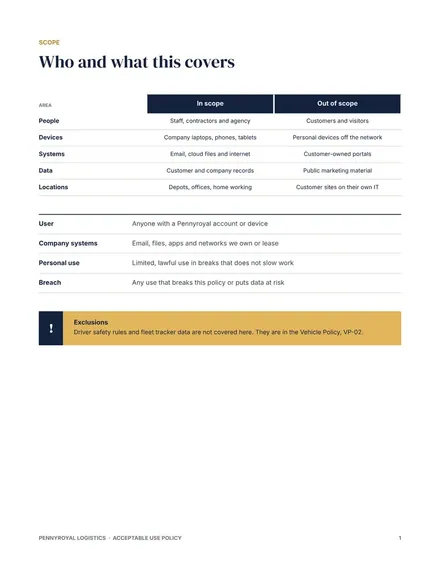
Acceptable Use Policy
Docs + Word8 pages
Free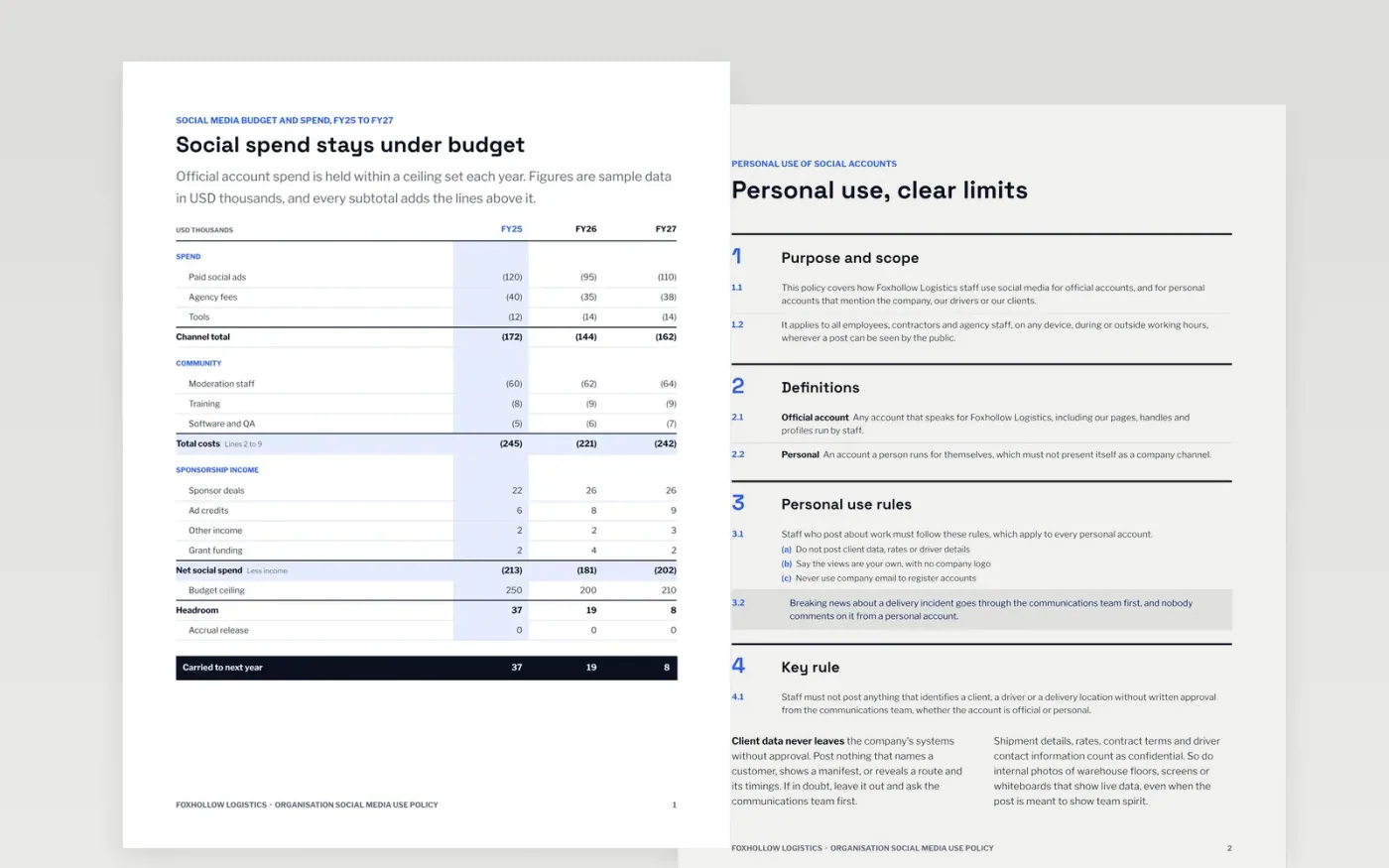
Staff post about work more often than most employers realize, and a single photo can expose a client or a delivery route. This Google Docs policy sets out how official accounts are run, what personal posting may and may not include, how confidential material is protected, who approves posts and what happens after a breach. The sections follow the order an auditor or a new manager will check, so the document answers questions as they come up.
The sample governs a fictional logistics company, Foxhollow Logistics, and its budget, breach figures and register entries are sample data in US dollars. Replace the document control block, the scope and the thresholds first, then test each rule against current practice so staff can actually follow it. Keep the breach route on the final page up to date.
Click Make a copy in Google Docs, then confirm on the Google page. The copy is saved to your own Google Drive.
Fill in the document-control block with the owner, approver, version and review date.
Rewrite the scope to name your people, platforms and sites, and delete anything else.
Replace the sample thresholds with your own, and check them against current law.
Delete the guide page, then circulate the policy with a sign-off sheet for every reader.
No. Foxhollow Logistics, the people named, the .example addresses, the budget figures and the breach details are fictional sample data. Replace them with your own before you circulate the policy to staff.
It can set limits, but it should not ban all personal posting, which is hard to enforce and may not be lawful in every state. Focus the rules on client data, company claims and confidential material, and check with counsel.
Review it at least once a year and after any incident, platform change or change in the law. Record each change with a version number and the date it takes effect.
More Google Docs templatesMore business operations templates
Docs + Word8 pages
Free
Docs + Word9 pages
Free
Docs + Word8 pages
Free
Docs + Word8 pages
Free
Docs + Word7 pages
Free
Docs + Word3 pages
Free
Docs + Word8 pages
Free
Slides + PowerPoint12 slides
Free
Slides + PowerPoint11 slides
Free
Docs + Word8 pages
Free
Docs + Word8 pages
Free