
Annual Report
Docs + Word6 pages
FeaturedFree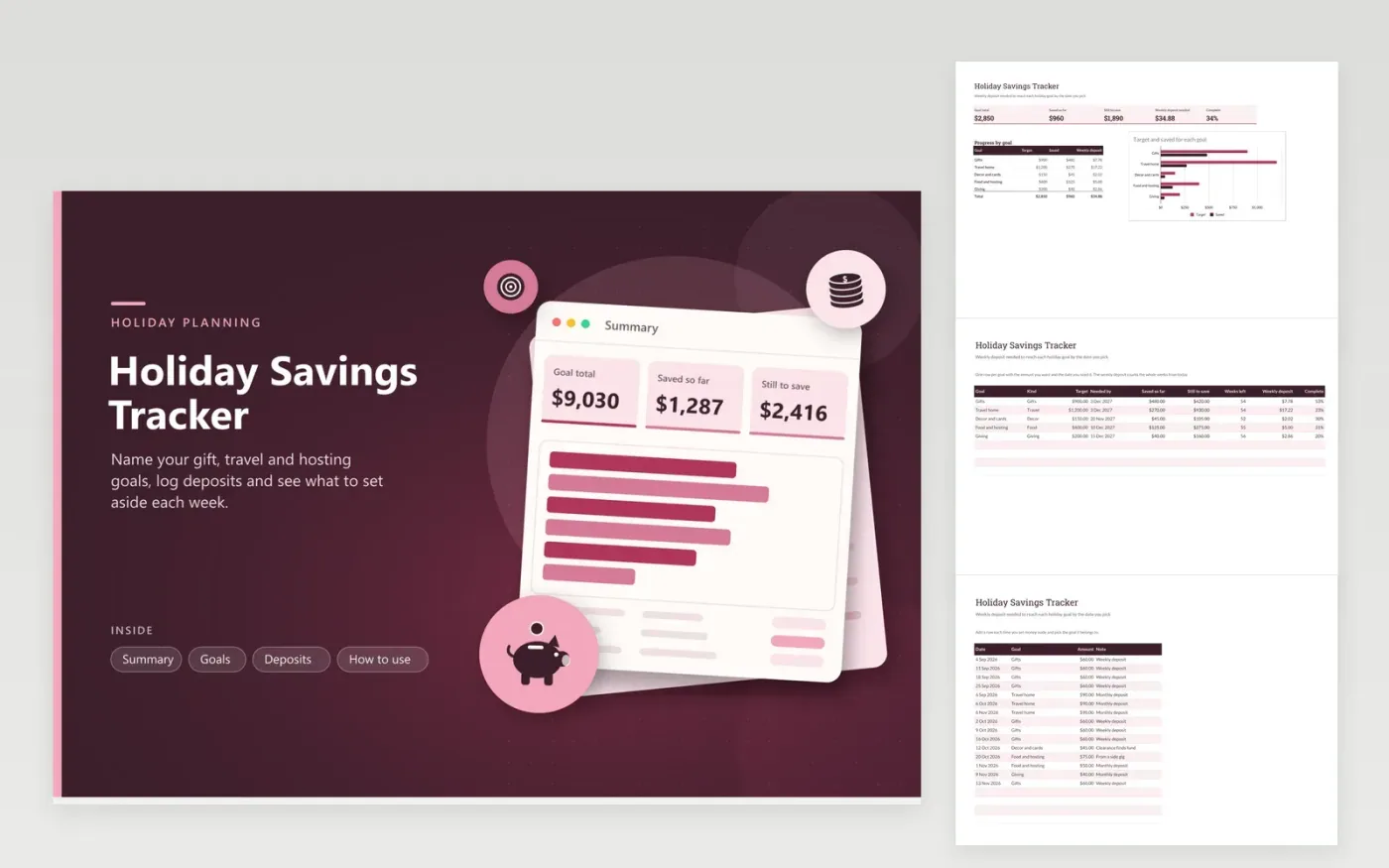
December spending feels sudden, but the bills can be spread across the year if you know the numbers. This tracker lets you list each holiday goal on its own row: gifts, a trip home, decor, hosting, giving. Give each a target and the date you need the money and the sheet counts the whole weeks left and divides what remains by them.
Deposits are logged on a separate tab and sorted into goals by a dropdown, so a $60 deposit to the gift fund never lands in the travel fund. The Summary tab compares target and saved in a chart and adds up the weekly deposit across all goals, which tells you the one number to automate. Sample goals total $2,850, and every row can be changed.
Click Make a copy in Google Sheets, then confirm on the Google page. The copy is saved to your own Google Drive.
Start on the Goals tab: replace the sample rows with your own.
Keep the formula columns as they are; they fill in as you type.
Read the How to use tab for tips. For Excel, download the .xlsx file instead.
Subtract what you have saved from each goal and divide by the weeks left. The Goals tab does this for every goal and the Summary tab adds them into one weekly figure.
The sooner the lower the weekly amount. Change the Needed by date or the start of your deposits and watch the weekly figure move.
Yes. Add rows for travel, decor, food, giving or anything else, and use the matching goal name when you log deposits.
Docs + Word6 pages
FeaturedFree
Excel
FeaturedFree
Sheets + Excel5 tabs
Free
Sheets + Excel5 tabs
Free
Sheets + Excel5 tabs
Free
Sheets + Excel5 tabs
Free
Sheets + Excel4 tabs
Free
Sheets + Excel5 tabs
Free
Sheets + Excel23 tabs
Free
Sheets + Excel8 tabs
Free
Sheets + Excel6 tabs
Free
Sheets + Excel6 tabs
Free
Sheets + Excel7 tabs
Free
Sheets + Excel9 tabs
Free
Sheets + Excel6 tabs
Free








