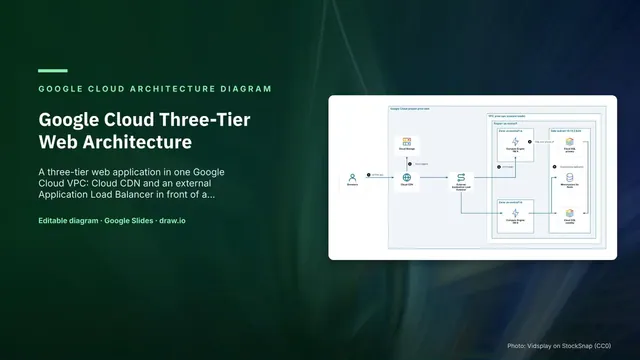
Google Cloud Three-Tier Web Architecture
Slides + PowerPoint5 slides
Free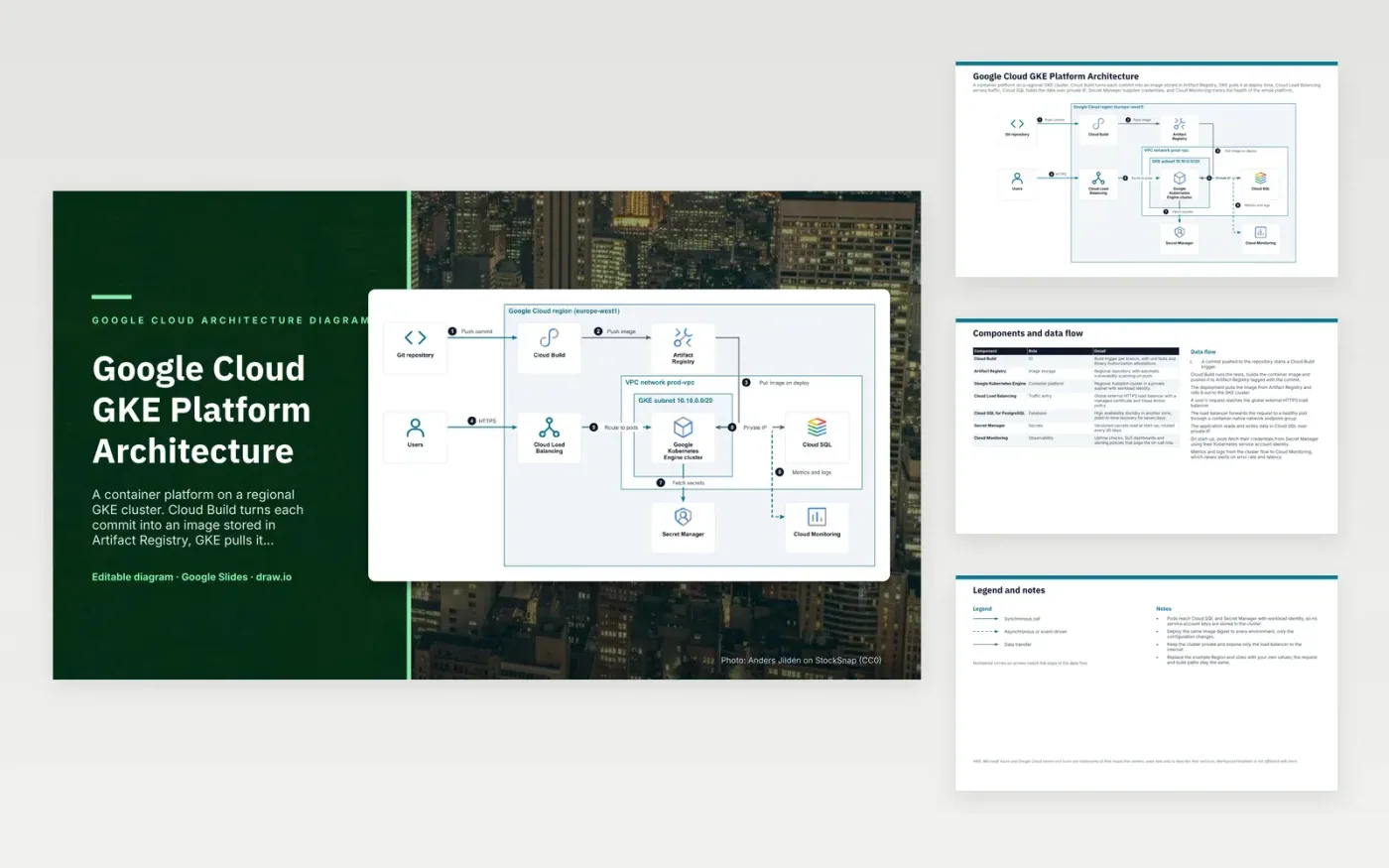
A commit pushed to the repository starts a Cloud Build trigger. Cloud Build runs the tests, builds the container image and pushes it to Artifact Registry, tagged with the commit. The deployment pulls that image onto the regional GKE cluster. A user's HTTPS request reaches the global external load balancer, which forwards it to a healthy pod through a container-native endpoint group. The pod reads and writes data in Cloud SQL over private IP.
Pods fetch their credentials from Secret Manager at start-up using workload identity, so no service account keys live in the cluster. The same image digest is deployed to every environment and only the configuration changes, which keeps each release traceable. The cluster stays private, and only the load balancer faces the internet. Teams adopting this pattern should replace the example Region and sizes, and keep the build and request paths as drawn.
The diagram uses the official Google Cloud architecture icons, each labelled with its service name. AWS, Microsoft Azure and Google Cloud names and icons are trademarks of their respective owners, used here only to describe their services. WorkspaceTemplates is not affiliated with them.
Click Make a copy in Google Slides, then confirm on the Google page. The copy is saved to your own Google Drive.
Rename Users, Git repository, Cloud Build and the other boxes inside Google Cloud region (europe-west1) to your own components, and delete the ones your system does not have.
Rewrite the 8-step data flow and the 7-row components table so they match the arrows you keep.
For the draw.io version, download gcp-gke-platform-architecture-diagram.drawio and open it at app.diagrams.net.
Workload identity lets a Kubernetes service account act as a Google Cloud identity, so pods get access tokens without a downloaded key file. The design uses it to reach Cloud SQL and Secret Manager, which removes long-lived keys from the cluster.
A regional cluster spreads its control plane and nodes across zones, so a single zone failure does not take the whole cluster down. Autopilot manages the node infrastructure, so the team configures pods rather than node machines.
The standby takes over if the primary zone fails, so the database recovers without a manual restore. Point-in-time recovery for seven days covers mistakes such as a bad delete, which a standby alone would not protect against.
More Google Slides templatesMore developer workflows templates
Slides + PowerPoint5 slides
Free
Slides + PowerPoint5 slides
Free
Slides + PowerPoint5 slides
Free










