Business Plan
Docs + Word16 pages
Free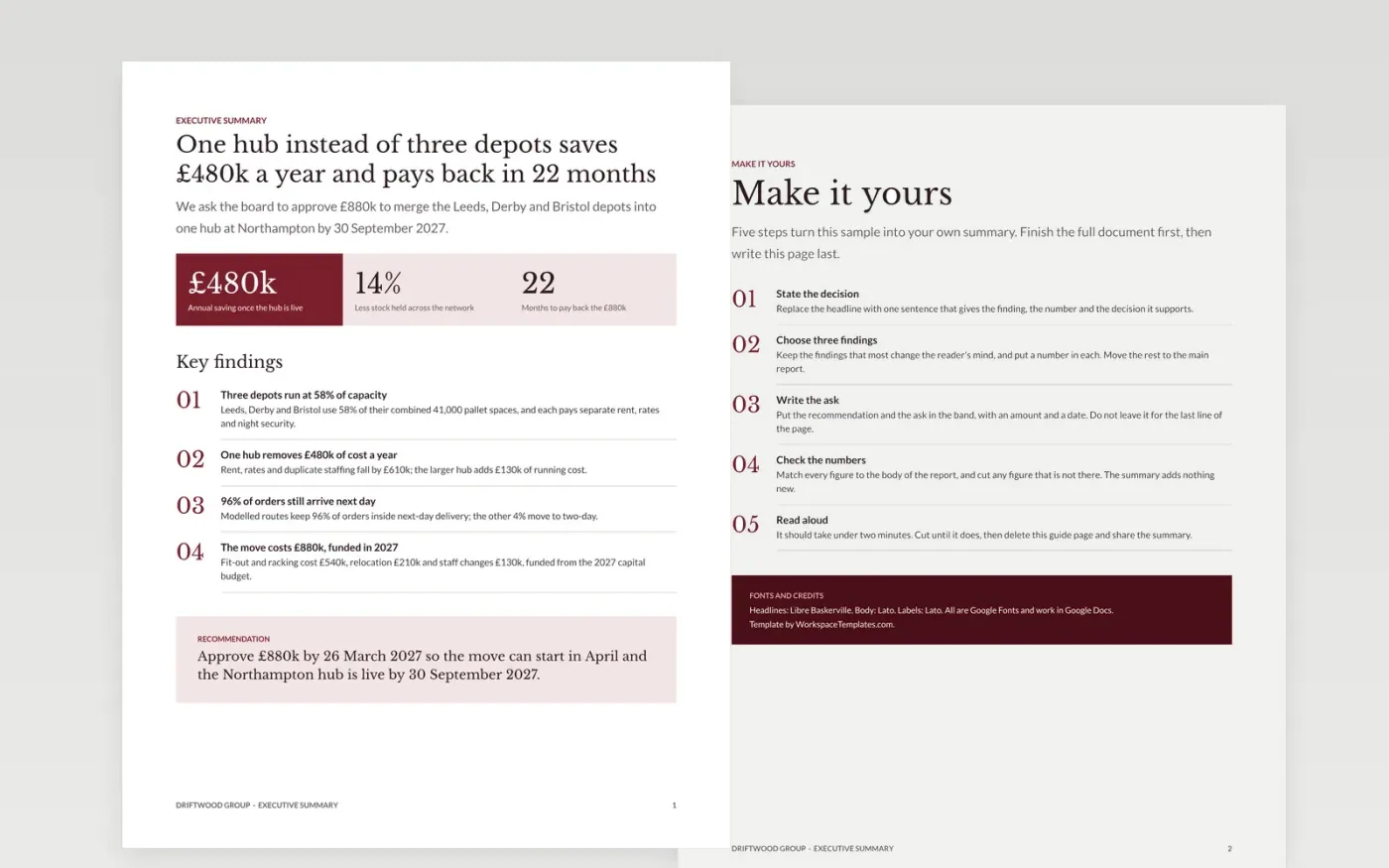
Executives and board members often read only the first page of a long report, so that page has to carry the decision. This template puts the answer first: three headline figures, four numbered findings and a recommendation box with the ask and its date. It is built to stand alone as a board paper cover sheet.
The sample summarises a fictional proposal from Driftwood Group to merge three depots into one hub, saving £480k a year with a 22-month payback. Every figure appears in the body and adds up. Replace the proposal with your own, pick the three findings that most change a reader's mind, and cut until it reads aloud in two minutes.
Click Make a copy in Google Docs, then confirm on the Google page. The copy is saved to your own Google Drive.
Write the full document first, then replace the headline with one sentence that states the finding and the number behind it.
Pick the three findings that most change the reader's mind, put a figure in each and check every figure against the body.
State the recommendation and the ask with an amount and a date in the band, then read the page aloud and cut until it takes two minutes.
Delete the guide page at the end, then share the summary with the board or attach it to the paper.
One page of 350 to 500 words, and no more than 10% of the full document. If it needs more than two minutes to read aloud, cut findings rather than shrink the text.
Write the full document first, then the summary, and check every figure against the body. Update the summary whenever the report changes, or it will contradict it.
No. The organisation, the people named and every figure in the sample are fictional. Replace them with your own proposal, findings and decision date.
More Google Docs templatesMore business operations templates
Docs + Word16 pages
Free
Docs + Word7 pages
Free
Slides + PowerPoint14 slides
Free
Slides + PowerPoint11 slides
Free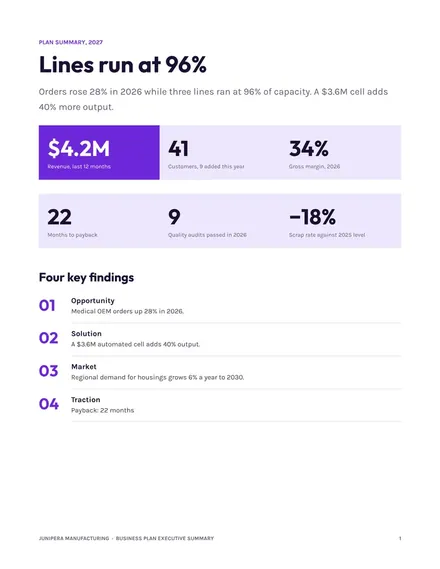
Docs + Word3 pages
Free










