
Annual Report
Docs + Word6 pages
Free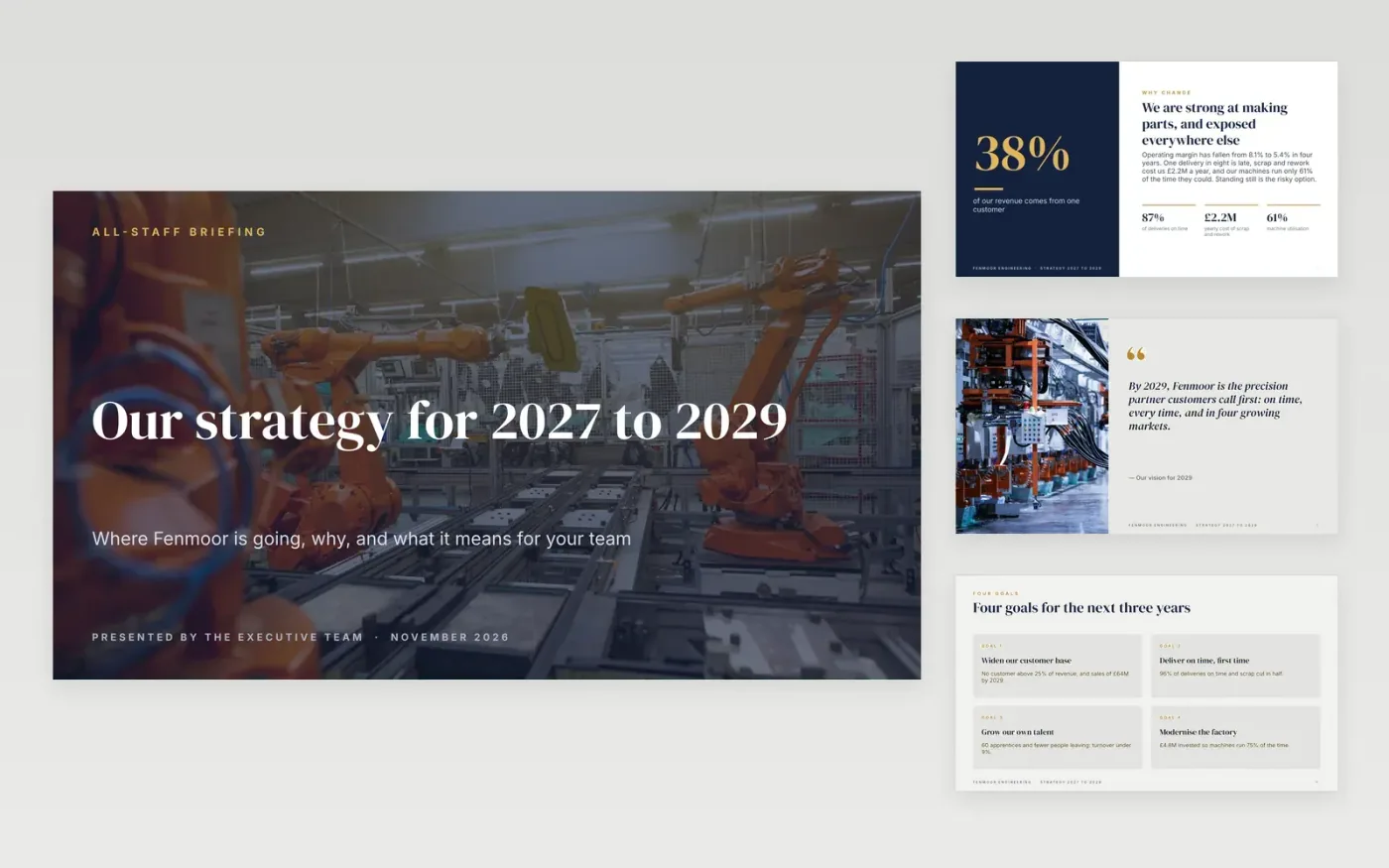
A strategy briefing fails when staff leave knowing the slogans but not what changes for them. This 14-slide deck answers the questions an all-staff audience asks in order: why we must change, where we are going, which few goals get resources, what it means for my team, how we will know it is working and what happens next.
It comes complete with sample content for a fictional manufacturer, Fenmoor Engineering: a big-number opener, a vision slide, a four-goal overview, one slide per goal with a column on what it means for you, a team-by-team table, a six-measure scorecard, a three-year roadmap and a 90-day timeline. Replace the sample content with your own and delete the guide slide.
Click Make a copy in Google Slides, then confirm on the Google page. The copy is saved to your own Google Drive.
Change the company name, goals and date on the title slide, then edit the theme (Slide → Edit theme) if you want your own colours and fonts.
Write the goals first, each with one baseline and one target, then fill in the goal slides and the measures scorecard from them.
Rewrite the what it means for you columns and the team table with the real changes for each team, and replace the photos with your own.
Delete the Make it yours slide, then present or share with File → Download → PDF.
Three to five. The deck has four goals; delete or duplicate a goal slide to match yours. If you cannot fund every goal, cut the list rather than the resourcing.
No. Fenmoor Engineering, its people and every figure are fictional sample content. Replace them with your own baselines and targets.
Simon Kadula and Homa Appliances on Unsplash, used under the Unsplash License and credited in the deck.
More Google Slides templatesMore business operations templates
Docs + Word6 pages
Free
Docs + Word7 pages
Free
Docs + Word8 pages
Free
Slides + PowerPoint11 slides
Free
Docs + Word7 pages
Free
Docs + Word8 pages
Free
Docs + Word9 pages
Free










