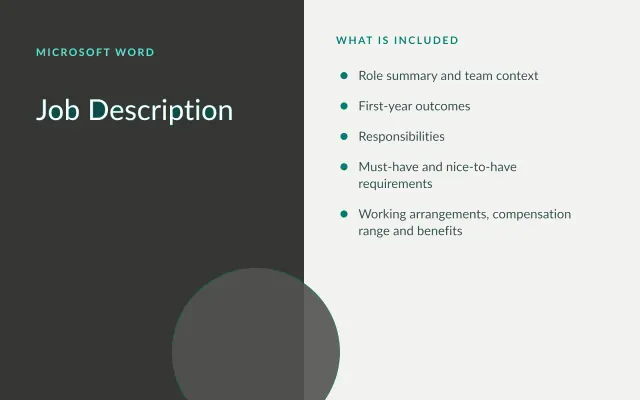
Outcome-Based Job Description
Word
Free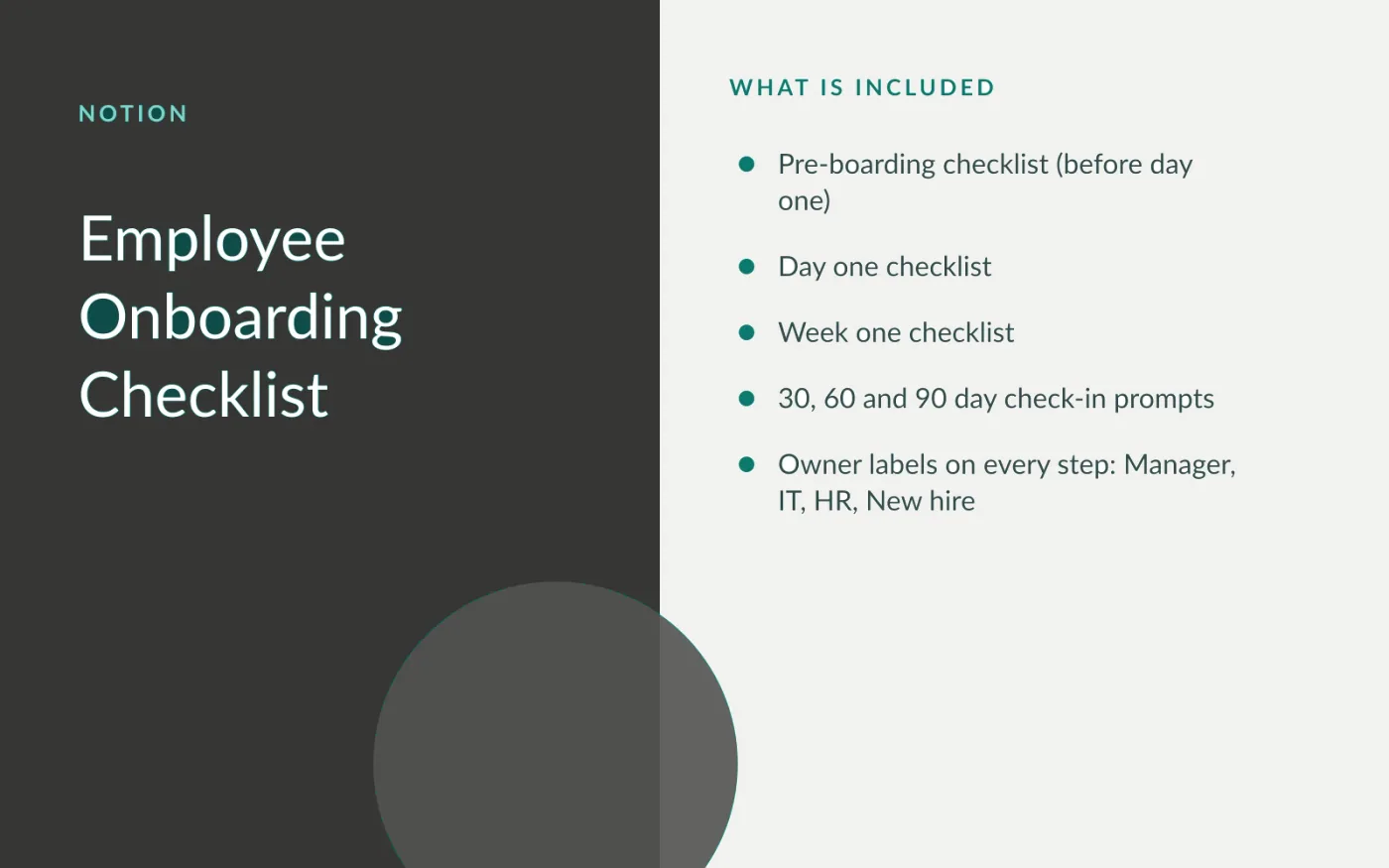
Onboarding goes wrong in the gaps between people: the laptop nobody ordered, the account nobody created, the check-in nobody scheduled. This checklist assigns each step to the manager, IT, HR or the new hire, and groups steps by when they need to happen.
It imports into Notion as a page of checklists. Duplicate it for each new hire so progress is tracked per person.
Download the Markdown file.
In Notion, open the sidebar menu and choose Import → Text & Markdown, then select the file.
Edit the steps to match your tools and policies, and keep this page as your master copy.
For each new hire, duplicate the master page and rename it with their name and start date.
Share the duplicated page with the manager and the new hire.
Yes. Select a list in the imported page and use Turn into → Database. Add properties such as Owner and Due date to filter by person.
Word
Free
Docs + Word7 pages
Free
Docs + Word7 pages
Free
Slides + PowerPoint16 slides
Free
Docs + Word8 pages
Free
Docs + Word7 pages
Free
Docs + Word6 pages
Free
Docs + Word8 pages
Free










