Buyer Persona Slides
Slides + PowerPoint12 slides
Free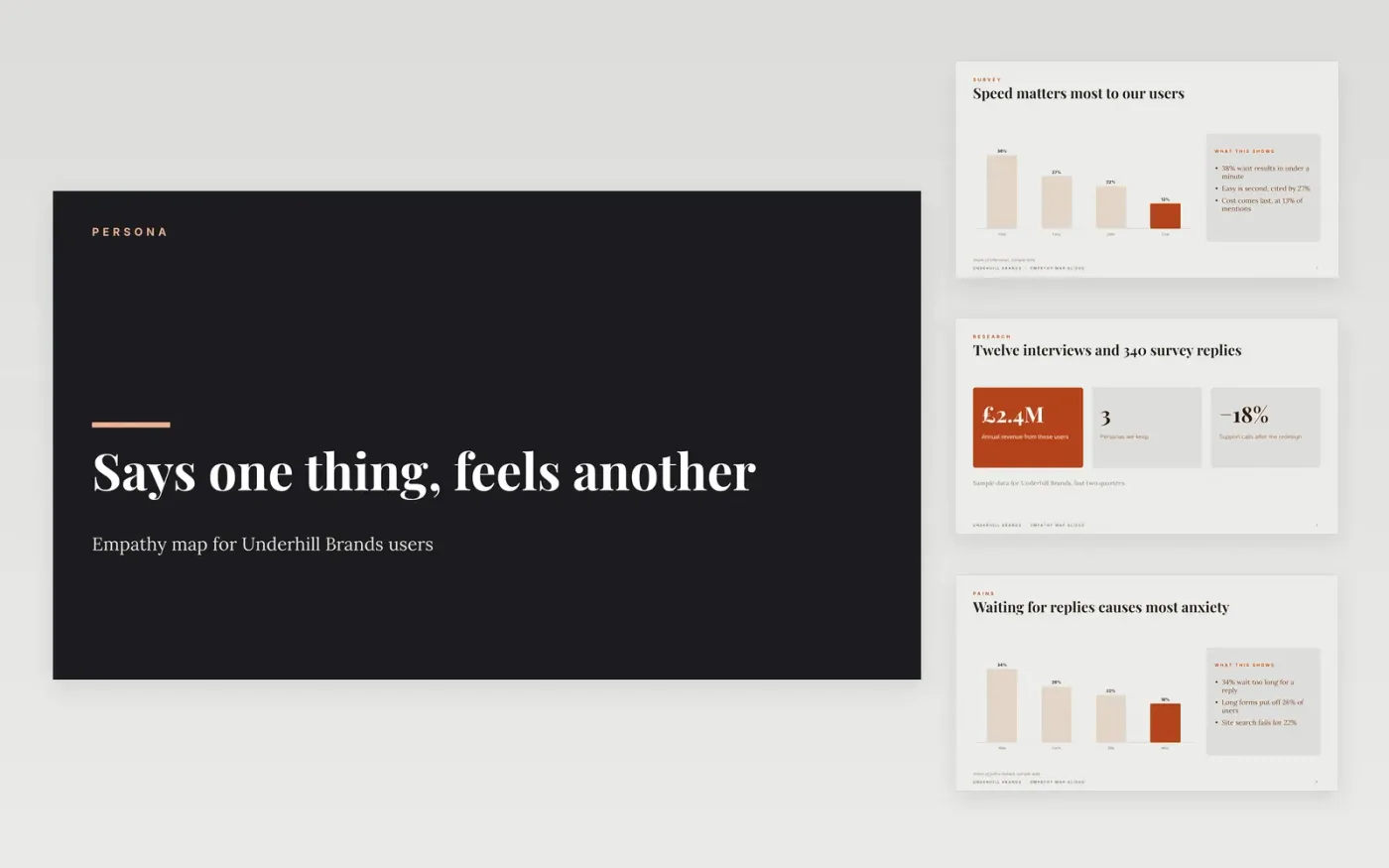
Design and product teams often build for the user they imagine rather than the one who actually turns up. An empathy map sets out what a real user says, thinks, does and feels, so the team can see where the experience pulls against their needs. This deck follows that order: the map first, then the pains that stall users, then the gains they should reach.
The sample is for Underhill Brands, with a survey chart of top needs, a chart of where pains come from, a scorecard of gains and a big-number slide on shorter forms. The figures agree from slide to slide. Replace the persona with a real user from your own research, fill each quadrant from interviews, and set one measure for each gain.
Click Make a copy in Google Slides, then confirm on the Google page. The copy is saved to your own Google Drive.
Replace the persona with a real user from your own research, using their words.
Fill each quadrant from interviews, and note how many people said it.
Set one measure for each gain, with a target and a current value.
Delete the guide slide, then share the map with the team or present it in the review.
Yes, but treat it as a first draft. One interview shows one person, so mark each entry as a single voice and add other interviews before the map shapes a decision.
No. The organisation, people, interview counts, survey figures, quotes and revenue are fictional sample data. Replace them with your own research before you use the map to guide design or messaging.
A persona describes who the user is, while an empathy map shows what they say, think, do and feel in one situation. Use the map to test a persona against real behaviour, and update both after each round of research.
Slides + PowerPoint12 slides
Free
Slides + PowerPoint11 slides
Free
Slides + PowerPoint10 slides
Free
Docs + Word6 pages
Free
Docs + Word7 pages
Free
Slides + PowerPoint11 slides
Free
Docs + Word8 pages
Free
Docs + Word7 pages
Free