Creative Brief
Docs + Word9 pages
Free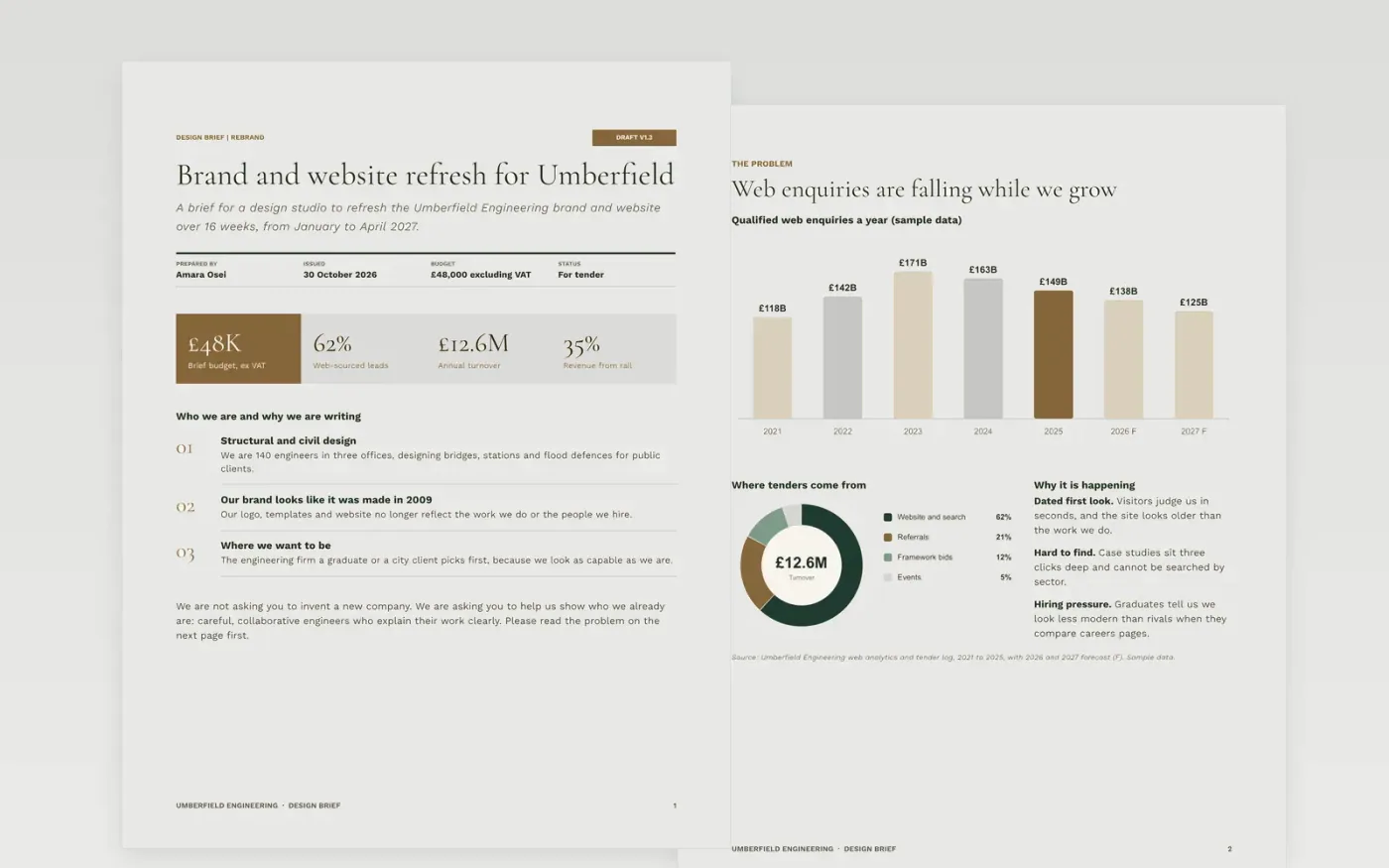
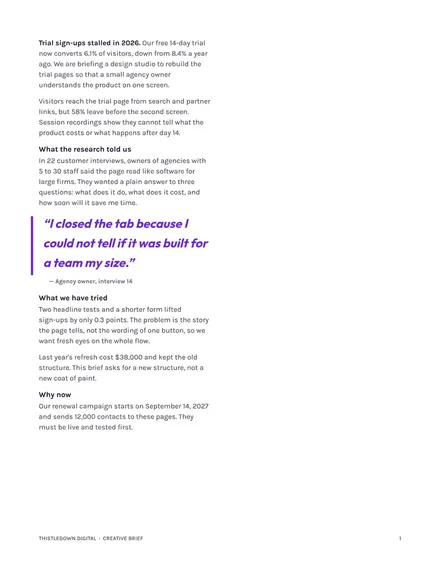
A vague brief wastes the first round of design. This template helps a client tell a studio what it needs: who the organisation is, the problem to solve, who the work is for, how the brand should sound, what is in and out of scope, what it will cost and when it must be done.
The sample is a brand and website refresh for a fictional engineering firm, Umberfield Engineering, with a £48,000 budget, a 16-week schedule, two review rounds and one named decision-maker. Replace the organisation, audience, outputs, budget and dates with your own.
Click Make a copy in Google Docs, then confirm on the Google page. The copy is saved to your own Google Drive.
Write the objective as one sentence starting with the change you want, and describe your audience by what they do and believe now.
State the budget, deadline and the dates of the two review rounds, and list mandatories and constraints.
Name one decision-maker and one contact for questions, and add two examples you like and one you do not.
Delete the Make it yours guide page, then share the document or present it.
No. Umberfield Engineering, its people, survey results, budget and dates are fictional sample content. Replace them with your own details before you send the brief.
Yes. Without a figure or range the studio cannot scope the work. The sample states £48,000 excluding VAT and holds 10% as contingency.
Yes. Change the outputs, audience and schedule to suit a website, a campaign, a photo shoot or a set of templates. The structure stays the same.
Docs + Word9 pages
Free
Docs + Word9 pages
Free
Docs + Word5 pages
Free
Docs + Word7 pages
Free
Slides + PowerPoint10 slides
Free
Docs + Word8 pages
Free










