Creative Brief
Docs + Word9 pages
Free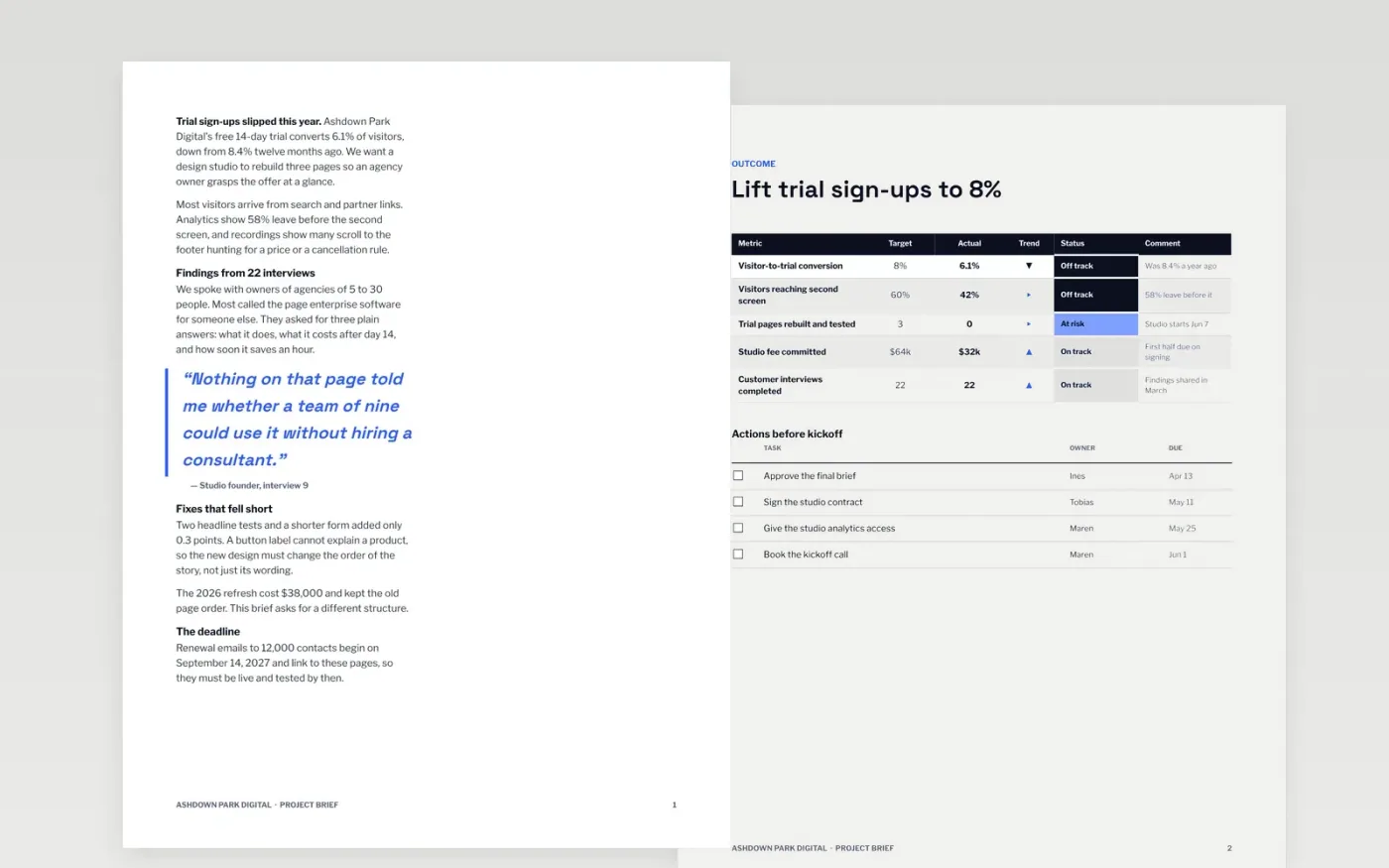
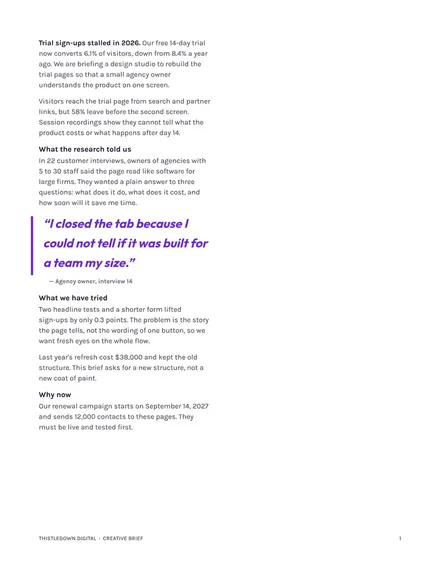
A weak brief wastes the first round of work. This template gives a studio, supplier or internal team the problem, the single outcome wanted, what is in and out of scope, the constraints, the people and the dates. It runs across eight pages, from background to a month-by-month roadmap.
The sample is a brief from Ashdown Park Digital to a design studio for a trial-page rebuild, with a fixed budget of $64,000 and two review rounds. Replace the objective first, then the audience, budget, review dates and mandatories, and name one decision-maker.
Click Make a copy in Google Docs, then confirm on the Google page. The copy is saved to your own Google Drive.
Rewrite the background and objective so they describe the problem and the change you want, not the solution.
Replace the scope, budget, constraints and review dates with your own, and name one decision-maker.
Update the team contacts and the RACI so every decision has exactly one person accountable.
Delete the guide page, then share the brief with your recipient or present it.
Yes. Make a copy in Google Docs and it is yours to edit, with no sign-up here and no cost.
Short enough to read in one sitting. This one covers the essentials in a few pages; cut any section your recipient does not need to start good work.
No. Ashdown Park Digital, every person, email address and figure are fictional and made up for the example. Replace them before you share it.
Docs + Word9 pages
Free
Docs + Word9 pages
Free
Docs + Word5 pages
Free
Docs + Word7 pages
Free
Slides + PowerPoint10 slides
Free










