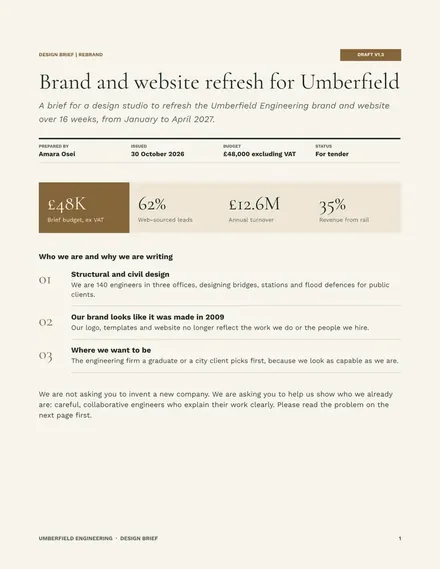
Design Brief
Docs + Word9 pages
Free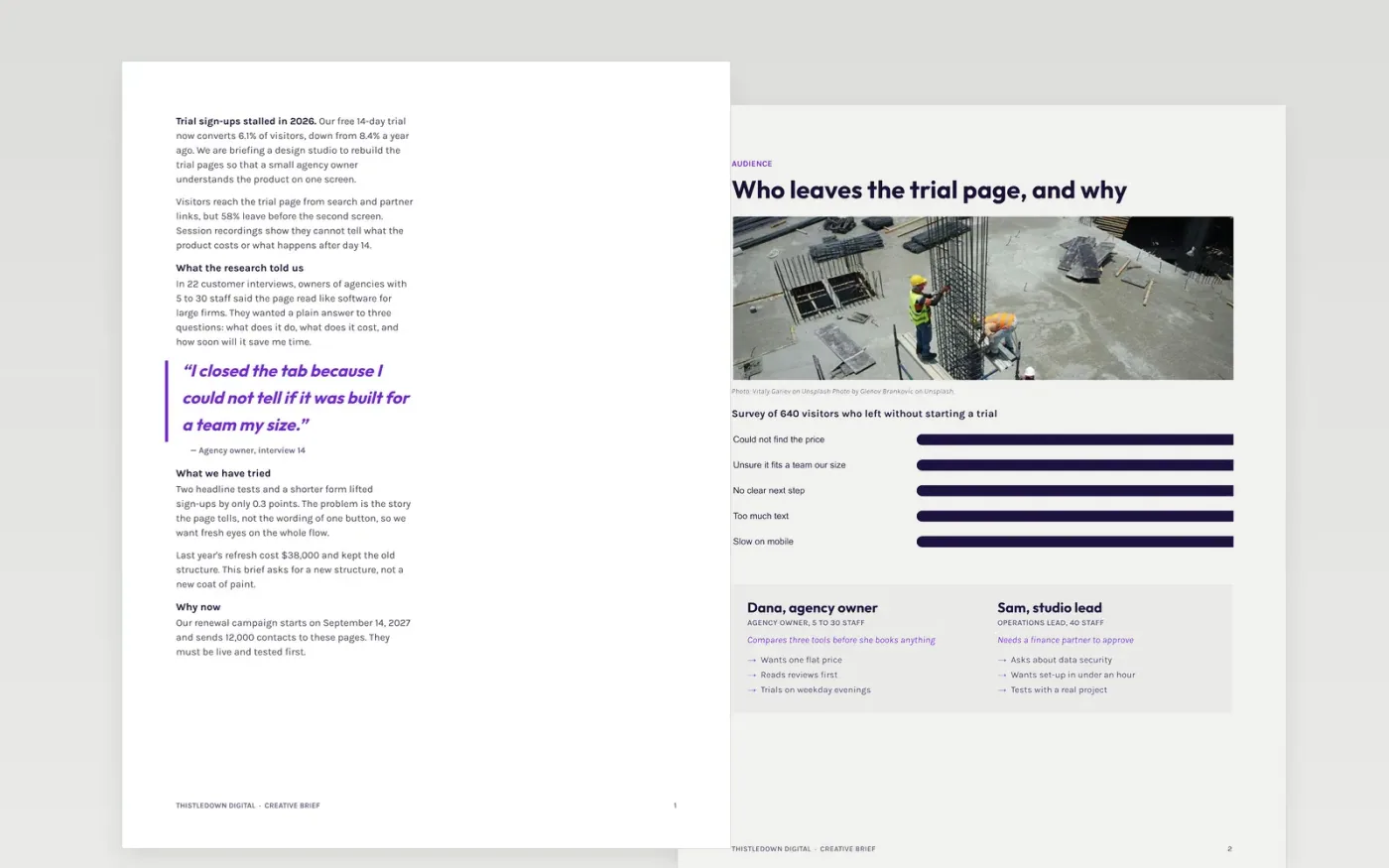
A weak brief wastes the first round of design. This creative brief template gives a studio or in-house designer what they need to start well: the background and the problem, the people you want to reach, the one message, the tone, the mandatories, what you want delivered and when. Each section has its own page, so the brief is easy to read, approve and refer back to when feedback arrives.
The sample is a worked brief for Thistledown Digital, a software company rebuilding its free-trial pages after sign-ups fell from 8.4% to 6.1%. It shows a real budget of $64,000, two review rounds and a launch date. Replace the background, audience figures, message, mandatories, deliverables and dates with your own, then name one decision-maker.
Click Make a copy in Google Docs, then confirm on the Google page. The copy is saved to your own Google Drive.
Rewrite the background and the objective in your own words, starting with the change you want to see.
Replace the survey figures and personas with what you know about your audience, then set the one message.
Update the mandatories, deliverables, budget, review dates and the name of the single approver.
Delete the Make it yours guide page, then share the brief with your designer or studio.
Yes. Make a copy in Google Docs and edit it for any project, including client work, with no sign-up beyond your Google account.
No. Thistledown Digital, its people, survey results, budget and dates are fictional and there only to show what a good brief looks like.
Short enough to read in ten minutes. This one runs eight pages plus a guide page, and each page can be deleted or trimmed if your project is smaller.
Docs + Word9 pages
Free
Docs + Word5 pages
Free
Docs + Word9 pages
Free
Docs + Word7 pages
Free
Slides + PowerPoint10 slides
Free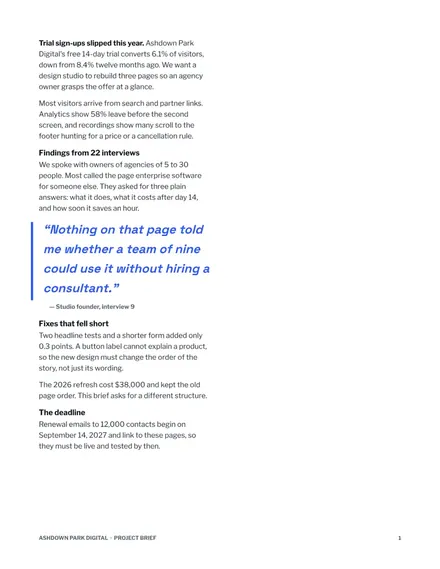
Docs + Word8 pages
Free










