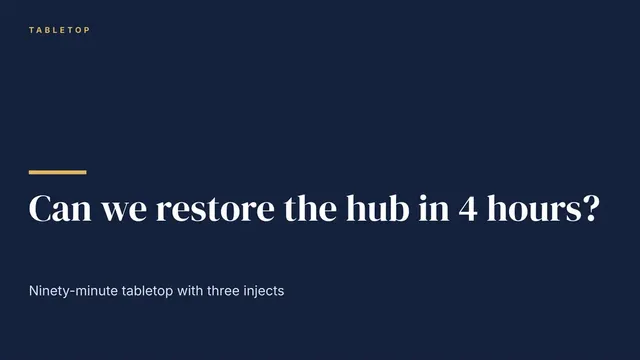
Business Continuity Exercise Slides
Slides + PowerPoint10 slides
Free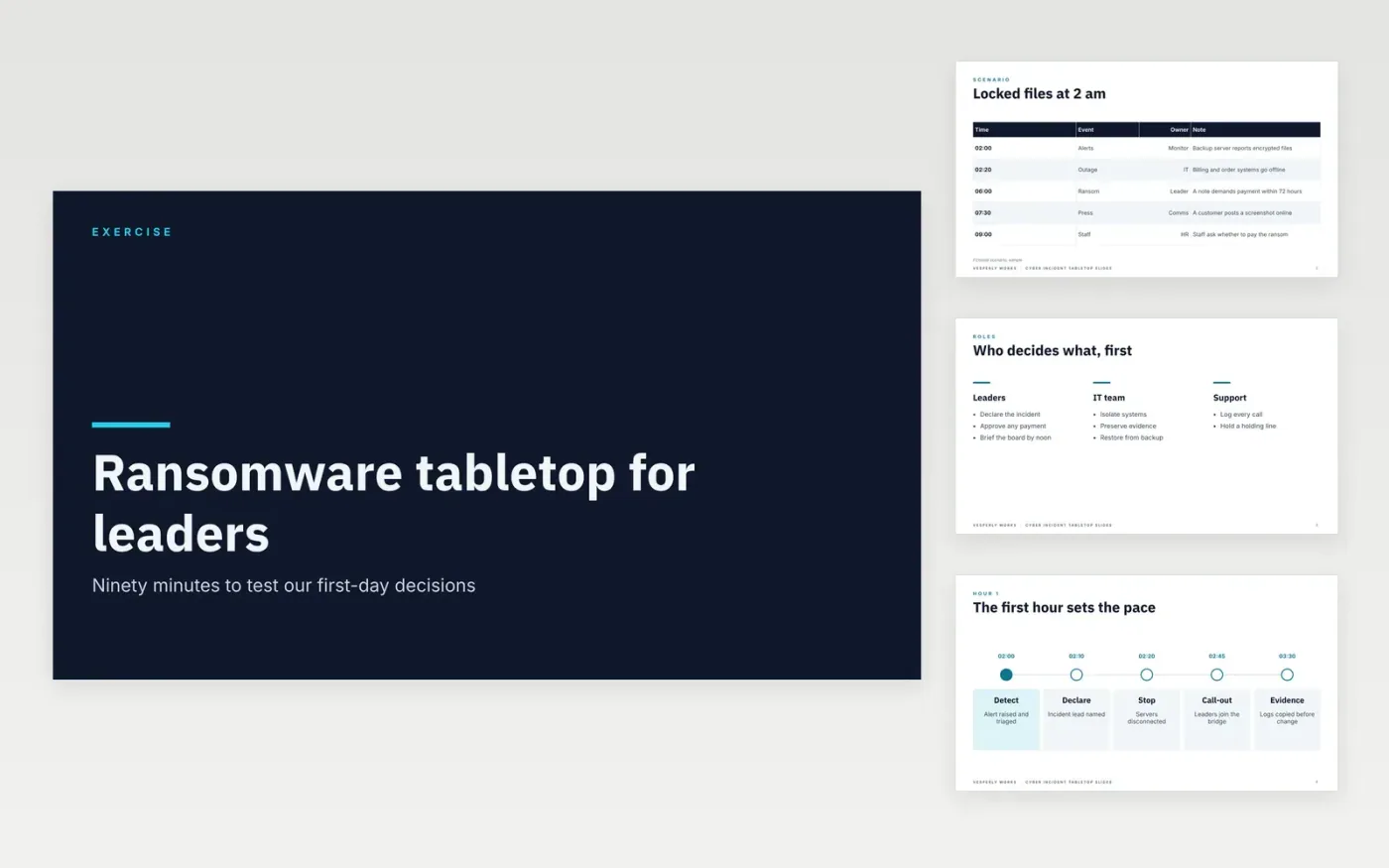
Leaders rarely practise a cyber incident until one arrives, and the first hours are when decisions are hardest. This deck runs a ninety-minute tabletop exercise in ten slides: a scenario with timed events, the roles of each team, the first hour, the first day, communications and a debrief that records the gaps.
The sample follows Vesperly Works, a fictional services firm facing a ransomware attack that locks files at 2 am on a Monday. Replace the scenario, systems and owners with your own, and check each decision against your incident response plan before the exercise runs.
Click Make a copy in Google Slides, then confirm on the Google page. The copy is saved to your own Google Drive.
Replace the scenario times and systems on the table slide with your own environment.
Name the person who may approve a payment decision on the roles slide, with a night-time contact.
Record each gap from the debrief with an owner and a review date before the group leaves.
Delete the make it yours guide slide, then share the deck or present it from Google Slides.
No. Vesperly Works, the scenario, its systems, the times and the people named in the deck are fictional. Replace them with your own before you run the exercise or share the deck with participants.
Yes. Leaders can run the exercise with a facilitator who reads the scenario events aloud. Keep the decisions and communications sections, and invite the technical lead to answer only the questions the room cannot.
Ninety minutes works for most leadership groups: about forty minutes on the scenario and first hour, twenty on day one, and thirty on communications and the debrief. Record each gap with an owner before everyone leaves.
More Google Slides templatesMore business operations templates
Slides + PowerPoint10 slides
Free
Slides + PowerPoint10 slides
Free
Docs + Word7 pages
Free
Docs + Word7 pages
Free
Docs + Word7 pages
Free
Docs + Word7 pages
Free
Docs + Word8 pages
Free










