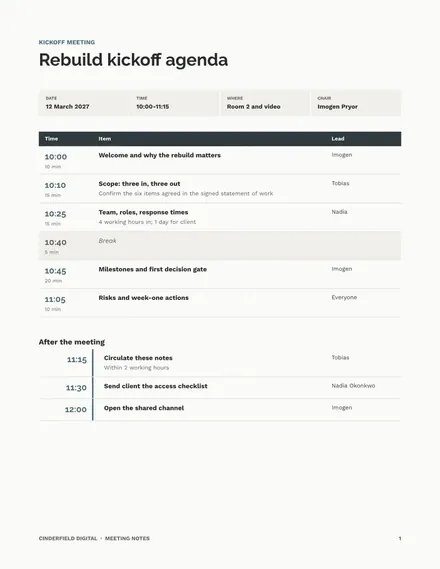
Meeting Notes
Docs + Word7 pages
Free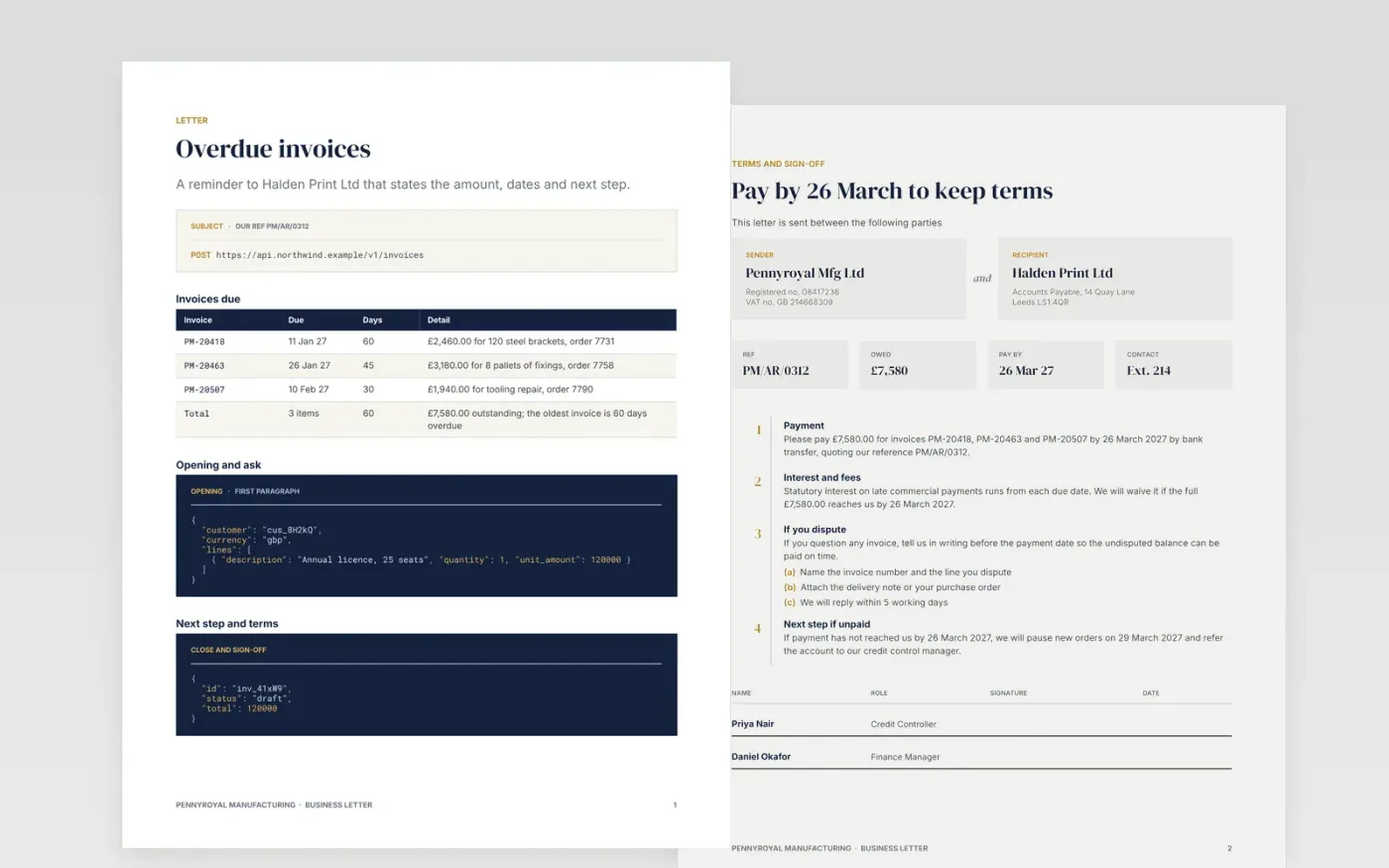
Formal letters often fail because the purpose is buried, the dates are missing or the tone is either too soft or too sharp. This template solves that with a letterhead, a reference and subject line, a recipient block, a short body and a signed sign-off, so the recipient can act on the first read and your file holds a dated copy.
The sample is an overdue invoice reminder from Pennyroyal Manufacturing to a customer, with three invoices totalling £7,580.00, a payment date and a stated consequence. Replace the letterhead, registration details, recipient, reference, amounts and dates, then delete the guide page before you send the letter.
Click Make a copy in Google Docs, then confirm on the Google page. The copy is saved to your own Google Drive.
Replace the sample logo, address, registration number and VAT number in the letterhead and footer with your own details.
Fill in the recipient block and reference line from your records, then rewrite the first paragraph so it states the purpose in one sentence.
Enter the exact invoice numbers, amounts and dates, then sign by hand or add a signature image and remove any letter variants you are not using.
Delete the Make it yours page, then save the letter as a PDF to send and file.
Yes. The layout suits any formal letter. Swap the invoice table for price changes, complaint responses or requests, and keep the point, detail and next step order.
No. Pennyroyal Manufacturing, Halden Print Ltd, the people, reference numbers and all figures are fictional and exist only to show a good letter.
Yes. It is a free Google Docs template. Make a copy to your own Drive, edit it freely and use it for your company letters.
More Google Docs templatesMore business operations templates
Docs + Word7 pages
Free
Docs + Word16 pages
Free
Slides + PowerPoint14 slides
Free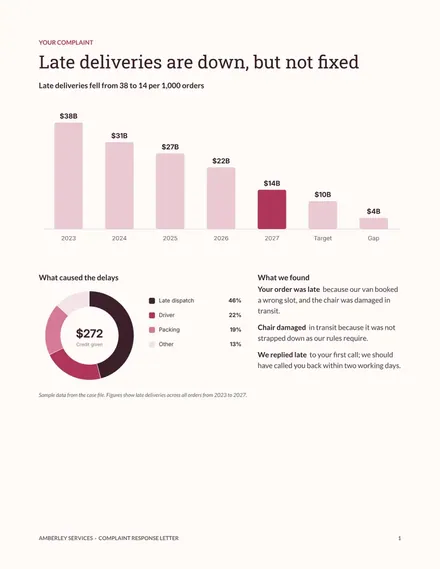
Docs + Word3 pages
Free
Docs + Word3 pages
Free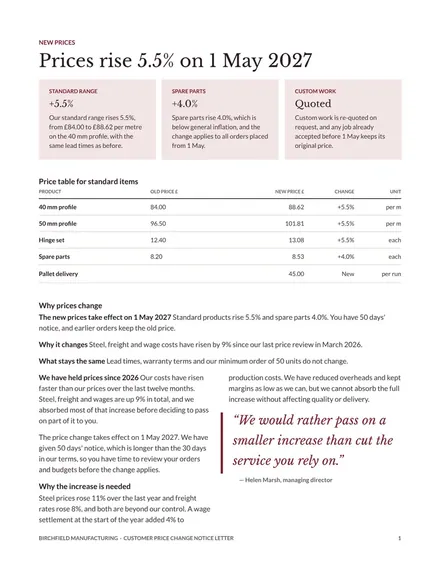
Docs + Word3 pages
Free










