Business Letter
Docs + Word3 pages
Free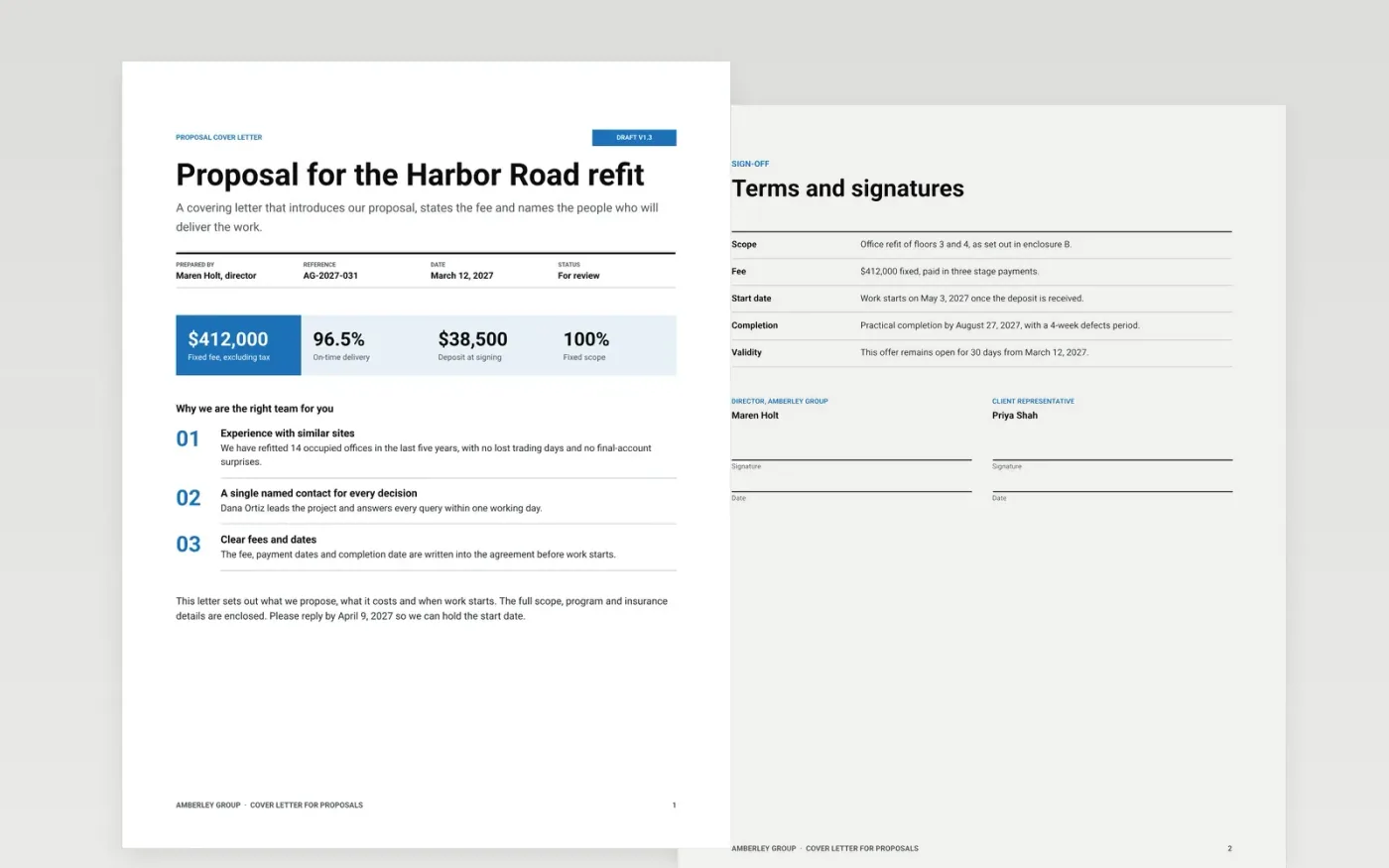
A proposal often succeeds or fails on its covering letter, because the panel reads it first and decides whether the rest deserves attention. This template sets the letter out as a formal document: a letterhead with sender details, a title block with reference and date, a short introduction, a summary of fee and timing, the enclosures list and a signature page. Each part sits in a fixed place, so the letter can be filed, checked and relied on.
The sample is for Amberley Group, with a fixed fee of $412,000, a May 3, 2027 start and named contacts for every decision. It shows how a short letter can state the point, the price and the next step in plain words. Replace the letterhead, recipient, reference, figures and names with your own, and check every date against the tender notice before you send it.
Click Make a copy in Google Docs, then confirm on the Google page. The copy is saved to your own Google Drive.
Replace the Amberley Group letterhead, address and registration details with your own legal details.
Fill the recipient block, the reference line and the date from your records before you write the body.
Insert the exact fees, dates and proposal numbers, then check each one against the tender notice.
Delete the guide page, sign the letter by hand or add a signature image, then send it with the enclosures.
Yes. Click Make a copy in Google Docs and the file is saved to your own Google Drive, with no sign-up and no charge.
Yes. Keep the reference, the closing date and the requested format from the tender notice, and list the enclosures in the order the buyer asks for.
No. Amberley Group, its people, the fee, dates and contact details are fictional sample data. Replace them before you send the letter.
More Google Docs templatesMore business operations templates
Docs + Word3 pages
Free
Docs + Word3 pages
Free
Docs + Word7 pages
Free










