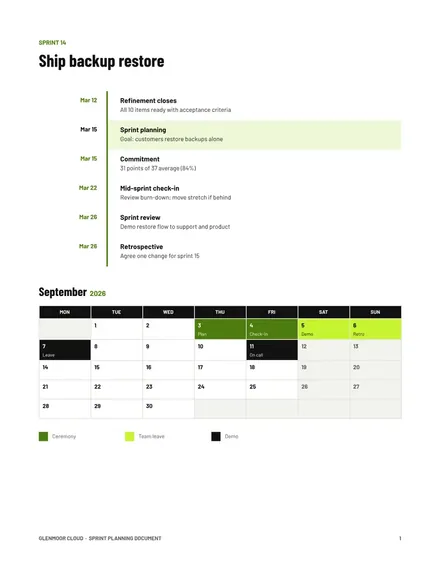
Sprint Planning Document
Docs + Word3 pages
Free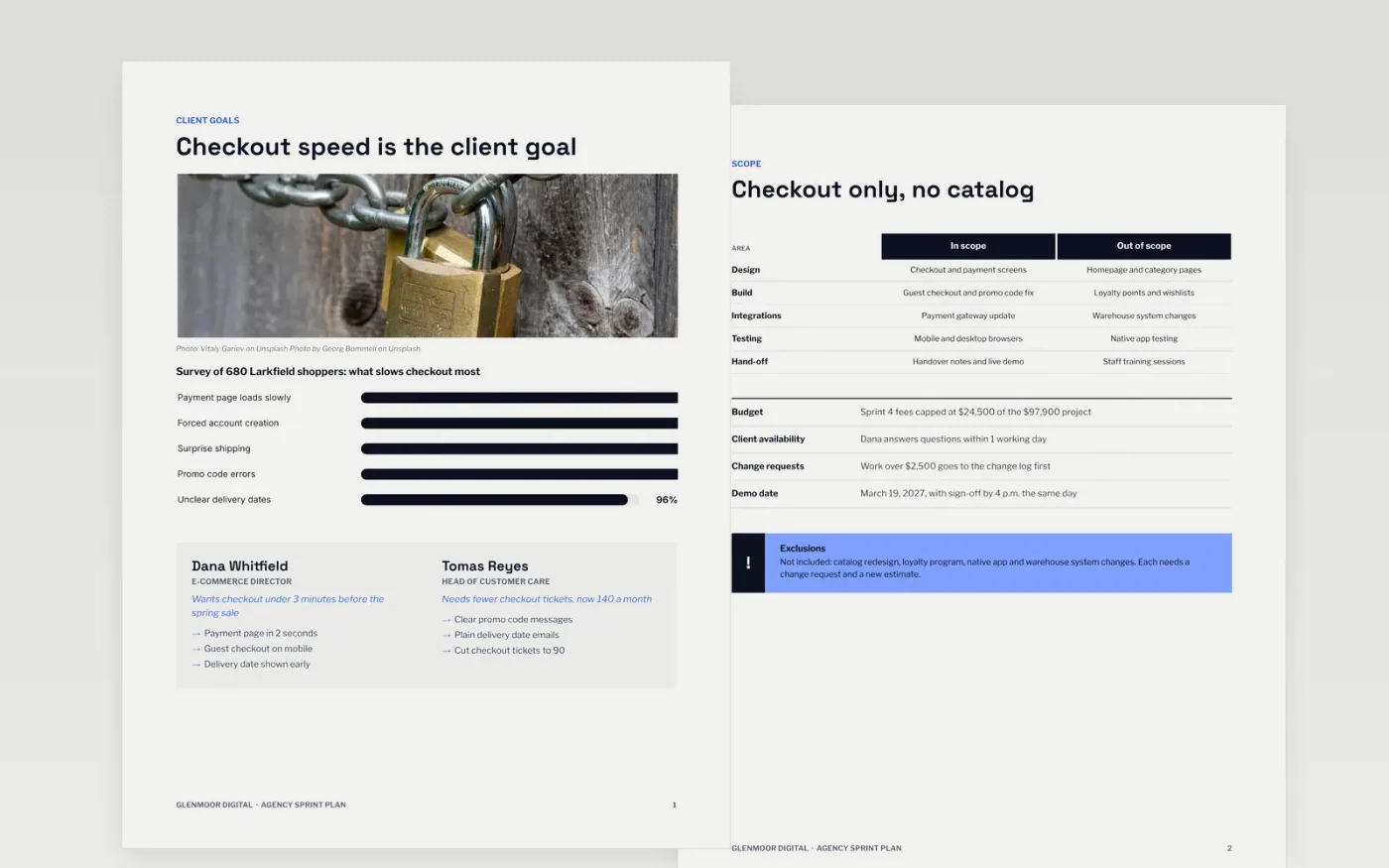
Agency sprints go wrong when the team plans work but the client budget and sign-offs live somewhere else. This template keeps them together in seven pages: client goals, scope, budget burn, approvals, the demo date, a sprint schedule and a short guide to making it yours.
The sample shows Glenmoor Digital running sprint 4 of a checkout redesign for a fictional retailer, with a 680-person shopper survey, a revenue and cost table that adds up, four dated approvals and a demo on March 19, 2027. Replace the client, dates, figures and names with your own.
Click Make a copy in Google Docs, then confirm on the Google page. The copy is saved to your own Google Drive.
Replace the client name, sprint number, dates and demo date on every page.
Enter your own budget, forecast and actual figures and check that the totals still add up.
Name the approvers, set due dates and agree the change-request threshold with your client.
Delete the guide page, then share the document with your client or present it in your sprint meeting.
No. Glenmoor Digital, the retailer, every person and every figure are fictional sample data. Replace them with your own before you share the document.
Yes. The schedule shows 16 weeks and a six-step sprint view. Change the column labels and bar positions to match your own sprint length and calendar.
Each line has a budget, forecast and actual figure. Totals are sums of the lines above, and net margin is revenue minus costs. Edit the numbers and keep the totals in step.
More Google Docs templatesMore developer workflows templates
Docs + Word3 pages
Free
Docs + Word6 pages
Free
Slides + PowerPoint11 slides
Free









