Board Meeting Deck
Slides + PowerPoint20 slides
Free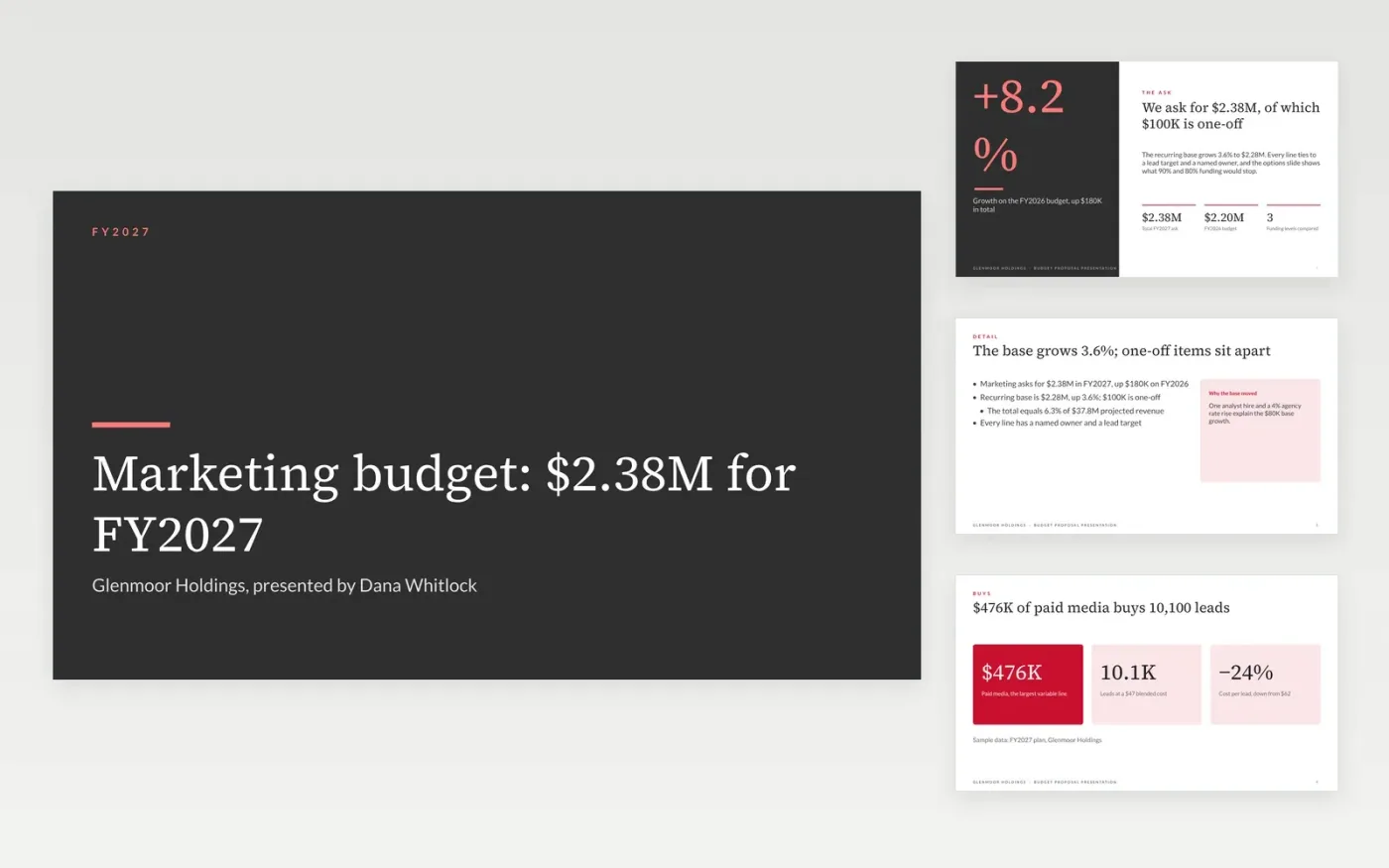
Finance readers rarely reject a budget because it is large. They reject it because the ask is last year plus a percentage, with no link to results and no sign of what a cut would do. This deck puts the total ask first, then what it buys, where the money goes, what 90% and 80% funding would stop, the main risks and the decision needed.
The sample is a $2.38M marketing budget for Glenmoor Holdings, up $180K on last year, with $100K of one-off cost kept outside the recurring base. Every line has an owner and a lead target. Replace the department, fiscal year, total ask, line amounts, owners and your own 90% and 80% scenarios before you present.
Click Make a copy in Google Slides, then confirm on the Google page. The copy is saved to your own Google Drive.
Enter your department, fiscal year and total ask on the cover, the Ask slide and the decision slide.
Replace the budget lines, owners and last year's actuals, and mark each one-off item so it stays out of the recurring base.
Rewrite the options grid and risk table with what a 90% and an 80% budget would really stop in your team.
Delete the guide slide, then share the deck or present it.
List them separately, as the sample does with $100K of one-off cost, and state the recurring base on its own. Finance can then compare like with like against last year.
Yes. The deck needs only costs, owners and results. Replace the lead-based targets with the output your team delivers, such as tickets closed or projects shipped.
No. The organization, people and figures are fictional sample data. Replace every name, email address and number with your own before presenting.
Slides + PowerPoint20 slides
Free
Excel
Free
Docs + Word6 pages
Free
Slides + PowerPoint12 slides
Free
Slides + PowerPoint10 slides
Free
Slides + PowerPoint12 slides
Free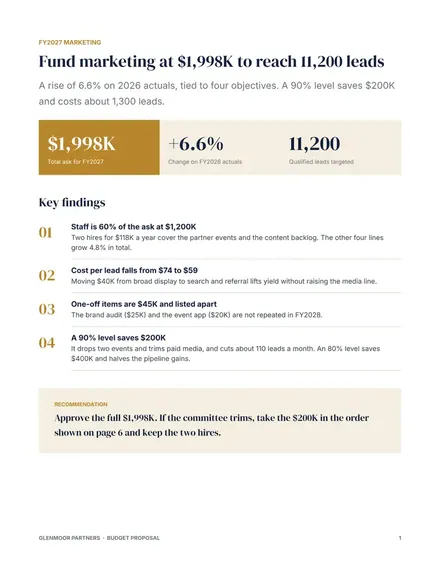
Docs + Word8 pages
Free
Docs + Word7 pages
Free








