Event Budget Proposal
Docs + Word7 pages
Free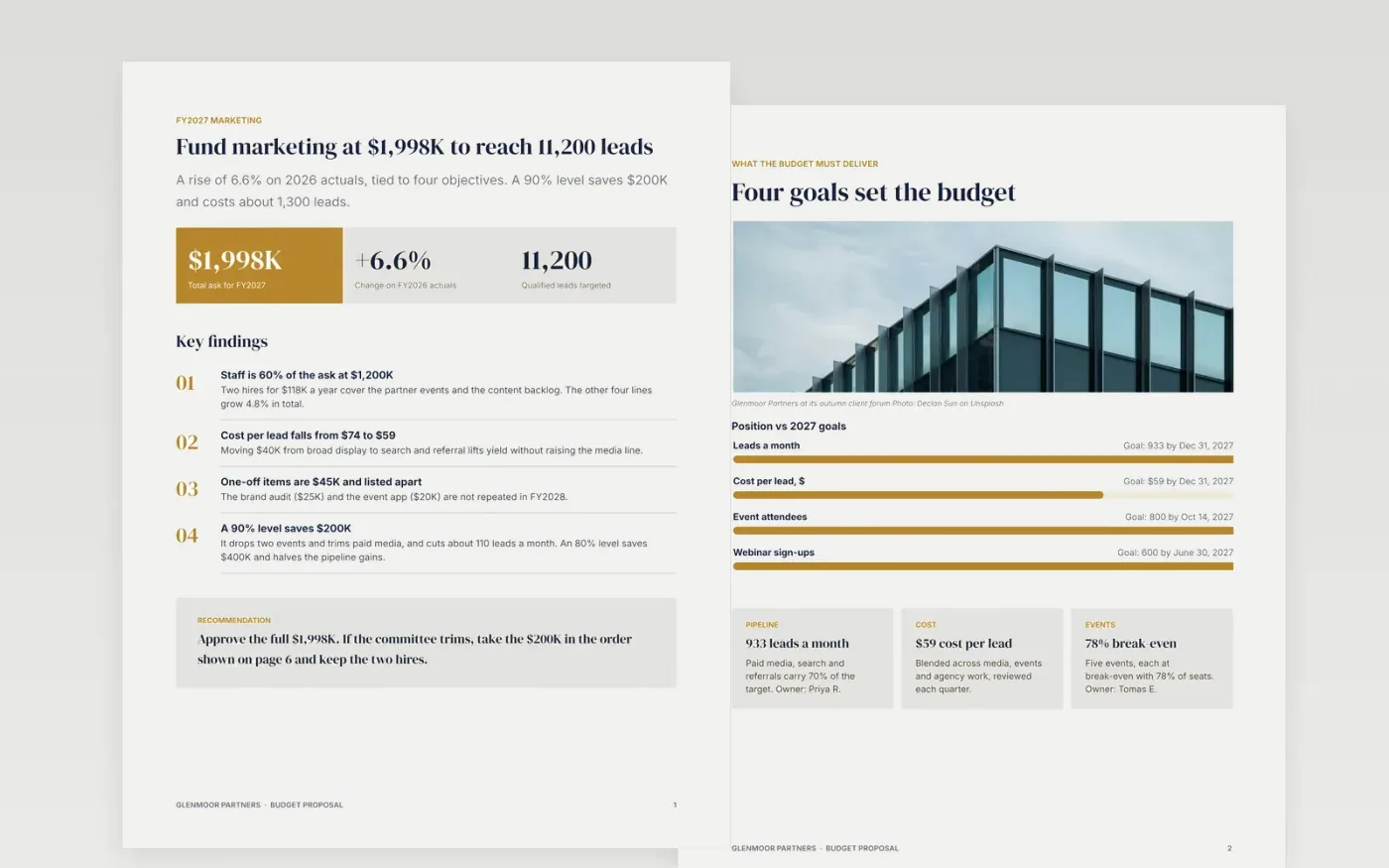
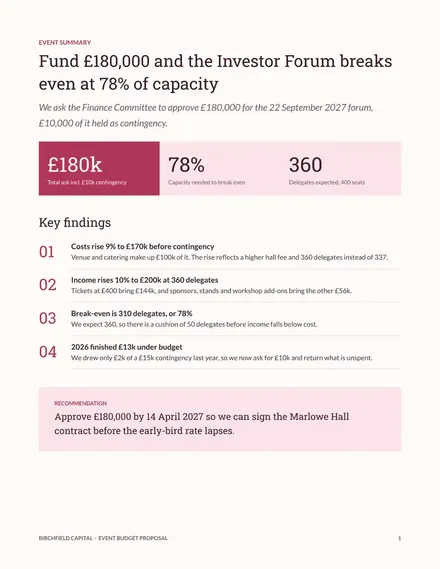
Budget holders often send finance a total that is last year plus a percentage, and the committee has no way to tell what the extra money buys. This template fixes that. It opens with the total ask, ties each line to an objective, sets every figure beside last year's actuals and shows exactly what stops if funding drops to 90% or 80%.
The sample is a $1,998K marketing budget for a fictional firm, Glenmoor Partners, with five cost lines, a quarter-by-quarter chart, a three-way comparison and a table of cuts. Replace the lines with your own cost codes and actuals, mark one-off items, then rewrite the reductions page for your own scenarios.
Click Make a copy in Google Docs, then confirm on the Google page. The copy is saved to your own Google Drive.
Enter your department, financial year and total ask on the summary page, then replace the budget table with your cost codes, last year's actuals and this year's proposal.
Mark each one-off item and take it out of the recurring base, then add a named owner to every line.
Rewrite the impact-of-reductions pages for your own 90% and 80% scenarios, with the dollar saving beside every percentage.
Delete the guide page, then share the document with your finance reader or present it.
Yes. Make a copy in Google Docs and it is yours to edit. There is no sign-up and no cost, and the layouts use standard Google Docs styles.
Yes. The sample is a marketing budget, but the structure works for IT, operations or facilities. Swap the cost lines, objectives and cut scenarios for your own.
No. Glenmoor Partners, its people and every figure are fictional and made up for the example. Replace them with your own before you share the document.
Docs + Word7 pages
Free
Docs + Word6 pages
Free
Excel
Free
Slides + PowerPoint12 slides
Free
Slides + PowerPoint10 slides
Free
Slides + PowerPoint12 slides
Free
Slides + PowerPoint11 slides
Free








