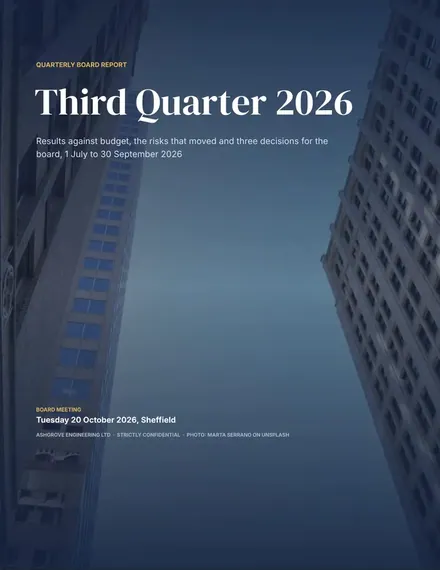
Quarterly Board Report
Docs + Word17 pages
Free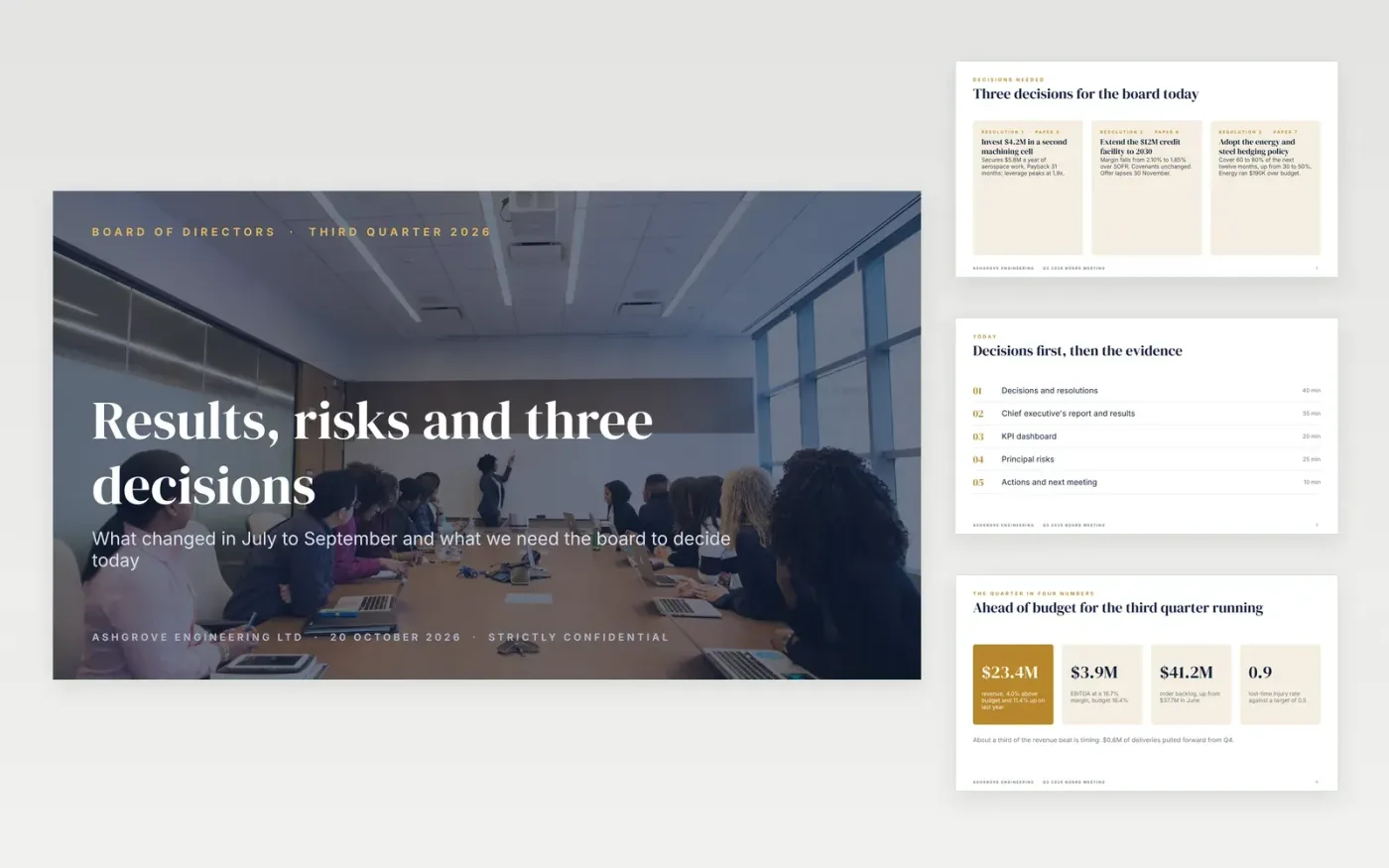
Boards lose patience with decks that build slowly to the ask. This one opens with the three decisions, shows the quarter in four numbers, explains what moved profit, and only then walks through cash, the KPI scorecard, strategy, options and risks. The detail sits in an appendix so questions do not derail the meeting.
Every slide is filled with sample content for a fictional engineering company, Ashgrove Engineering, so you can see what a good board slide says: a headline that states the point, a number with its target, and an owner for every risk. It pairs with the Quarterly Board Report template, using the same figures.
Click Make a copy in Google Slides, then confirm on the Google page. The copy is saved to your own Google Drive.
Change the company, meeting date and footer, then rewrite the three decisions on slide 2 before anything else.
Replace the figures, charts and tables with your management accounts; the sample numbers are fictional.
Set each KPI target from the board-approved budget and re-check every status and progress bar.
Keep only the risks the board asked to see, delete the appendix slides you do not need, then present or export with File, Download, PDF.
Directors give most attention to the first slides. Leading with what you need them to decide means meeting time goes on the choices, and the results that follow serve as evidence.
The sample charts are images so they look the same everywhere. Replace them with charts from Google Sheets (Insert, Chart, From Sheets) and size them to the same frame.
Yes. The figures, decisions and resolutions match the Quarterly Board Report template, so you can send the pack in advance and present this deck in the meeting.
Christina @ wocintechchat.com and Homa Appliances on Unsplash, used under the Unsplash License and credited in the deck.
Docs + Word17 pages
Free
Docs + Word6 pages
Free
Excel
Free
Slides + PowerPoint10 slides
Free
Slides + PowerPoint10 slides
Free
Docs + Word8 pages
Free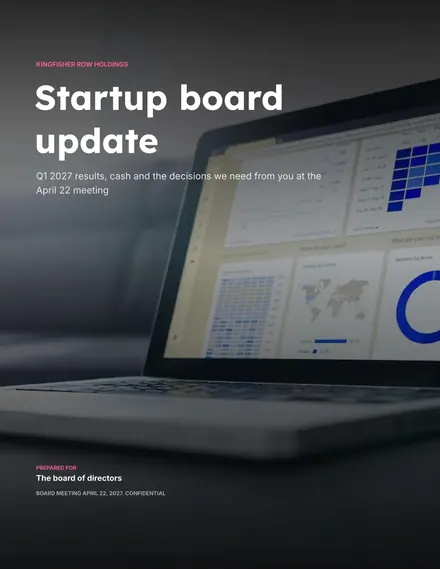
Docs + Word9 pages
Free








