Budget Proposal Presentation
Slides + PowerPoint11 slides
Free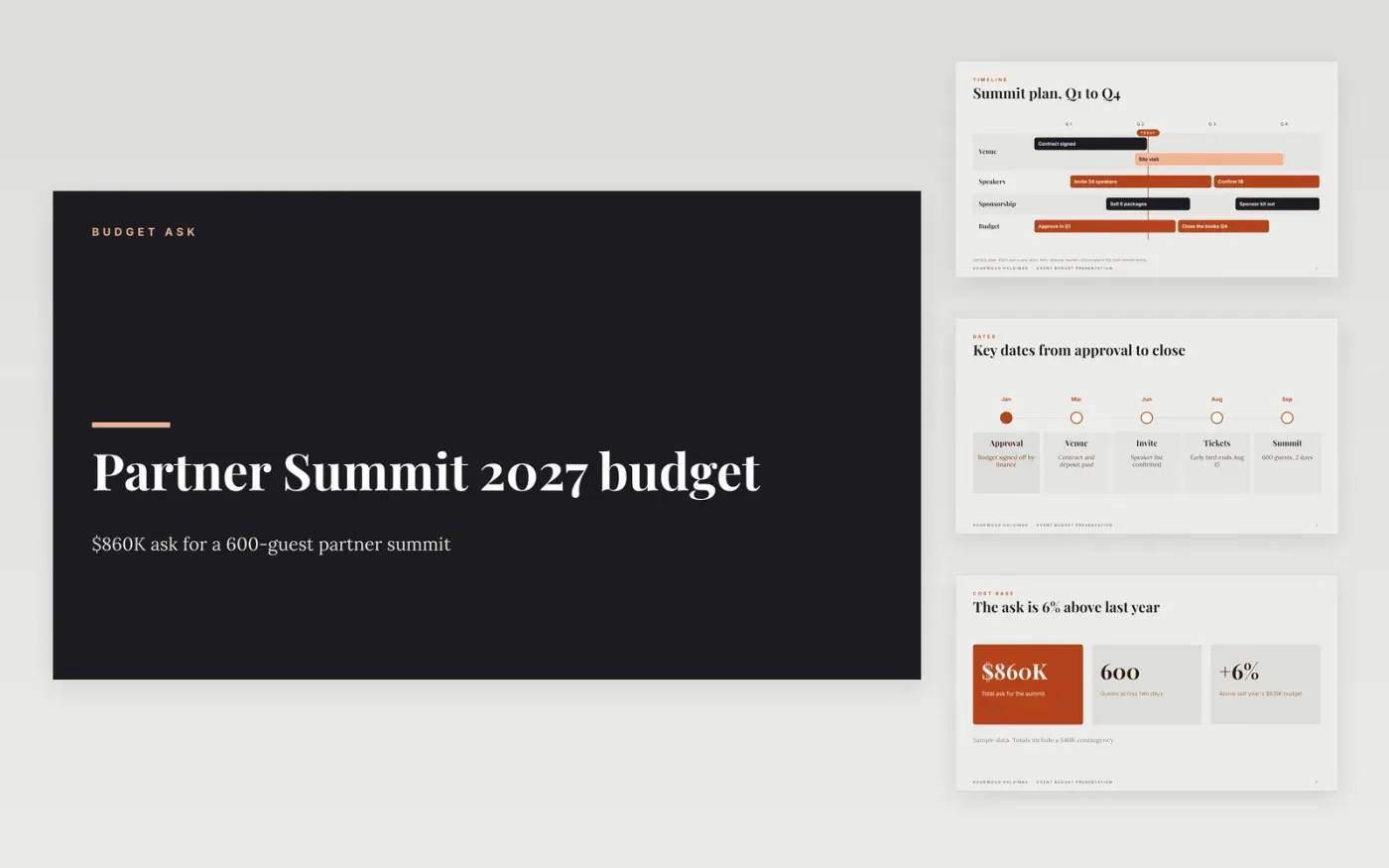
Event organizers often ask finance for a round number and get it trimmed without explanation, because the request does not show what each cost buys or what happens at lower funding. This event budget template sets out the event, the cost lines, the income, the break-even point and the risks, in an order a finance director can check quickly. Each slide states its point and carries the dollar figure beside every percentage.
The sample is for Rookwood Holdings, a fictional company, planning a 600-guest partner summit with a total ask of $860K and a break-even at 78% of capacity. Replace the cost lines, last year's actuals, the sponsor figures and the attendance assumptions with your own, and rewrite the reduction scenarios for your 90% and 80% cases. Delete the income slides if your budget is cost-only.
Click Make a copy in Google Slides, then confirm on the Google page. The copy is saved to your own Google Drive.
Enter your department, financial year and total ask in the summary on the cover.
Replace the cost lines and roadmap with your own cost codes, last year's actuals and this year's plan.
Mark each one-off item, take it out of the recurring base, and check that the totals still add up.
Delete the guide slide, then share the deck with finance or present it from Google Slides.
No. Rookwood Holdings, its staff, the partner summit, the sponsors, the venue, the cost lines and every figure are fictional sample data. Replace them with your own before you submit a request.
Show each funding level beside the outcomes it keeps. At 90% of the ask, name the items you would delay, such as a speaker or a session room, and state the dollar saving for each one.
No. Show one-off items on their own line, outside the recurring base, so finance can see the underlying run rate and decide on the one-off cost separately from next year's plan.
Slides + PowerPoint11 slides
Free
Slides + PowerPoint12 slides
Free
Docs + Word6 pages
Free
Slides + PowerPoint10 slides
Free
Docs + Word8 pages
Free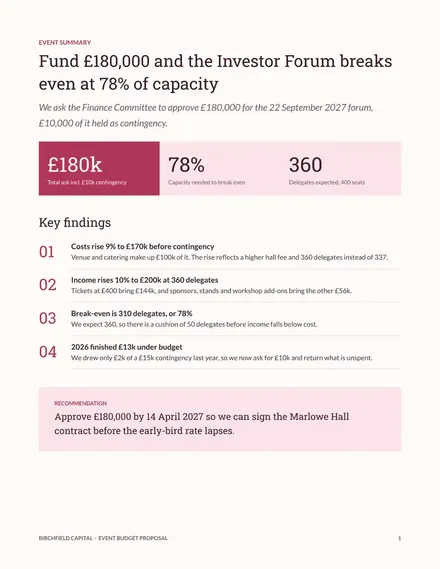
Docs + Word7 pages
Free









