
Threat Model Diagram
Slides + PowerPoint5 slides
Free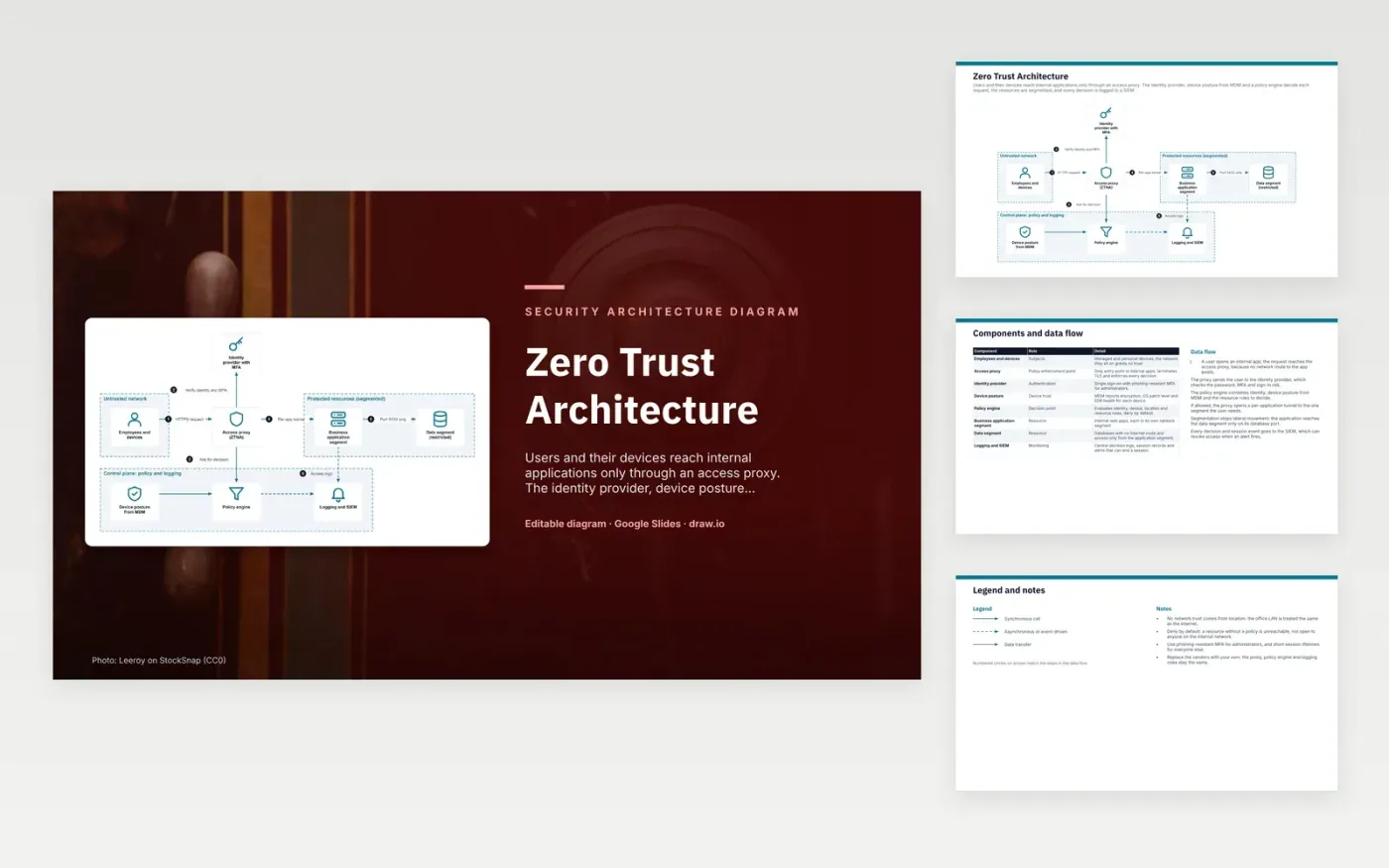
A user opens an internal app, and the request reaches the access proxy first. The proxy sends the user to the identity provider, which checks the password, MFA and sign-in risk. The policy engine combines that identity with device posture from MDM and the resource rules, and denies by default. If the request is allowed, the proxy opens a tunnel to the one application segment the user needs. The application reaches the data segment only on its database port, and every decision goes to the SIEM.
The design rests on the idea that location grants no trust, so the office LAN is treated like the internet. Segmentation limits lateral movement: a compromised app can reach only the database port it needs. Administrators use phishing-resistant MFA, and everyone else gets short session lifetimes. The SIEM can end a live session when an alert fires. Teams adopting this would start with their most sensitive application and replace the vendors, keeping the proxy, policy engine and logging roles.
Click Make a copy in Google Slides, then confirm on the Google page. The copy is saved to your own Google Drive.
Rename Employees and devices, Identity provider with MFA, Access proxy (ZTNA) and the other boxes inside Untrusted network to your own components, and delete the ones your system does not have.
Rewrite the 6-step data flow and the 8-row components table so they match the arrows you keep.
For the draw.io version, download zero-trust-architecture-diagram.drawio and open it at app.diagrams.net.
A VPN usually places a device on the internal network, where many resources become reachable. Zero trust grants access to individual applications after each request is checked. The user and device are verified every time, not only at sign-in.
A policy enforcement point is the component that allows or blocks each request. In this design the access proxy is that point. It takes the decision from the policy engine and carries it out, so no application is reached without passing through it.
Phishing-resistant methods, such as hardware security keys or passkeys, bind the sign-in to the real site. A user tricked onto a fake page cannot pass that check on to an attacker. Administrators hold the most access, so their accounts get the strongest method.
More Google Slides templatesMore developer workflows templates
Slides + PowerPoint5 slides
Free
Slides + PowerPoint10 slides
Free
Docs + Word7 pages
Free










