Meeting Notes
Docs + Word7 pages
Free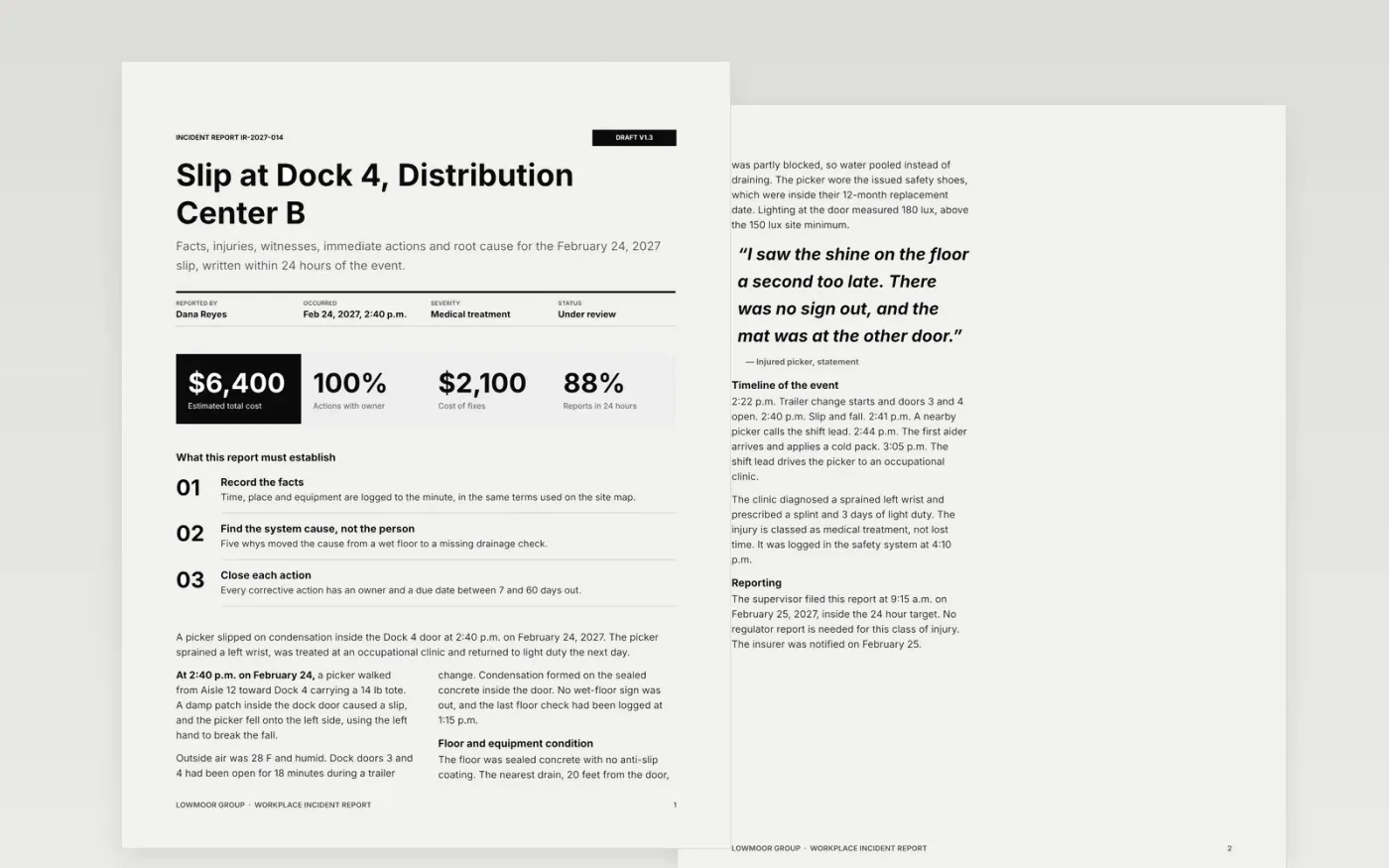
A good incident report is written within a shift, states facts in time order and finds the system cause rather than a person to blame. This template walks supervisors and safety leads through that order: incident details, a factual description, injury classification and care, witnesses, immediate and corrective actions, a five-whys root cause and sign-off.
The sample follows Lowmoor Group's report IR-2027-014: a picker slipped on condensation at Dock 4 on February 24, 2027, sprained a wrist and returned to light duty the next day. Replace the details with your own, write the description as a list of facts, change the injury classes to your regulator's, and give each action an owner and date.
Click Make a copy in Google Docs, then confirm on the Google page. The copy is saved to your own Google Drive.
Fill the incident details with the exact time, place and equipment, using the same terms as your site map.
Write the description as a chronological list of facts, replace the injury classes with those your regulator uses and ask why five times.
Assign each corrective action an owner and due date, and schedule the follow-up check.
Delete the guide page at the end, then share the report with your safety lead for sign-off.
Within 24 hours where possible. Waiting days lets witness accounts drift. Some injuries have stricter regulator deadlines, so check the rules that apply to your site.
Yes. Leave the injury section short, keep the description and root cause, and use the same blame-free tone. Reporting near misses at around 10 for each injury is a healthy sign.
No. Lowmoor Group, its people, email addresses and every figure are fictional sample data. Replace them with your own incident details before using the report.
More Google Docs templatesMore business operations templates
Docs + Word7 pages
Free
Docs + Word16 pages
Free
Slides + PowerPoint14 slides
Free
Docs + Word8 pages
Free
Docs + Word6 pages
Free










