Workplace Incident Report
Docs + Word9 pages
Free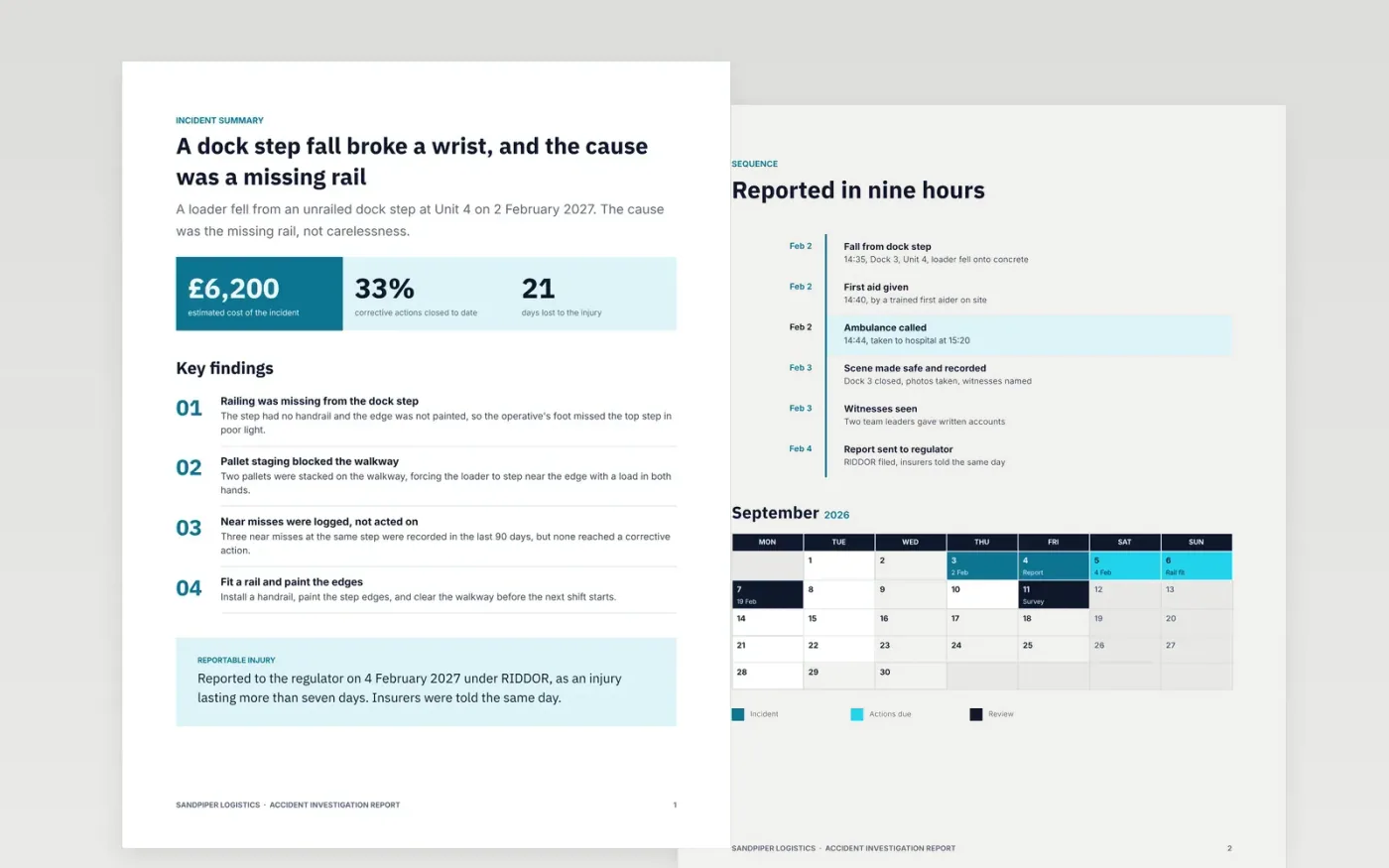
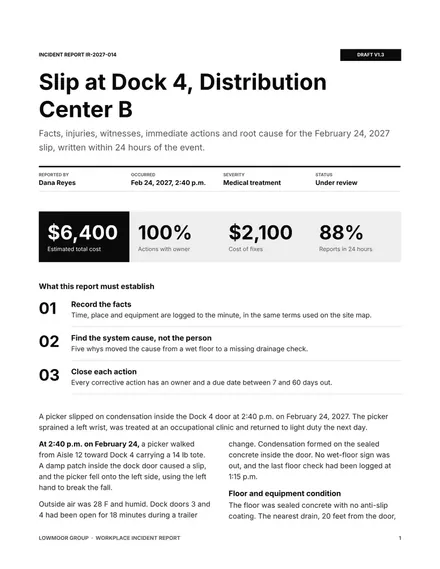
After an injury or near miss, the facts fade quickly and opinions take their place. This eight-page Google Docs template keeps the record factual: a summary, a timed sequence of events, the evidence, a root cause analysis, a corrective action list and the lessons for the team. Each section answers one question, so readers can check the account against the evidence without reading the whole file.
The sample is a fictional Sandpiper Logistics incident at Unit 4, where a loader fell from an unrailed dock step on 2 February 2027 and fractured a wrist. It includes the timeline, 41 logged near misses and six corrective actions with owners. Replace the facts, names and figures with your own, and check each date against the signed statements before the report is filed.
Click Make a copy in Google Docs, then confirm on the Google page. The copy is saved to your own Google Drive.
Fill the incident details with the exact time, place and equipment from the site map.
Write the description as facts in time order, and move opinions to the root cause.
Replace the injury categories and reporting thresholds with those your regulator uses.
Delete the guide page, then share the report with the safety committee or present it.
It helps you record what the duty needs, but it does not replace the reporting process. Check the reporting deadlines and categories with your health and safety adviser before you file any report.
Yes. Sandpiper Logistics, Unit 4, the operative, the witnesses and every figure in the report are fictional sample data. Replace them with your own records before you use the template.
The supervisor who recorded the event, the site manager and the health and safety lead should sign. Record the date of each signature, and keep the signed copy with the evidence on file.
More Google Docs templatesMore business operations templates
Docs + Word9 pages
Free
Docs + Word6 pages
Free
Docs + Word7 pages
Free










