Strategic Plan
Docs + Word8 pages
Free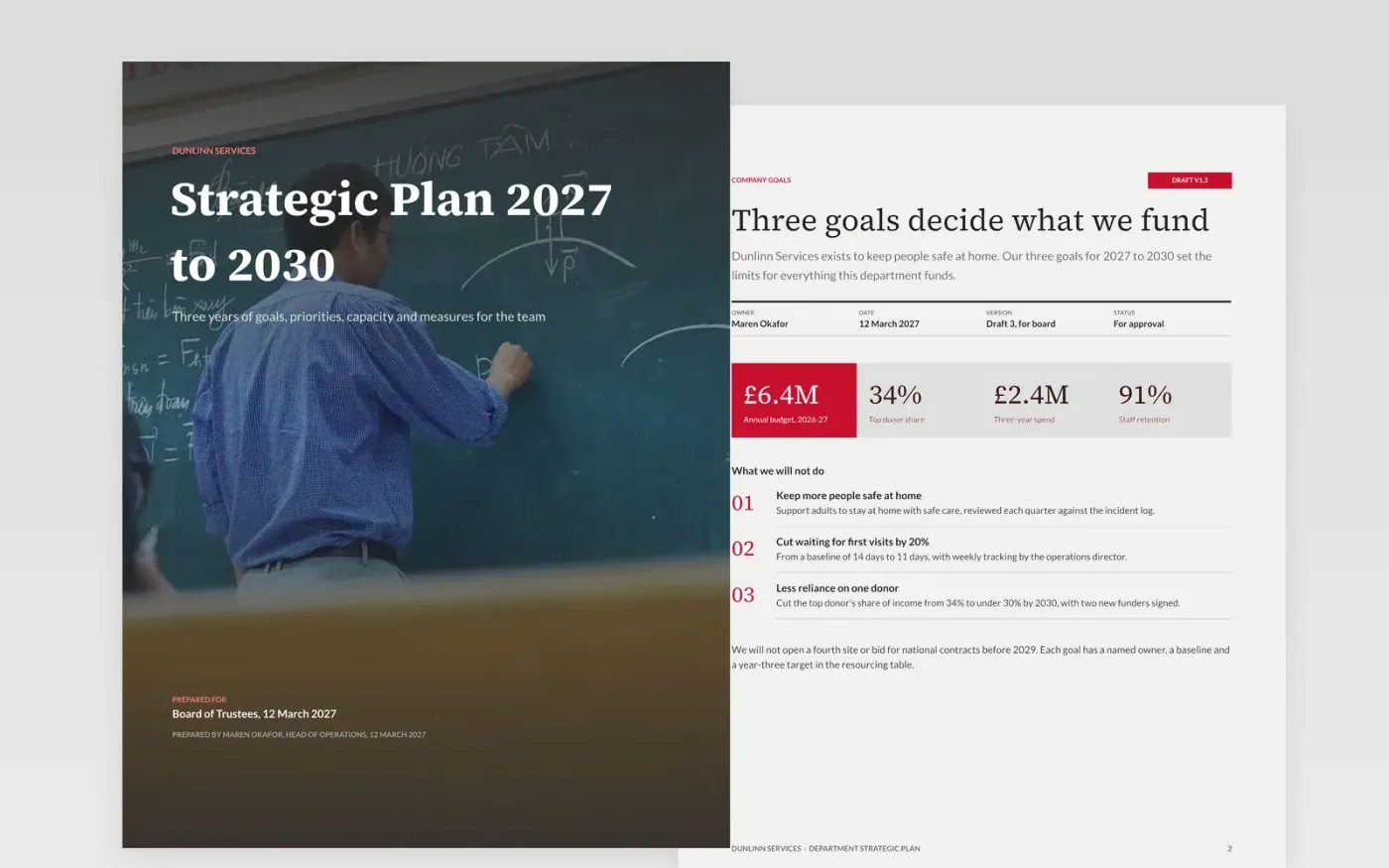
Department plans fail when they are a list of activities with no link to company goals, no measures and no budget. This three-year template connects the two levels: company goals and the department's role come first, then priorities with owners, the measures that show progress and the governance that keeps the plan under review. It suits a charity, a school or a service team that needs its board to see what gets resourced.
The sample is for Dunlinn Services, a community care provider with a £6.4M annual budget, planning from 2027 to 2030. Every name, figure and date is fictional. Replace the mission, goals, baselines and resourcing with your own agreed figures, and delete any goal you could not defend in front of staff.
Click Make a copy in Google Docs, then confirm on the Google page. The copy is saved to your own Google Drive.
Replace the mission and vision with your agreed wording, and delete any line you cannot defend.
Cut the goals to the number you can fund, and give each a baseline and a year-three target.
Rewrite the resourcing table with real budget and headcount for each priority and year.
Delete the guide page, then share the plan with the board and department before the review date.
Yes. Dunlinn Services, the people named in this plan, the budget, the measures and every date are fictional. Replace them with your own sourced figures before the plan goes to a board or a funder.
Three to five is the usual range. Ten goals with no order means nothing gets resourced, so rank them and fund the top ones first. Each goal needs a baseline and a target.
Progress against the measures should go to the board each quarter, with a full review at the end of year one. Name who reviews the plan and what would trigger a rethink, such as a missed target two quarters running.
More Google Docs templatesMore business operations templates
Docs + Word8 pages
Free
Docs + Word9 pages
Free
Docs + Word7 pages
Free
Slides + PowerPoint11 slides
Free
Slides + PowerPoint14 slides
Free










