Employee Performance Review
Docs + Word9 pages
Free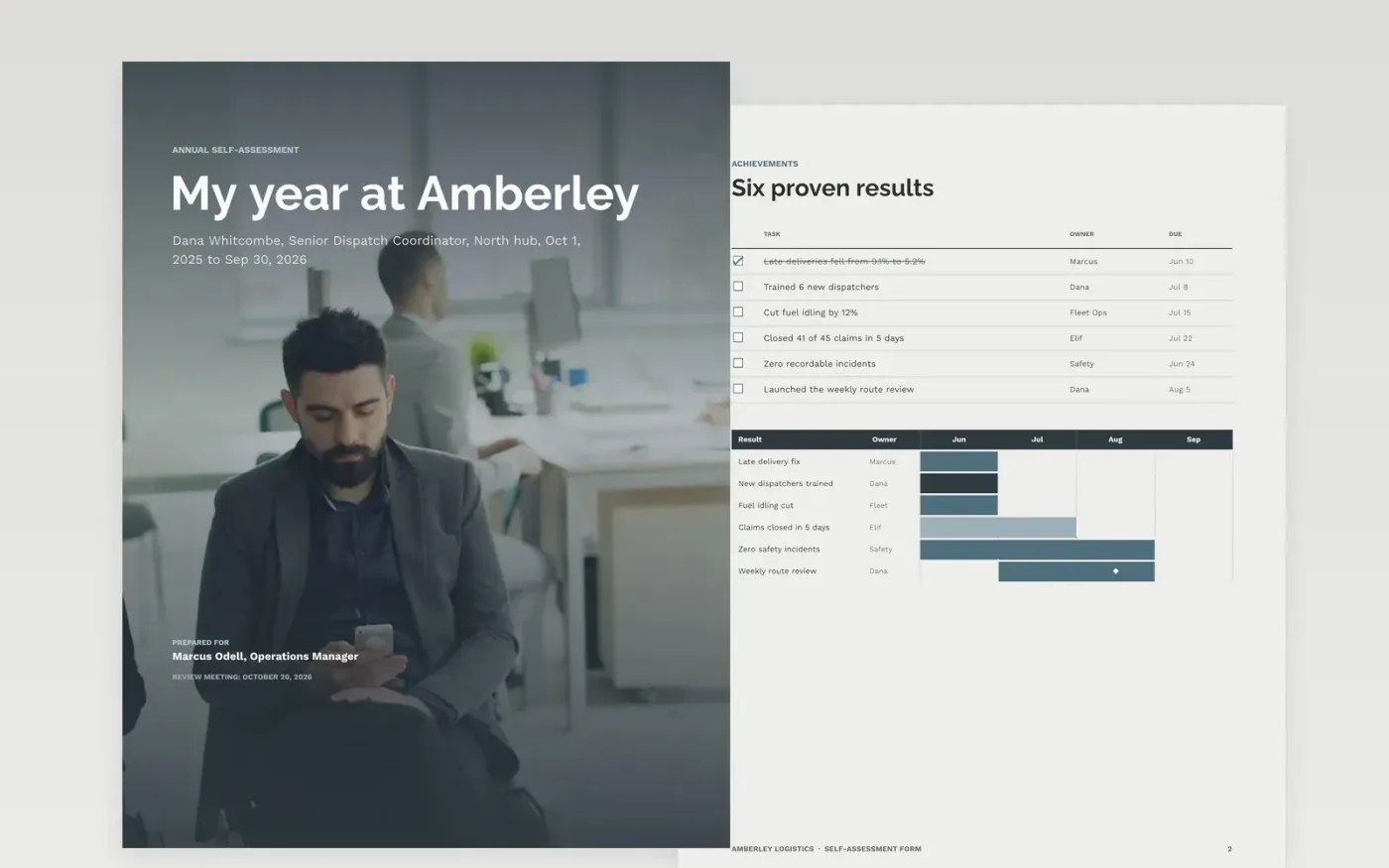
Most people write a self-review in the last hour before the deadline and list tasks instead of results. This self-assessment form walks an employee through the year in order: achievements backed by dates and numbers, the challenges that got in the way, the skills they used and built, the support they need, and the goals they will take into the next cycle.
The sample is a completed review for a senior dispatch coordinator at Amberley Logistics, with late deliveries falling from 9.1% to 5.2%, six new dispatchers trained and five goals scored against targets. Replace the review period, results, evidence, support requests and goals with your own, then bring the form to your review conversation.
Click Make a copy in Google Docs, then confirm on the Google page. The copy is saved to your own Google Drive.
Set the review period, your name, role and manager on the cover, then replace the sample achievements with your own dated results.
Add the evidence for each result, such as a report, a figure or a message, and name who can confirm it.
Rewrite the challenges, support requests and goals so that each one has a number, an owner and a date.
Delete the Make it yours guide page, then share the form with your manager before the review meeting.
Yes. Make a copy in Google Docs and edit it for your own review. You only need a Google account, and you can share it with your manager.
No. Amberley Logistics, Dana Whitcombe, her colleagues and every figure are fictional and exist only to show what a strong self-assessment looks like.
Aim for at least three dated examples with a result, covering the whole year and not only the last few weeks. This sample uses six.
Docs + Word9 pages
Free
Slides + PowerPoint11 slides
Free
Docs + Word7 pages
Free
Docs + Word7 pages
Free
Slides + PowerPoint10 slides
Free










