Performance Review Presentation
Slides + PowerPoint11 slides
Free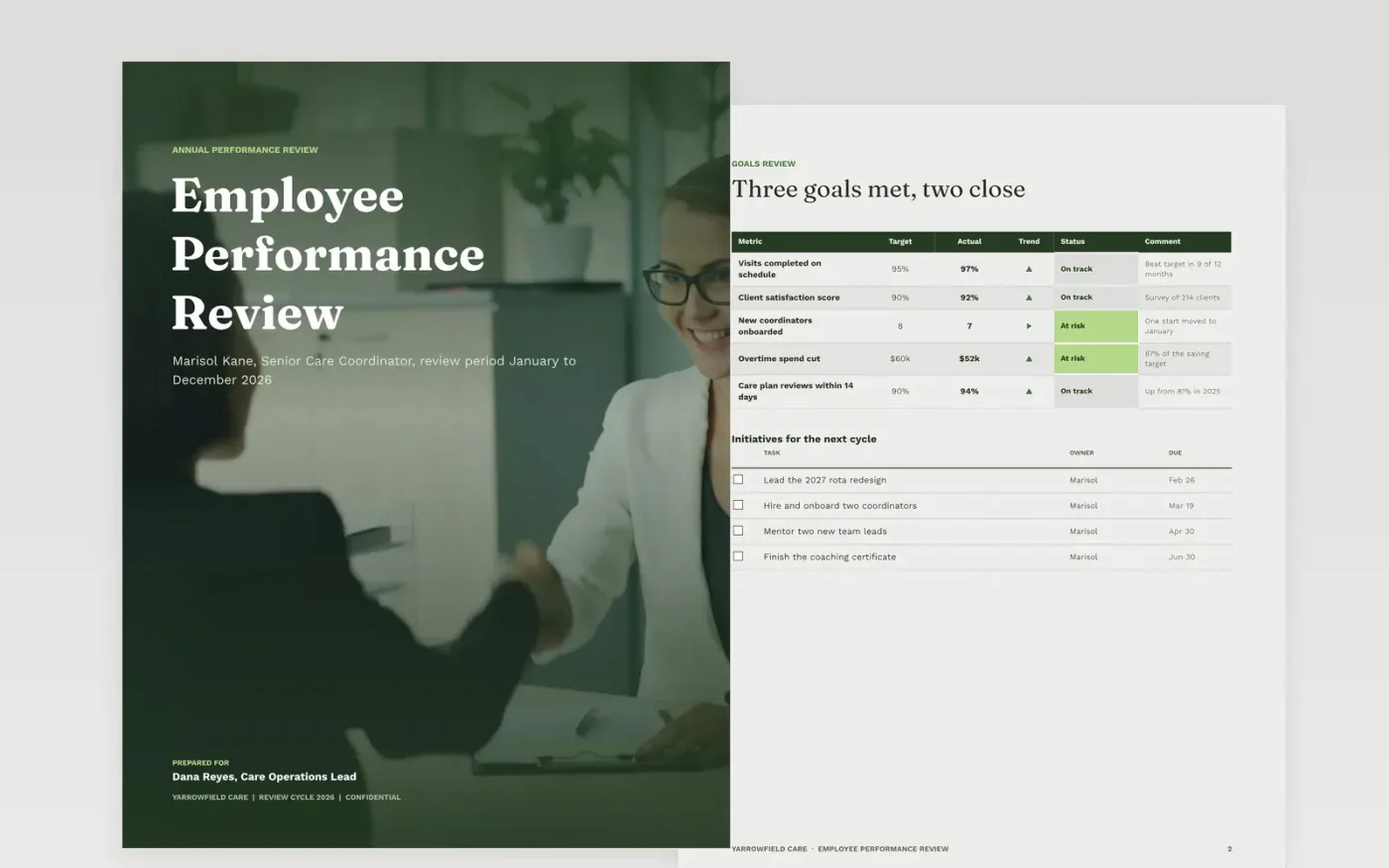
Annual reviews go wrong when they rest on memory: the last six weeks get rated, vague adjectives replace evidence and the employee hears the rating for the first time in the room. This template walks managers through the year in order, from goals and competencies to strengths, areas to develop, the overall rating and a development plan with owners and dates.
The sample follows Marisol Kane, a senior care coordinator at Yarrowfield Care, with five goals scored against target, six competencies rated on a 1 to 5 scale and a plan agreed in February 2027. Replace the header, goals, competency names and examples with your own, then write the rationale from at least three dated examples.
Click Make a copy in Google Docs, then confirm on the Google page. The copy is saved to your own Google Drive.
Set the review period, name, role and manager on the cover and the competencies page.
Replace the sample goals with the employee's agreed objectives and their actual results.
Edit the competencies and rating labels to match your framework, then write the rating rationale from at least three dated examples.
Agree two or three development actions with owners and dates, delete the Make it yours page, then share the review.
Yes. The sample uses a 1 to 5 scale where 3 means fully meets the standard. Edit the labels and the scorecard figures, and keep the same scale on every page.
The sample wording says the signature only acknowledges receipt of the review. Check how your organization and local rules treat signatures before you use that wording.
No. Yarrowfield Care, every person named and all the figures are fictional sample content. Replace them with your own details before you use the review.
Slides + PowerPoint11 slides
Free
Docs + Word7 pages
Free
Docs + Word21 pages
Free
Docs + Word7 pages
Free
Slides + PowerPoint10 slides
Free
Docs + Word7 pages
Free









