
Employee Performance Review
Docs + Word9 pages
Free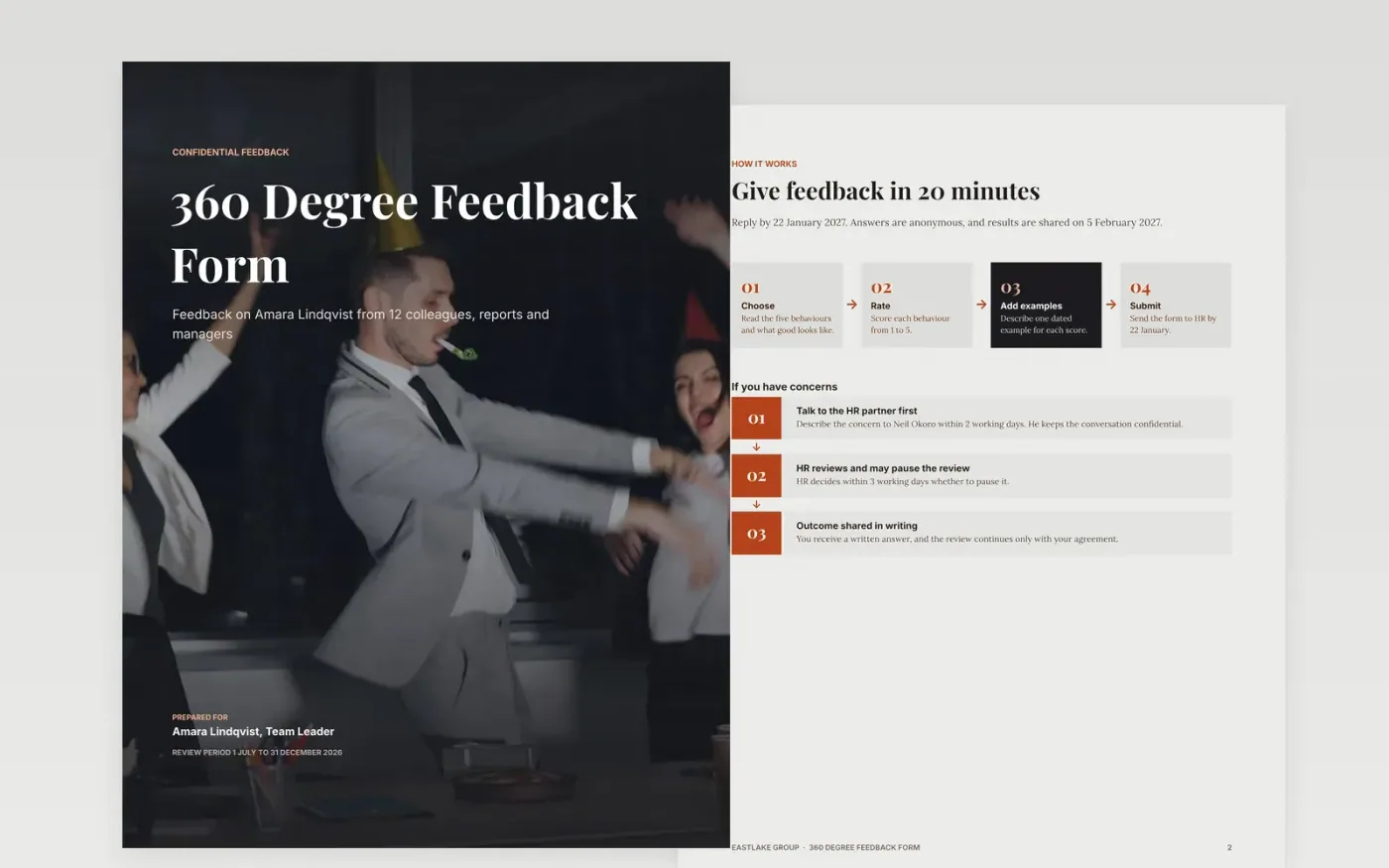
A 360 review fails when raters do not know what to write or the results sit in a drawer. This pack gives raters a four-step guide, scores five shared behaviours, groups the comments into strengths and suggestions, and ends with a summary and development actions that have owners and dates.
The sample shows feedback on a team leader from 12 invited colleagues, with 11 replies and an average of 3.9 out of 5. Replace the person, behaviours, scores and dates with your own, and keep every comment tied to an example.
Click Make a copy in Google Docs, then confirm on the Google page. The copy is saved to your own Google Drive.
Replace the person's name, role and review period, and choose five behaviours that match your own values.
Enter your average scores, response rate and comments, and keep each comment tied to a dated example.
Write two or three development actions with an owner and a date, and agree them in a conversation with the person.
Delete the guide page, then share the report with the person and their manager only.
No. Eastlake Group, the team leader, the raters and every score in the form are fictional sample data. Replace them with your own before use.
Aim for eight to twelve raters from a mix of managers, peers and direct reports, and only show a group's scores when at least three people replied, to protect anonymity.
Most organisations use 360 feedback for development only. If you also use it for pay or promotion, say so in the instructions before anyone replies.
Docs + Word9 pages
Free
Docs + Word7 pages
Free
Docs + Word7 pages
Free
Slides + PowerPoint10 slides
Free
Slides + PowerPoint11 slides
Free










