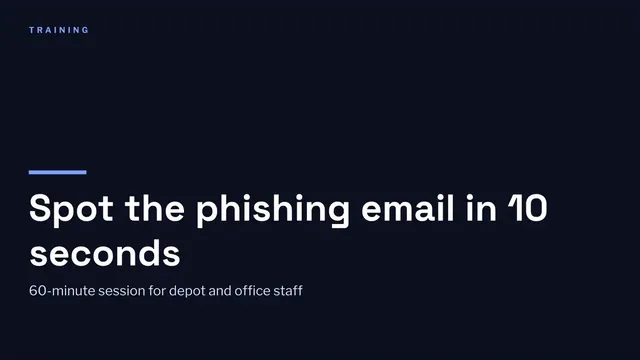
Employee Training Presentation
Slides + PowerPoint11 slides
Free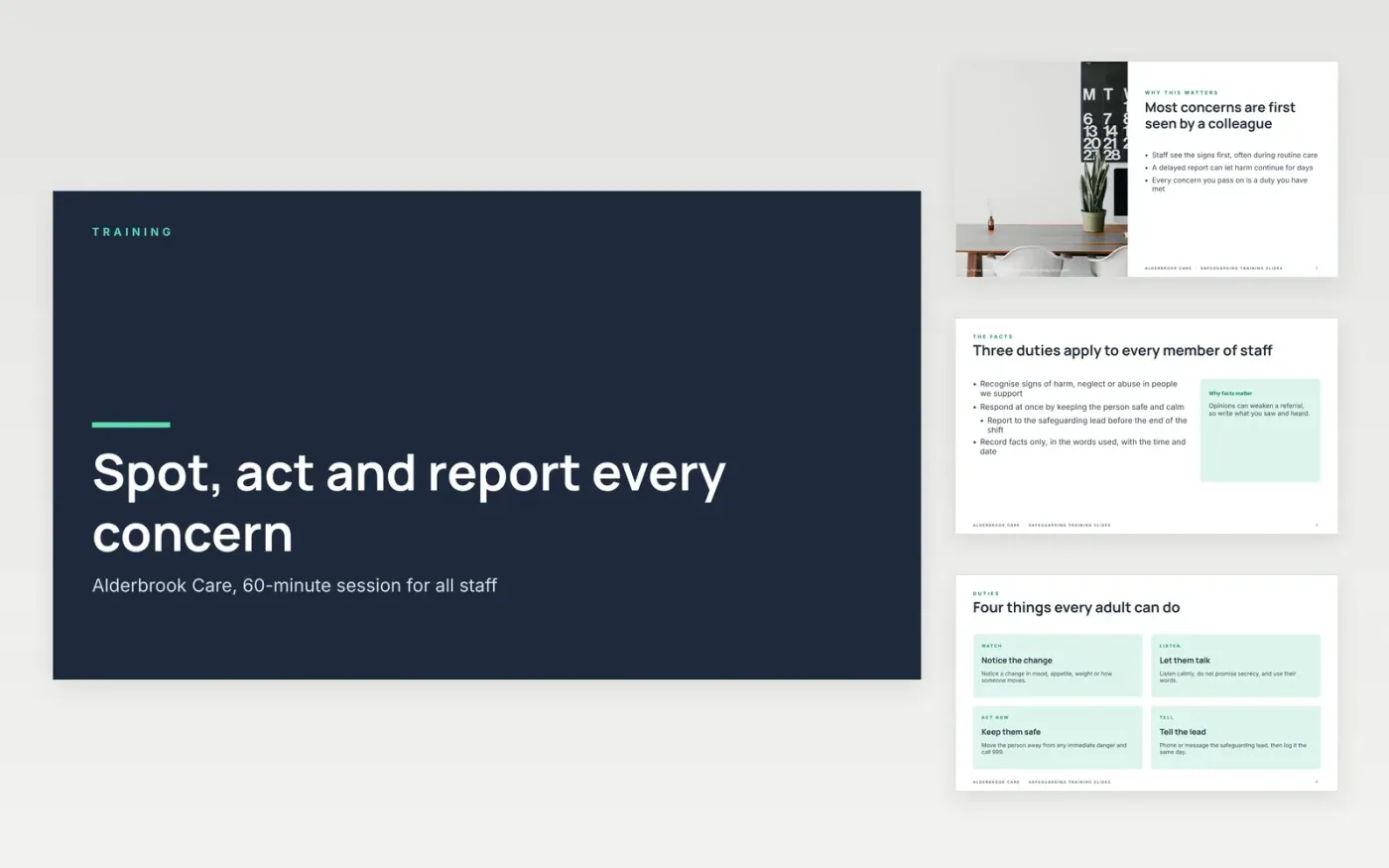
Care staff often see the first signs of harm, and a training session that only reads out policy leaves them unsure what to do next. This deck is built as one session of about 60 minutes, moving from why safeguarding matters to the signs to look for, how to respond, and how to report. Each slide makes one point, and the scenarios and prompts let a trainer check that people can apply the rule rather than repeat it.
The sample is for Alderbrook Care, an invented care provider with three homes and 200 staff. Its figures are sample data: 188 of 200 staff completed the course within 30 days, and the phishing click rate fell from 14% to 5%. Replace the topic, trainer and audience on the cover, then rewrite each content slide with your own reporting route, policy wording and contacts before the first session.
Click Make a copy in Google Slides, then confirm on the Google page. The copy is saved to your own Google Drive.
Replace the topic, trainer name and audience on the cover slide, then set your three session objectives.
Rewrite each content slide with your own reporting route, policy wording and screenshots from your tools.
Swap the scenarios on the responding and reporting slides for real situations from your home or workplace.
Delete the guide slide, then share the deck with your team or present it in the session.
Yes. Click Make a copy in Google Slides to save an editable copy to your own Google Drive. There is no charge, and you can change every slide, image and scenario in your copy.
No. Alderbrook Care, its homes, trainers and staff numbers, the completion rates and the phishing figures are all fictional sample data. Replace them with your own records before you present the session.
It shows a general process only. Check the steps against your local safeguarding procedures and current guidance from your local authority before every session, and record who attended.
Slides + PowerPoint11 slides
Free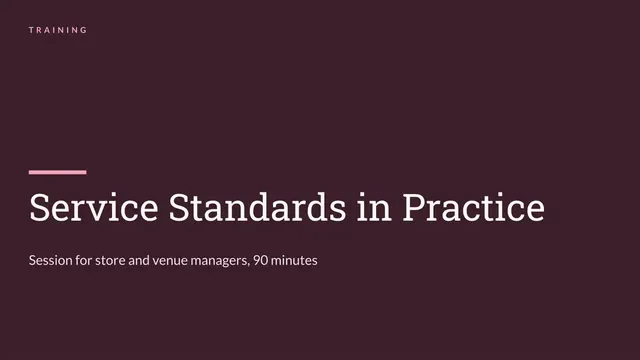
Slides + PowerPoint10 slides
Free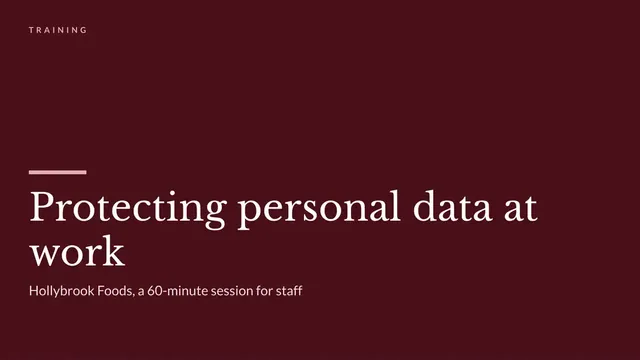
Slides + PowerPoint12 slides
Free
Slides + PowerPoint11 slides
Free
Slides + PowerPoint11 slides
Free
Slides + PowerPoint11 slides
Free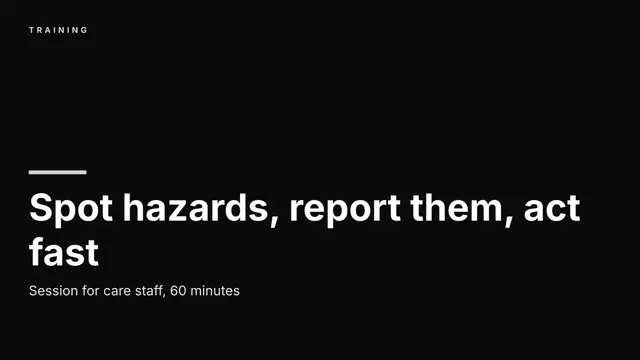
Slides + PowerPoint12 slides
Free
Slides + PowerPoint11 slides
Free
Slides + PowerPoint10 slides
Free
Slides + PowerPoint11 slides
Free
Slides + PowerPoint11 slides
Free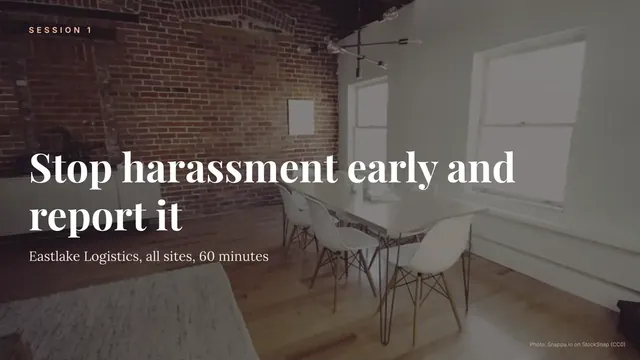
Slides + PowerPoint10 slides
Free










