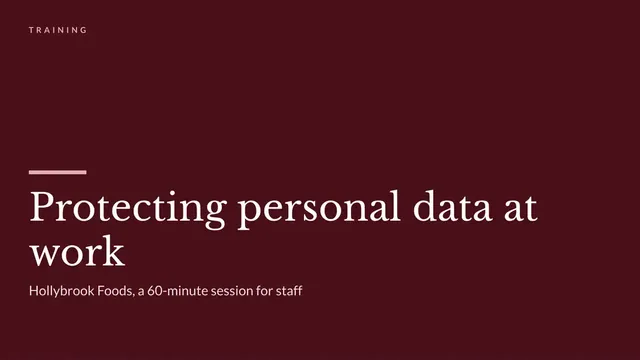
Data Protection Training Slides
Slides + PowerPoint12 slides
Free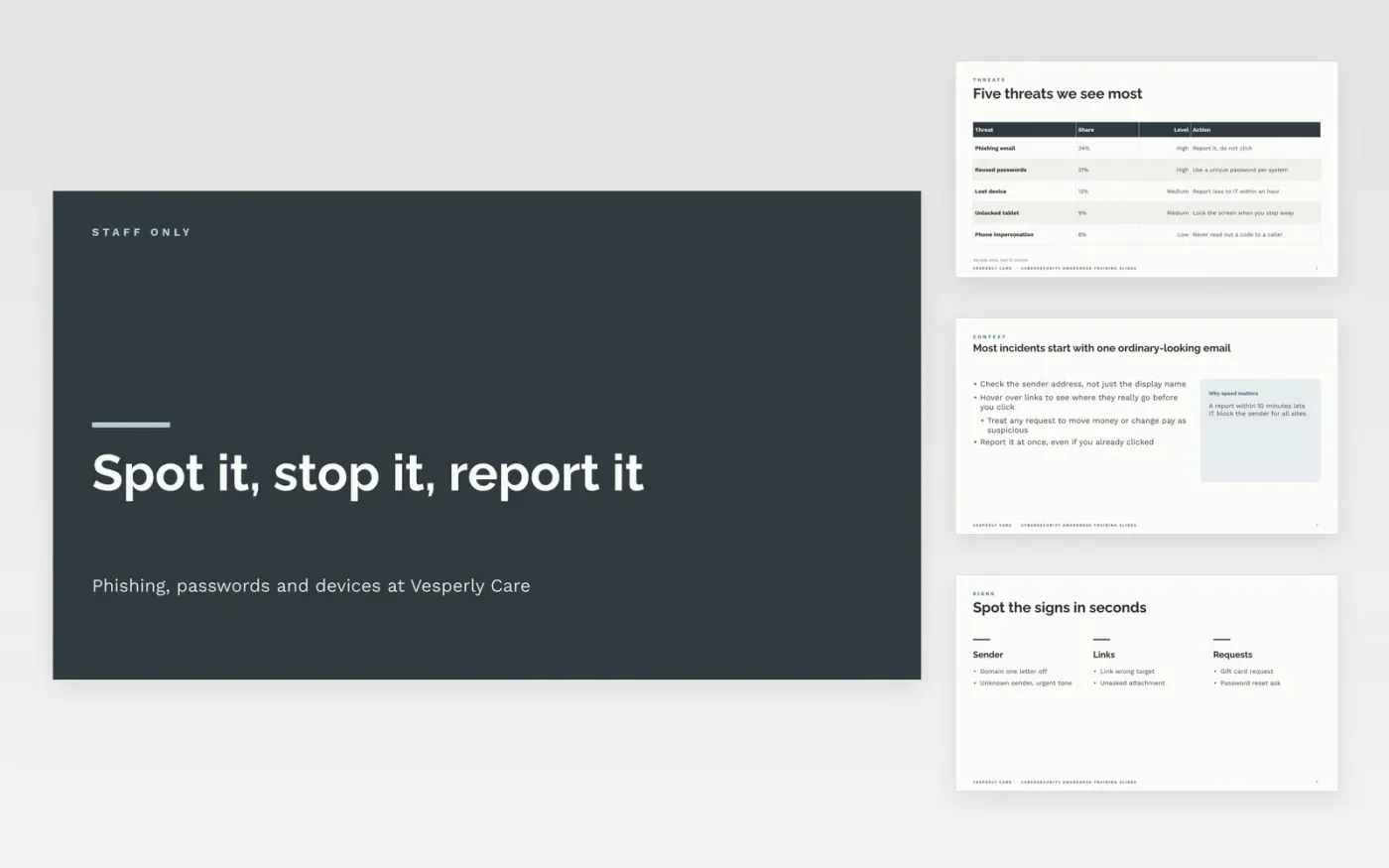
This free Google Slides deck gives a trainer one 45 to 60 minute session on everyday security for all staff at Vesperly Care. It runs from the threats the clinics see most, through phishing examples and password habits, to safe use of shared devices, the reporting route and a knowledge check. Each slide carries one idea, a clear action and a situation drawn from home care work, so learners leave knowing what to do next rather than what a policy says.
The sample slides show how a session could run: a phishing email about a rescheduled shift, a passphrase rule staff can follow, and a shared tablet left unlocked at a nurse station. Replace those scenarios with incidents from your own sites, add your reporting address and IT contact, and keep the quiz pass mark at 80%. Record attendance and scores so the compliance lead can show completion at audit.
Click Make a copy in Google Slides, then confirm on the Google page. The copy is saved to your own Google Drive.
Replace the cover with your session title, trainer name and the three objectives on slide 1.
Rewrite the threats, phishing and password slides with your own policy, tools and reporting route.
Set the quiz answers and the pass mark, then record attendance and scores where your compliance lead can see them.
Delete the guide slide, then share the deck with your trainers or present it from Google Slides.
No. Vesperly Care, the staff names, the email addresses ending in .example and every figure in the deck are fictional sample data. Replace them with your own organization's details before you run a session.
Plan 45 to 60 minutes with a short break before the quiz. The deck can stretch to 90 minutes if you slow down on the phishing and password scenarios and add the practice exercise your team needs.
Track the attendance list and the quiz scores. Aim for 90% to 100% of staff finishing within 30 days, and repeat the session every 12 months so the reporting scorecard stays current.
Slides + PowerPoint12 slides
Free
Slides + PowerPoint10 slides
Free
Slides + PowerPoint10 slides
Free
Slides + PowerPoint11 slides
Free
Slides + PowerPoint11 slides
Free
Slides + PowerPoint12 slides
Free
Slides + PowerPoint11 slides
Free
Slides + PowerPoint10 slides
Free
Slides + PowerPoint11 slides
Free
Slides + PowerPoint12 slides
Free
Slides + PowerPoint11 slides
Free
Slides + PowerPoint11 slides
Free










