Employee Training Presentation
Slides + PowerPoint11 slides
Free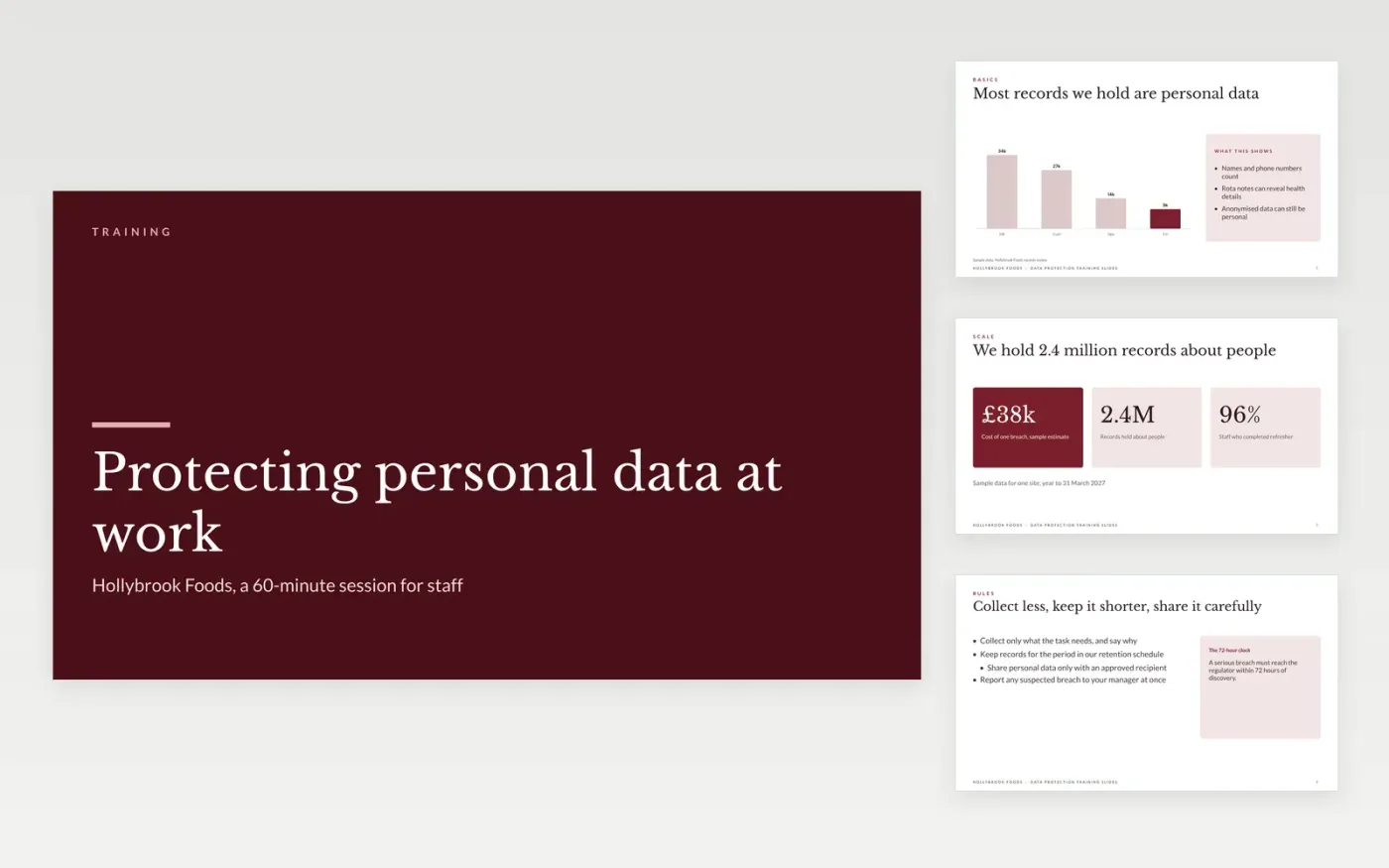
This data protection training template is a ready-made Google Slides deck for trainers who need every member of staff to handle personal data correctly. It covers what counts as personal data, the working rules, everyday examples, breach reporting and a short quiz in twelve slides, so each session runs the same way for every team.
Each slide carries sample figures and scenarios for Hollybrook Foods, a fictional food business, so trainers can see a finished session before they start. Make your own copy, rewrite the rules to match your policy and swap in real cases from your workplace. Keep the quiz and the reporting slides, since they show what learners can do afterwards.
Click Make a copy in Google Slides, then confirm on the Google page. The copy is saved to your own Google Drive.
Replace the topic, trainer name and audience on the cover slide.
Rewrite the rules and examples with your own policy and tools.
Edit the quiz questions and answers, then set your pass mark.
Delete the guide slide, then present the deck or share it with your team.
No. Hollybrook Foods, its staff, email addresses and the cases in this deck are fictional sample material, written for a training session.
No. The slides explain common rules and examples, so align every rule with your own policy and your legal advice before you use the deck.
Ask each attendee to sign the attendance sheet and record the quiz score, then keep both for audit with a completion date for each person.
Slides + PowerPoint11 slides
Free
Docs + Word7 pages
Free
Docs + Word21 pages
Free









