
Annual Report
Docs + Word6 pages
FeaturedFree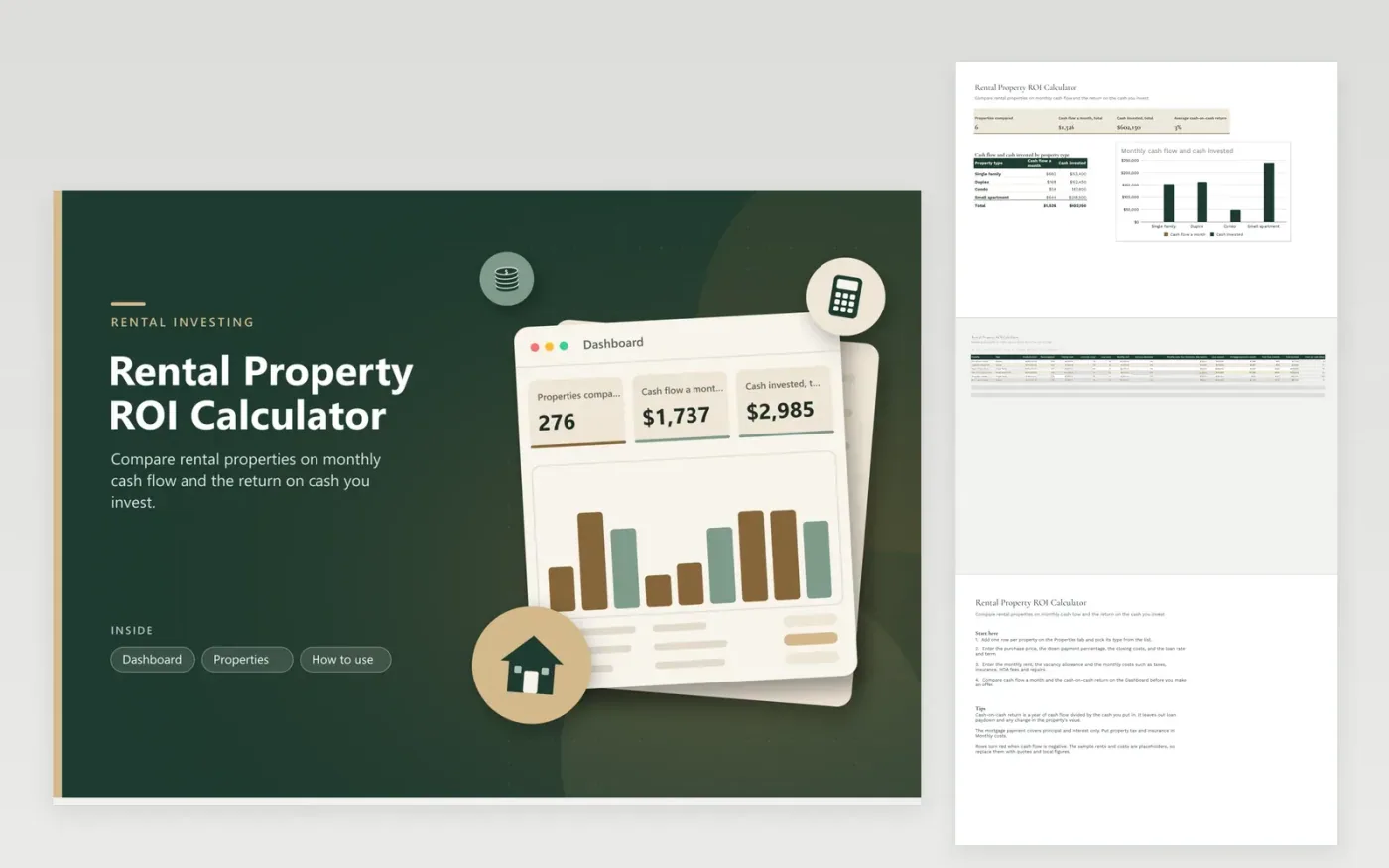
Landlords and first-time investors use this sheet to compare rental properties before they make an offer. The Properties tab takes one row per property, with the purchase price, down payment, loan rate and term, rent, vacancy allowance and monthly costs. Each row works out the loan amount, the mortgage payment, cash flow a month, cash invested and cash-on-cash return. The Dashboard totals the cash flow and compares property types on a column chart.
Use real quotes and rents for each property rather than round guesses, because small changes to rent and vacancy move the result a lot. Add property tax, insurance, HOA fees and expected repairs to the monthly costs, since they are easy to forget. Try a few vacancy rates to see how the return holds up in a slow season. The mortgage payment covers principal and interest only, so confirm the loan terms with your lender.
Click Make a copy in Google Sheets, then confirm on the Google page. The copy is saved to your own Google Drive.
Start on the Properties tab: replace the sample rows with your own.
Keep the formula columns as they are; they fill in as you type.
Read the How to use tab for tips. For Excel, download the .xlsx file instead.
Cash-on-cash return is a year of cash flow divided by the cash you put into the property, which includes the down payment and closing costs. It shows the income return on your own money. It leaves out loan paydown and any rise in the property's value, so treat it as one measure among several.
No. It counts rent, vacancy, the costs you enter and the mortgage payment. Income tax on rent depends on your situation and the rules change, so confirm the details with a tax adviser before relying on any after-tax figure.
Base the figure on local rental listings and the property's own history. The sample uses five percent as a placeholder. Test a higher rate as well, which shows whether the monthly cash flow holds up when a unit sits empty for longer.
Docs + Word6 pages
FeaturedFree
Excel
FeaturedFree
Sheets + Excel5 tabs
Free
Sheets + Excel5 tabs
Free
Sheets + Excel5 tabs
Free
Sheets + Excel5 tabs
Free
Sheets + Excel6 tabs
Free
Sheets + Excel6 tabs
Free
Sheets + Excel4 tabs
Free
Sheets + Excel5 tabs
Free
Sheets + Excel5 tabs
Free
Sheets + Excel5 tabs
Free
Sheets + Excel5 tabs
Free
Sheets + Excel5 tabs
Free
Sheets + Excel5 tabs
Free








