
Annual Report
Docs + Word6 pages
FeaturedFree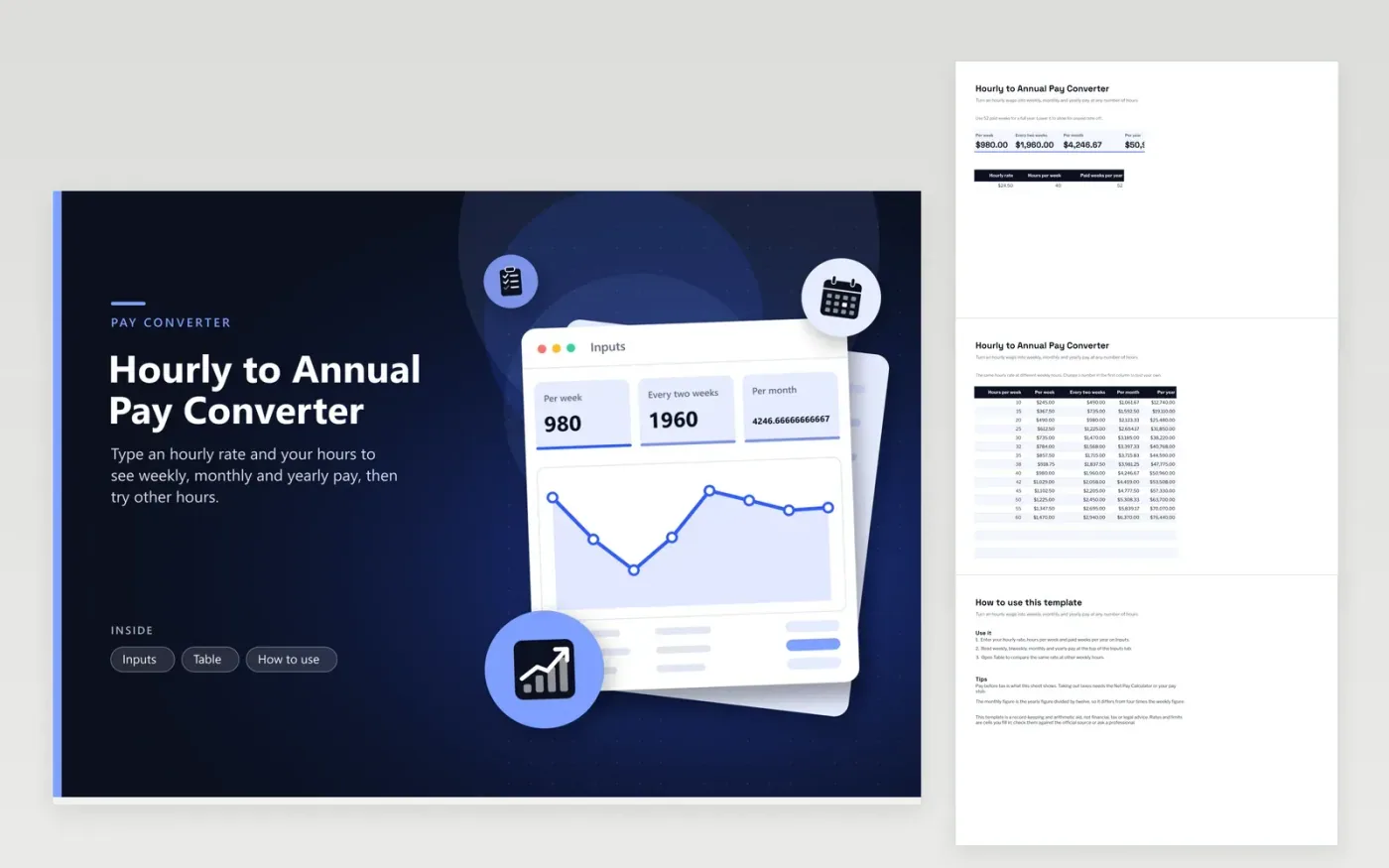
Job ads quote an hourly wage, rent is due monthly and a mortgage lender asks for yearly income. This hourly to annual pay converter bridges them. Type an hourly rate, the hours you work in a week and the paid weeks in a year, and the Inputs tab shows weekly, biweekly, monthly and yearly pay at once. The Table tab repeats the sums for fourteen different weekly hour counts from ten to sixty, which shows what a part-time schedule or extra hours would add.
The monthly figure divides the year by twelve rather than multiplying a week by four, which is why it comes out higher than four weeks of pay. If you take unpaid time off, lower the paid weeks below fifty-two. All amounts are before tax. Type over any hours figure in the left-hand column of Table to test a schedule that is not listed.
Click Make a copy in Google Sheets, then confirm on the Google page. The copy is saved to your own Google Drive.
Start on the Inputs tab: replace the sample rows with your own.
Keep the formula columns as they are; they fill in as you type.
Read the How to use tab for tips. For Excel, download the .xlsx file instead.
Multiply the hourly rate by the hours you work each week, then by the number of paid weeks in the year. At $24.50 an hour for 40 hours over 52 weeks, that is $50,960 before tax.
Work out the yearly amount first, then divide by twelve. This is more accurate than multiplying a week by four because most months have a little more than four weeks.
Use 52 if you are paid every week of the year, including paid holidays and leave. If part of your time off is unpaid, lower the number of paid weeks.
Docs + Word6 pages
FeaturedFree
Excel
FeaturedFree
Sheets + Excel5 tabs
Free
Sheets + Excel5 tabs
Free
Sheets + Excel5 tabs
Free
Sheets + Excel5 tabs
Free
Sheets + Excel6 tabs
Free
Sheets + Excel6 tabs
Free
Sheets + Excel5 tabs
Free
Sheets + Excel5 tabs
Free
Sheets + Excel5 tabs
Free
Sheets + Excel5 tabs
Free
Sheets + Excel5 tabs
Free
Sheets + Excel5 tabs
Free
Sheets + Excel5 tabs
Free








