
Annual Report
Docs + Word6 pages
FeaturedFree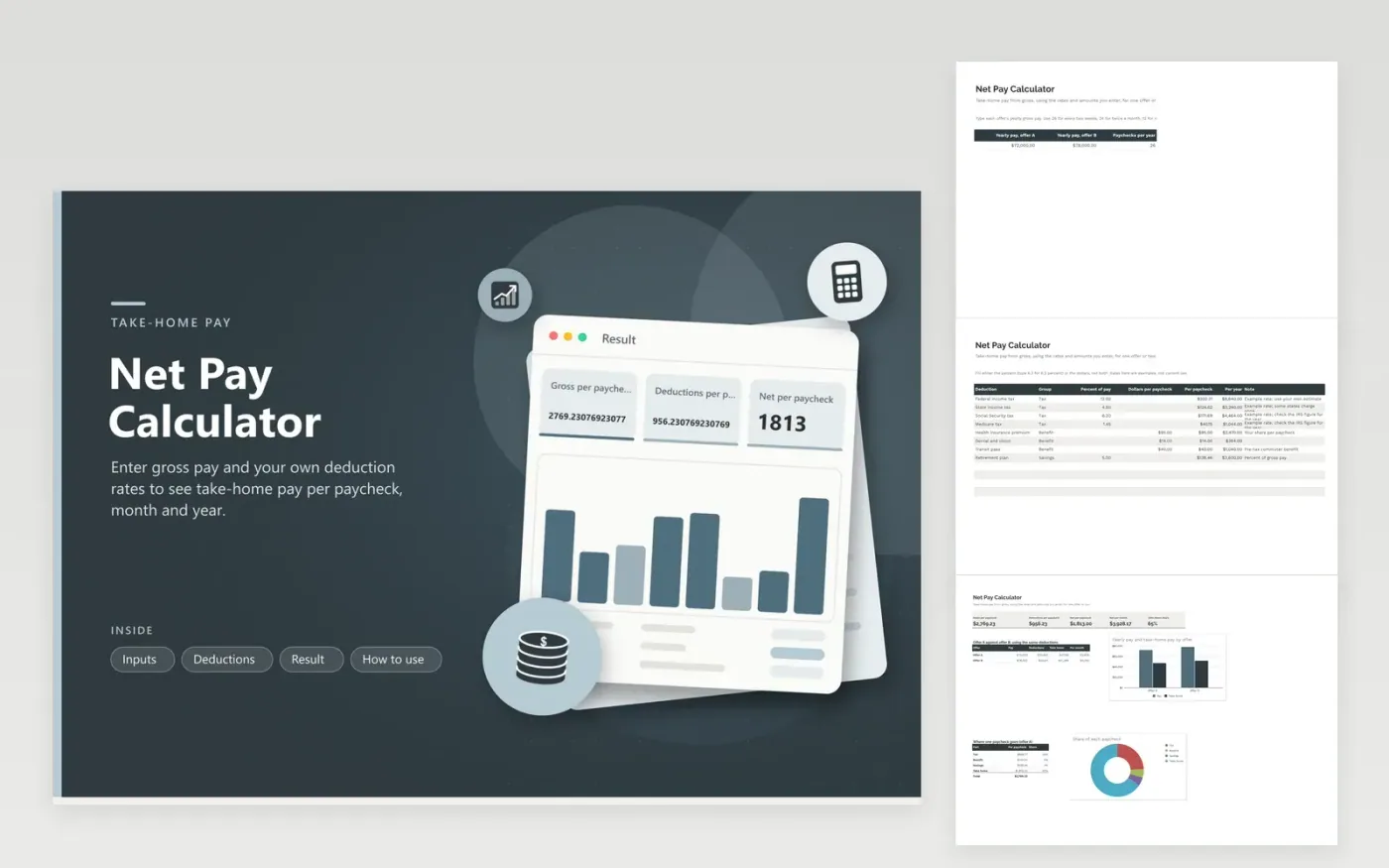
Gross pay on an offer letter says little about what lands in your account. This net pay calculator takes the yearly pay for up to two offers and the number of paychecks per year, then subtracts the deductions you list. Each deduction is either a percent of pay or a fixed dollar amount per paycheck and belongs to a group: tax, benefit or savings. The Result tab shows gross, deductions and net per paycheck, net per month and take-home share, plus offer A against offer B and a doughnut of where one paycheck goes.
No tax rate is built in. The sample figures are examples only, so put in your own estimates from the IRS, your state or your pay stub. Because both offers share one deduction list, the comparison is fair for the same benefits and the same retirement choice. Change one rate at a time to see how much it moves take-home pay.
Click Make a copy in Google Sheets, then confirm on the Google page. The copy is saved to your own Google Drive.
Start on the Inputs tab: replace the sample rows with your own.
Keep the formula columns as they are; they fill in as you type.
Read the How to use tab for tips. For Excel, download the .xlsx file instead.
Divide yearly gross pay by the number of paychecks, then subtract taxes, benefit costs and savings contributions from each paycheck. What remains is net pay. The Result tab handles the arithmetic once you list your rates.
Withholding depends on your tax forms, filing status, pre-tax benefits and local rules. Because this calculator uses the flat rates you type, expect an approximation and check it against a real pay stub.
Put each yearly gross pay in the Inputs tab and apply the same deductions to both. The Result tab shows yearly take-home pay and monthly take-home pay side by side.
Docs + Word6 pages
FeaturedFree
Excel
FeaturedFree
Sheets + Excel5 tabs
Free
Sheets + Excel5 tabs
Free
Sheets + Excel5 tabs
Free
Sheets + Excel5 tabs
Free
Sheets + Excel6 tabs
Free
Sheets + Excel6 tabs
Free
Sheets + Excel4 tabs
Free
Sheets + Excel5 tabs
Free
Sheets + Excel5 tabs
Free
Sheets + Excel5 tabs
Free
Sheets + Excel5 tabs
Free
Sheets + Excel5 tabs
Free
Sheets + Excel5 tabs
Free








