
Annual Report
Docs + Word6 pages
FeaturedFree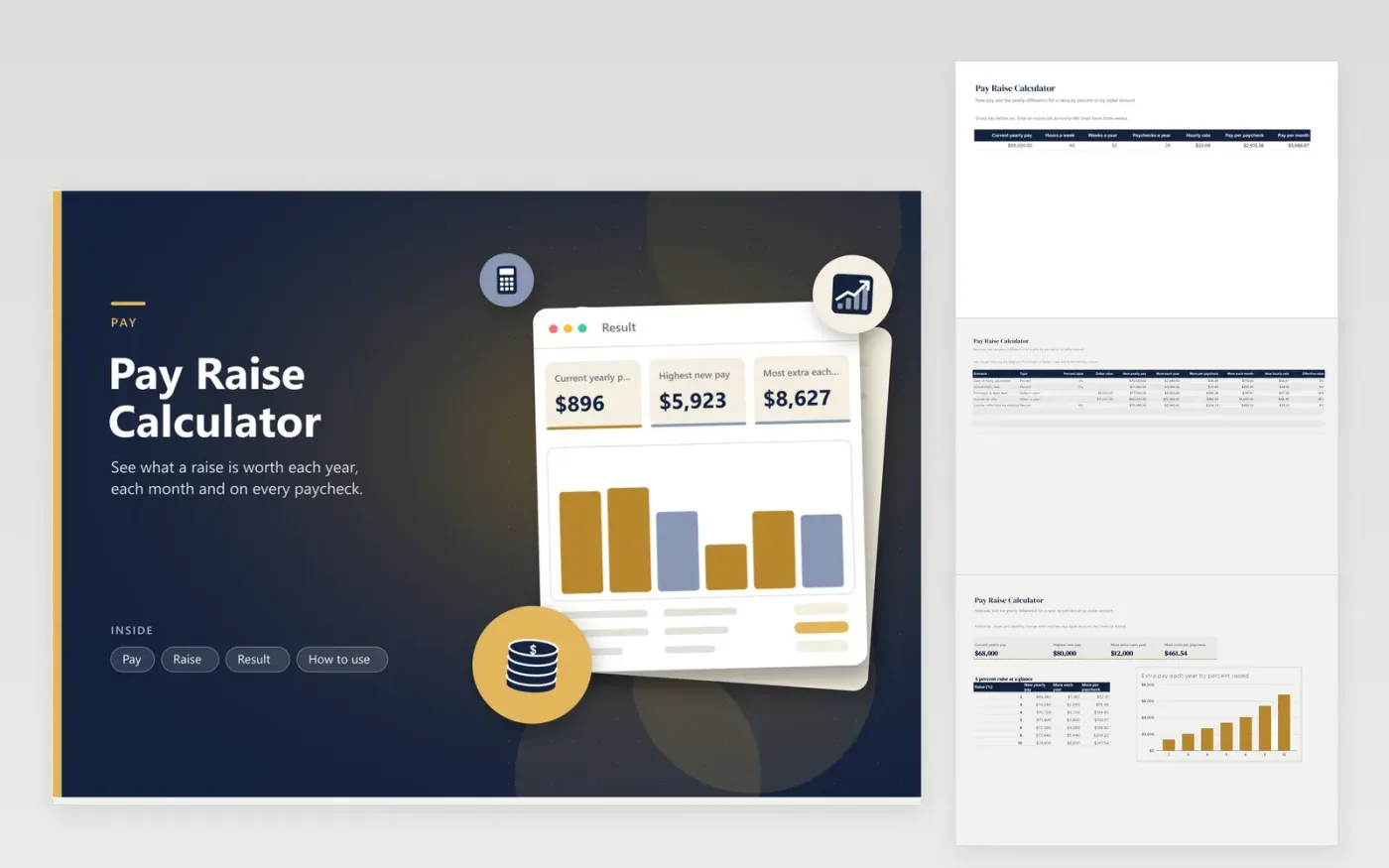
A raise is easier to judge when it is shown in the units you live in: a yearly figure, a monthly figure and the amount on each paycheck. This calculator does the conversion. The Pay tab holds your current yearly pay, hours, weeks and paychecks a year, and finds your hourly rate and pay per paycheck. The Raise tab lists as many scenarios as you like, each as a percent or a dollar amount a year.
For every scenario the sheet shows new pay, the gain per year, month and paycheck, the new hourly rate and the effective percent raise, which lets you compare a percent raise and a dollar raise directly. The Result tab picks out the best of them and adds a table of raises between two and ten percent plus a chart. The sample compares a cost-of-living adjustment, a merit raise, a promotion, an outside offer and a counter-offer on 68,000 dollars of pay.
Click Make a copy in Google Sheets, then confirm on the Google page. The copy is saved to your own Google Drive.
Start on the Pay tab: replace the sample rows with your own.
Keep the formula columns as they are; they fill in as you type.
Read the How to use tab for tips. For Excel, download the .xlsx file instead.
Divide the dollar increase by your current pay. The Raise tab does this in the Effective raise column, so a dollar raise can be compared with a percent raise.
Divide the yearly gain by the number of paychecks in the year. The sheet shows the gross amount, so the amount after tax will be lower.
Yes. Multiply your hourly rate by hours a week and weeks a year to get yearly pay, then enter it. The sheet shows the new hourly rate for each scenario.
Docs + Word6 pages
FeaturedFree
Excel
FeaturedFree
Sheets + Excel5 tabs
Free
Sheets + Excel5 tabs
Free
Sheets + Excel5 tabs
Free
Sheets + Excel5 tabs
Free
Sheets + Excel6 tabs
Free
Sheets + Excel6 tabs
Free
Sheets + Excel4 tabs
Free
Sheets + Excel5 tabs
Free
Sheets + Excel5 tabs
Free
Sheets + Excel5 tabs
Free
Sheets + Excel5 tabs
Free
Sheets + Excel5 tabs
Free
Sheets + Excel5 tabs
Free








