
Annual Report
Docs + Word6 pages
FeaturedFree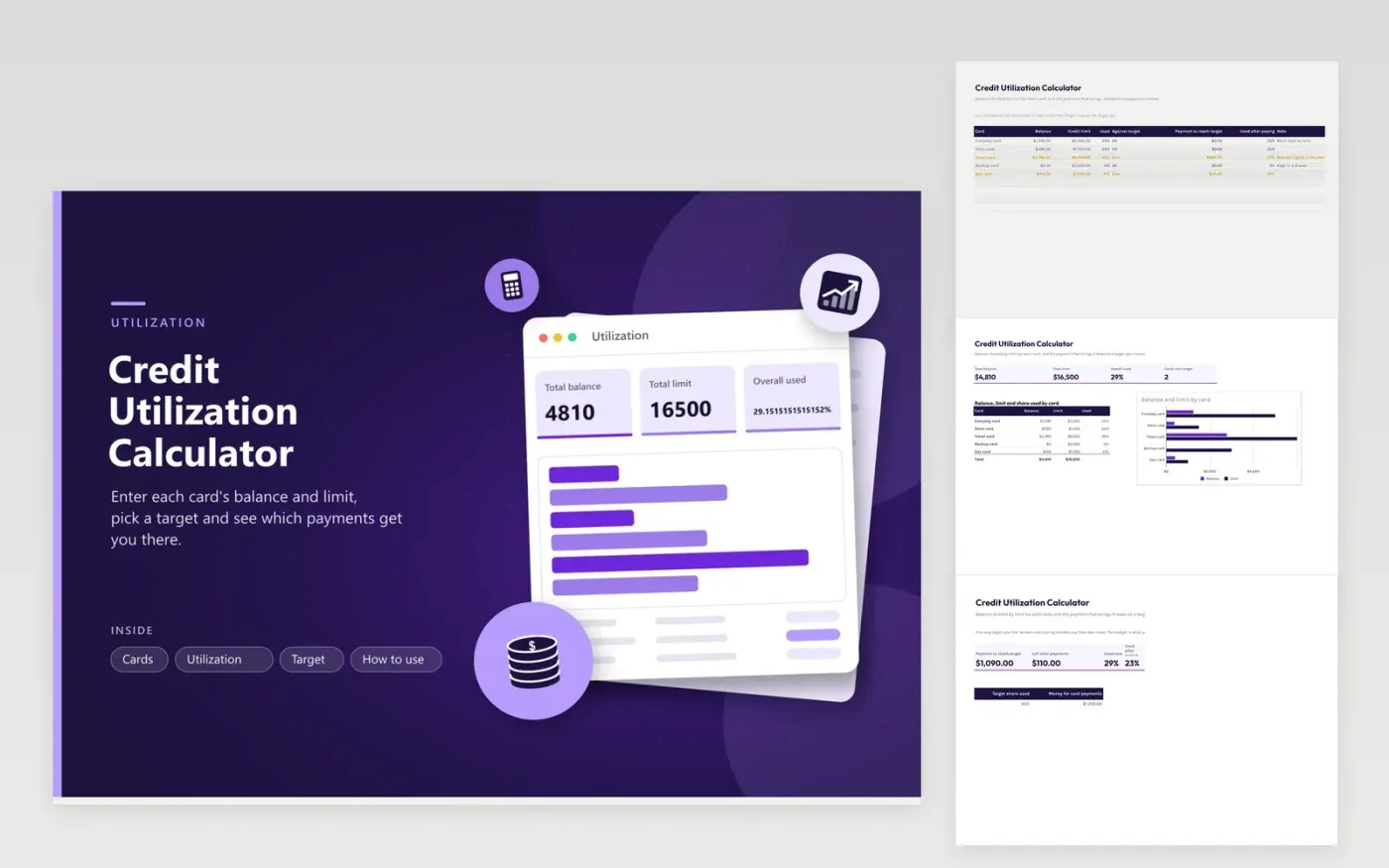
Credit utilization is the share of your credit limits that you are using. This credit utilization calculator shows it card by card and overall. The Cards tab takes a balance and a limit for each card and works out the share used, whether the card is over your target, the payment needed to reach it and the share left after that payment. The Utilization tab totals balances and limits and draws balance against limit for every card. On the Target tab you set the target share and how much money you have for payments, and it shows what is left over.
The sample has five cards with one near the limit, two over a 30 percent target and one unused. Change the target to see how the required payments move. The target is yours to choose because lenders and scoring models use their own rules. Add new cards by typing a row on the Cards tab and adding the name to the first column of the Utilization table so the chart includes it.
Click Make a copy in Google Sheets, then confirm on the Google page. The copy is saved to your own Google Drive.
Start on the Cards tab: replace the sample rows with your own.
Keep the formula columns as they are; they fill in as you type.
Read the How to use tab for tips. For Excel, download the .xlsx file instead.
Divide a card's balance by its credit limit. For overall utilization, divide the total of all balances by the total of all limits. A $2,780 balance on a $6,000 limit is about 46 percent.
Multiply the limit by the target and subtract that from the balance. On a $6,000 limit and a 30 percent target, a $2,780 balance needs $980 paid. The Cards tab does this for every card.
No. Each card has its own share and there is also an overall share across all cards. Some scoring models look at both, so the sheet shows each.
Docs + Word6 pages
FeaturedFree
Excel
FeaturedFree
Sheets + Excel5 tabs
Free
Sheets + Excel5 tabs
Free
Sheets + Excel5 tabs
Free
Sheets + Excel6 tabs
Free
Sheets + Excel6 tabs
Free
Sheets + Excel4 tabs
Free
Sheets + Excel5 tabs
Free
Sheets + Excel5 tabs
Free
Sheets + Excel5 tabs
Free
Sheets + Excel5 tabs
Free
Sheets + Excel5 tabs
Free
Sheets + Excel5 tabs
Free
Sheets + Excel5 tabs
Free








