
Annual Report
Docs + Word6 pages
FeaturedFree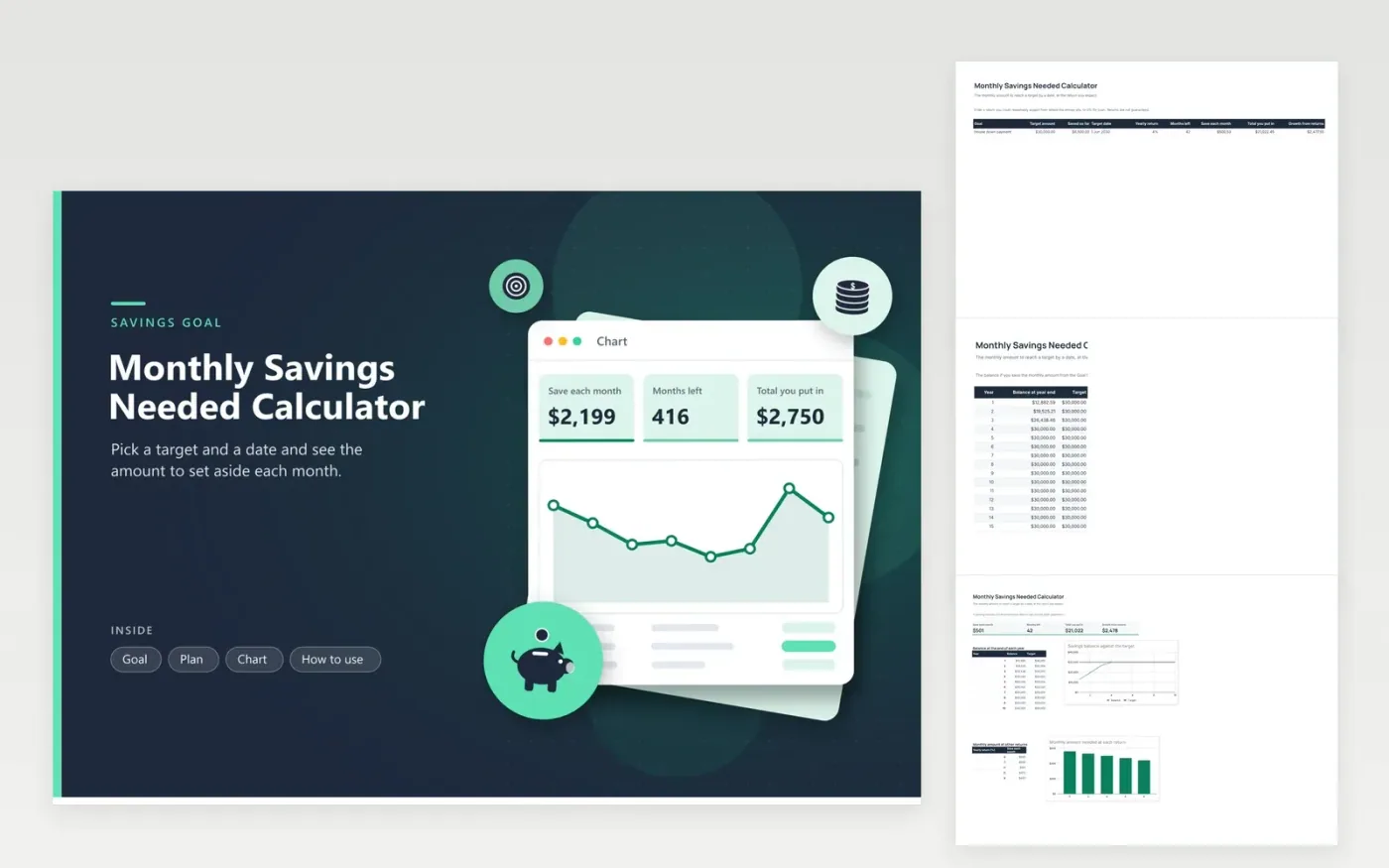
Most savings goals fail at the first question: how much a month? This calculator answers it. On the Goal tab you name the goal, set the target amount, what you already have, the date you need it and the yearly return you expect. It measures the time remaining from today and finds the monthly deposit that reaches the target, then splits the target into what you put in and what the return adds.
The Plan tab gives the year-end balance for fifteen years and the Chart tab plots the first ten against the target line. A second chart shows how the monthly amount changes from a 0 percent return to 8 percent, so you can judge how little or how much an assumption matters. The sample goal is a 30,000 dollar house down payment due in June 2030.
Click Make a copy in Google Sheets, then confirm on the Google page. The copy is saved to your own Google Drive.
Start on the Goal tab: replace the sample rows with your own.
Keep the formula columns as they are; they fill in as you type.
Read the How to use tab for tips. For Excel, download the .xlsx file instead.
Enter the target, what you already have, the date and a return. The sheet divides the gap across the months left, taking the return into account, and shows the deposit for each month.
Use the rate the money actually earns, such as the rate of a savings account, or 0% for cash at home. Higher assumed returns lower the monthly amount but are not guaranteed.
The sheet shows the full remaining gap as one amount, since there are no months left to spread it over. Move the date forward to get a monthly figure.
Docs + Word6 pages
FeaturedFree
Excel
FeaturedFree
Sheets + Excel5 tabs
Free
Sheets + Excel5 tabs
Free
Sheets + Excel5 tabs
Free
Sheets + Excel5 tabs
Free
Sheets + Excel6 tabs
Free
Sheets + Excel6 tabs
Free
Sheets + Excel4 tabs
Free
Sheets + Excel5 tabs
Free
Sheets + Excel5 tabs
Free
Sheets + Excel5 tabs
Free
Sheets + Excel5 tabs
Free
Sheets + Excel5 tabs
Free
Sheets + Excel5 tabs
Free








