
Annual Report
Docs + Word6 pages
FeaturedFree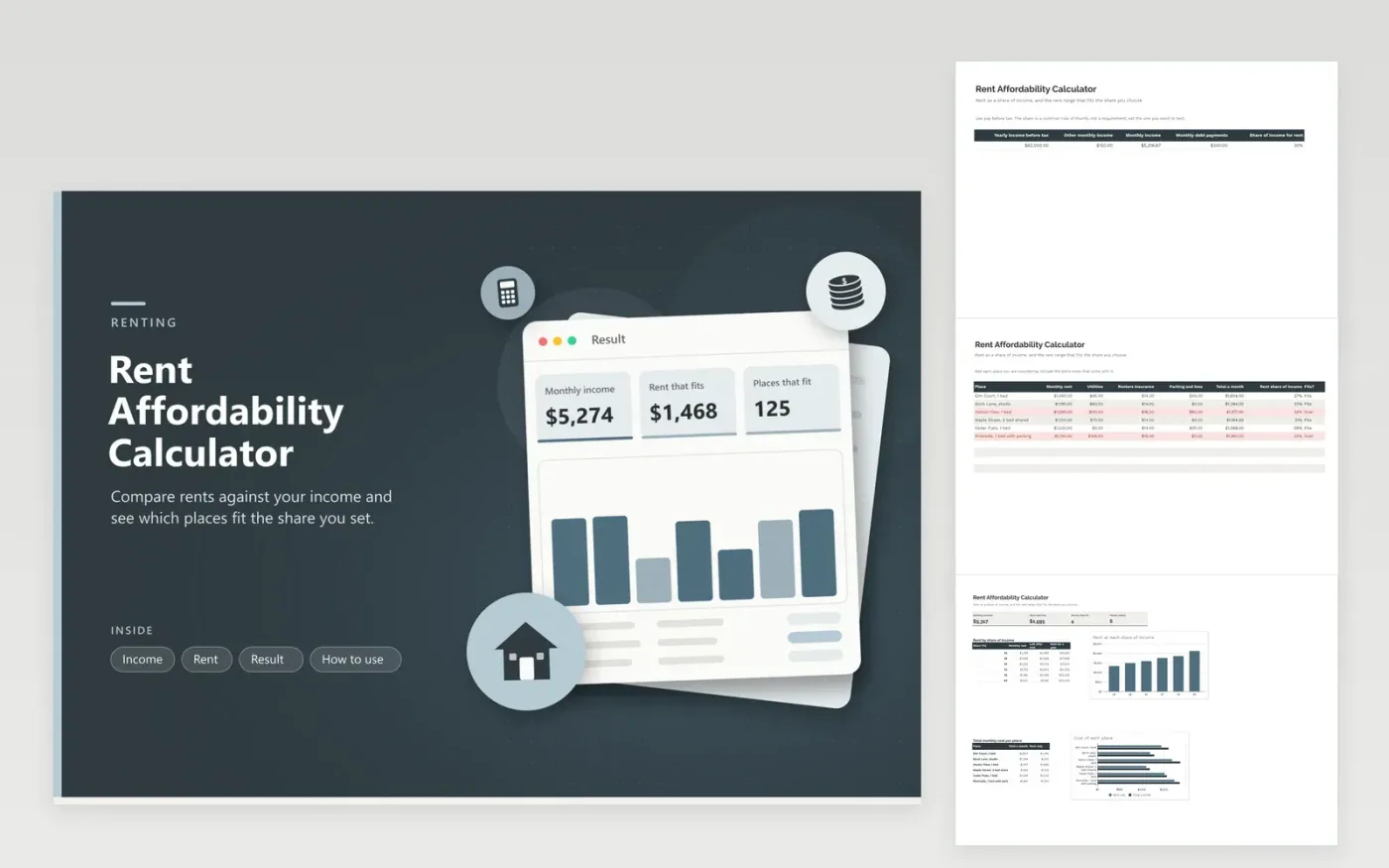
Apartment hunting makes every listing look reasonable until the numbers sit side by side. This calculator starts with your income. On the Income tab you enter yearly pay, other monthly income, debts and the share of income you are willing to spend on rent. The Rent tab lists each place with its rent, utilities, insurance and parking, then divides rent by income and marks the place Fits or Over.
The Result tab turns the share into a rent amount and repeats it for six shares from 25 to 40 percent, with the money left after rent and the yearly total beside each one. A second chart compares the full monthly cost of every place you listed. Sample data uses six invented listings; replace them with real ones and the marks update at once.
Click Make a copy in Google Sheets, then confirm on the Google page. The copy is saved to your own Google Drive.
Start on the Income tab: replace the sample rows with your own.
Keep the formula columns as they are; they fill in as you type.
Read the How to use tab for tips. For Excel, download the .xlsx file instead.
Many guides suggest about 30 percent, but the right share depends on debts, location and other goals. The sheet lets you type any share and see the rent range for it.
The sample uses gross pay before tax, which is how many landlords screen applicants. If you prefer to plan from take-home pay, enter that instead and use a higher share.
The share column uses rent alone, as landlords do. The total column adds utilities, insurance and fees to reveal the true monthly cost of each place.
Docs + Word6 pages
FeaturedFree
Excel
FeaturedFree
Sheets + Excel5 tabs
Free
Sheets + Excel5 tabs
Free
Sheets + Excel5 tabs
Free
Sheets + Excel5 tabs
Free
Sheets + Excel6 tabs
Free
Sheets + Excel6 tabs
Free
Sheets + Excel4 tabs
Free
Sheets + Excel5 tabs
Free
Sheets + Excel5 tabs
Free
Sheets + Excel5 tabs
Free
Sheets + Excel5 tabs
Free
Sheets + Excel5 tabs
Free
Sheets + Excel5 tabs
Free








