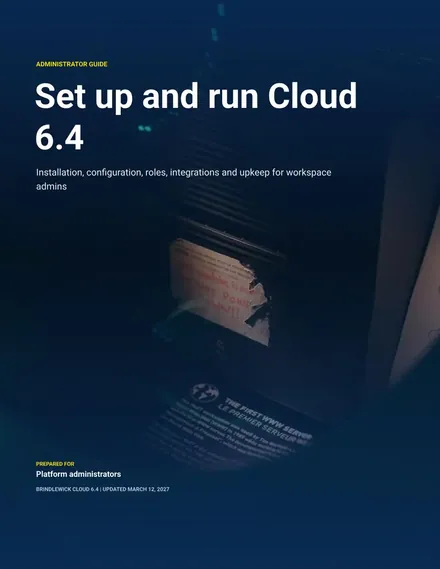
Administrator Guide
Docs + Word8 pages
Free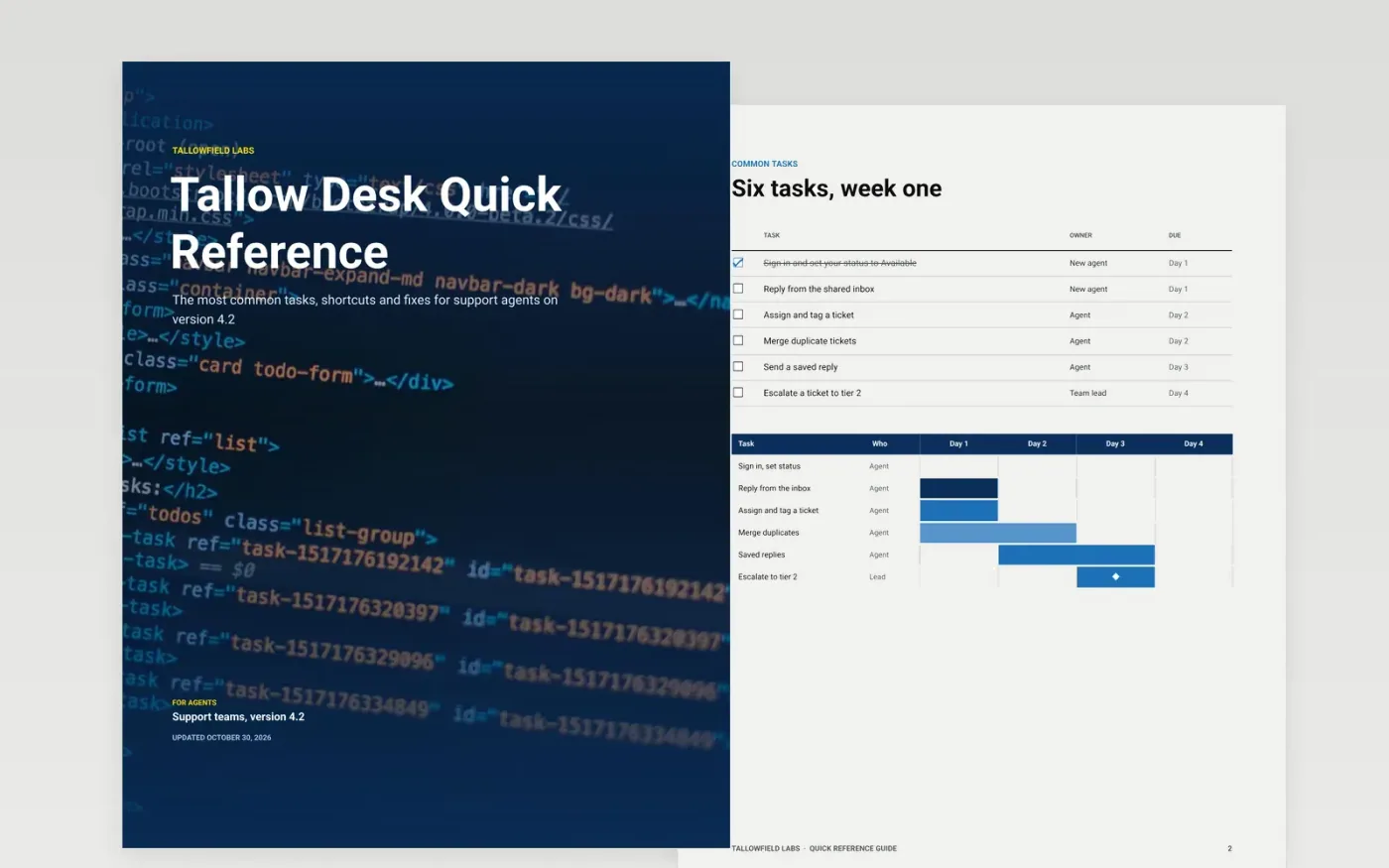
New agents ask the same how-to questions, and support teams answer them again and again. This quick reference guide puts the first-week tasks, shortcuts, status rules, top fixes and escalation path in eight pages, in the order a new user meets them, so a task takes minutes and tickets stay with real problems.
The sample covers Tallow Desk version 4.2 for Tallowfield Labs: a six-task first week, four shortcuts, a status table with service targets, four troubleshooting fixes and a four-step escalation path with contacts. Replace the product, version, tasks, fixes and contacts with yours, and retake the screenshots.
Click Make a copy in Google Docs, then confirm on the Google page. The copy is saved to your own Google Drive.
State your product version and the reader on the cover, such as admin or end user.
Replace the common tasks with your top five support tickets, each as short numbered steps, and retake the screenshots from your current release.
Replace the troubleshooting fixes with real errors and the exact fix, then update the contacts, roles and support link.
Delete the Make it yours page, then print the guide or share it with your team.
Yes. Make a copy in Google Docs and edit it in your own Drive. There is nothing to install and no account to create beyond your Google account.
No. Tallowfield Labs, Tallow Desk, the people named, the contacts and every figure are fictional sample data. Replace them with your own product and team.
Keep the core to two pages: five to eight tasks, a few shortcuts and the top fixes. The extra pages here hold status rules, contacts and escalation so the cheat sheet stays short.
More Google Docs templatesMore developer workflows templates
Docs + Word8 pages
Free
Docs + Word14 pages
Free
Slides + PowerPoint12 slides
Free
Slides + PowerPoint11 slides
Free
Slides + PowerPoint11 slides
Free
Docs + Word8 pages
Free










