Administrator Guide
Docs + Word8 pages
Free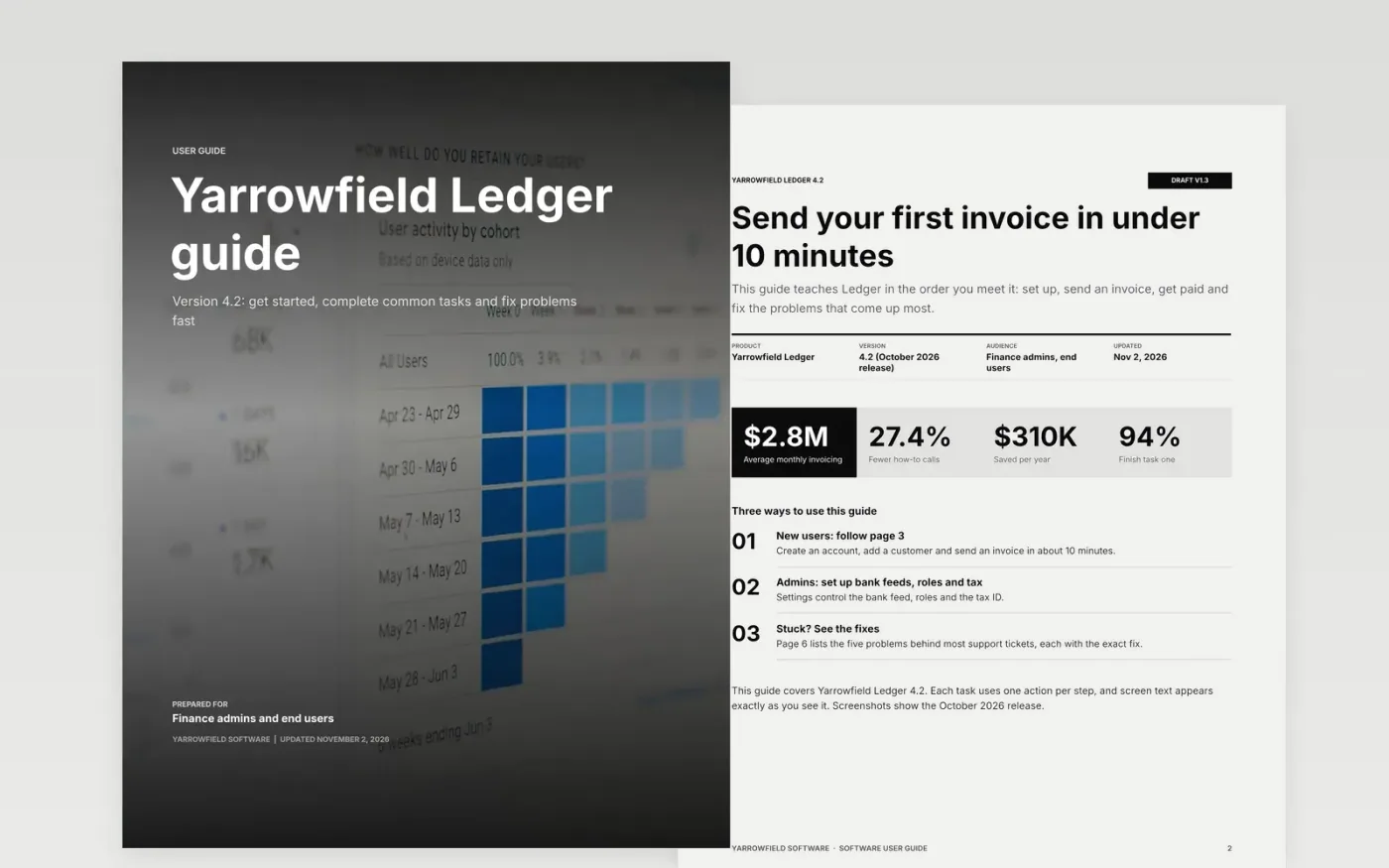
A user guide that describes features instead of tasks sends people to support. This template teaches the product in the order users meet it: who the guide is for and which version it covers, a getting-started path with a setup checklist, six common tasks with owners and timing, a settings reference, a troubleshooting register of the problems behind most tickets and a glossary.
The sample is the guide for Yarrowfield Ledger 4.2, a fictional invoicing product from Yarrowfield Software, aimed at finance admins and end users. It shows a first invoice sent in under 10 minutes and a 27% drop in how-to calls. Replace the version and reader first, then swap in your top five support tickets, retake the screenshots and add your own errors and fixes.
Click Make a copy in Google Docs, then confirm on the Google page. The copy is saved to your own Google Drive.
State the product version and the reader, such as admin or end user, on the introduction page.
Replace the common tasks with your top five support tickets, each as numbered steps with one action per step, and retake every screenshot from the current release.
Replace the troubleshooting entries with real errors and the exact fix that resolved them, then update the roles, the glossary and your support link.
Delete the Make it yours page, then share the guide or publish it.
Six to twelve core tasks, each with 4 to 8 steps. Pick the tasks behind your top support tickets so the guide reduces how-to questions.
Tasks. Users arrive with a job to do, such as sending an invoice. Write one action per step, use the exact screen text and show a screenshot every two or three steps.
No. Yarrowfield Software, Yarrowfield Ledger, the people and every figure are fictional sample content. Replace them with your own product, version and contacts.
More Google Docs templatesMore developer workflows templates
Docs + Word8 pages
Free
Docs + Word8 pages
Free
Docs + Word14 pages
Free
Slides + PowerPoint11 slides
Free
Slides + PowerPoint11 slides
Free










