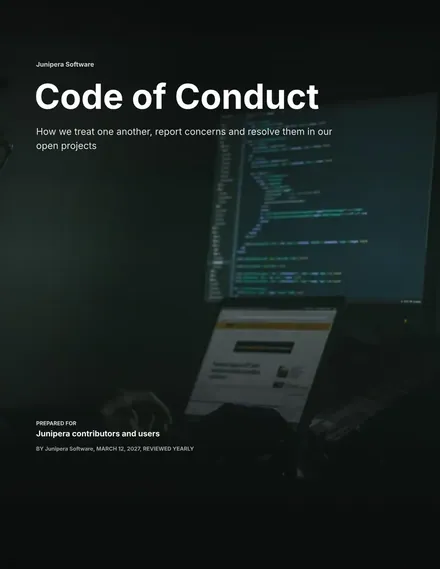
Code of Conduct
Docs + Word7 pages
Free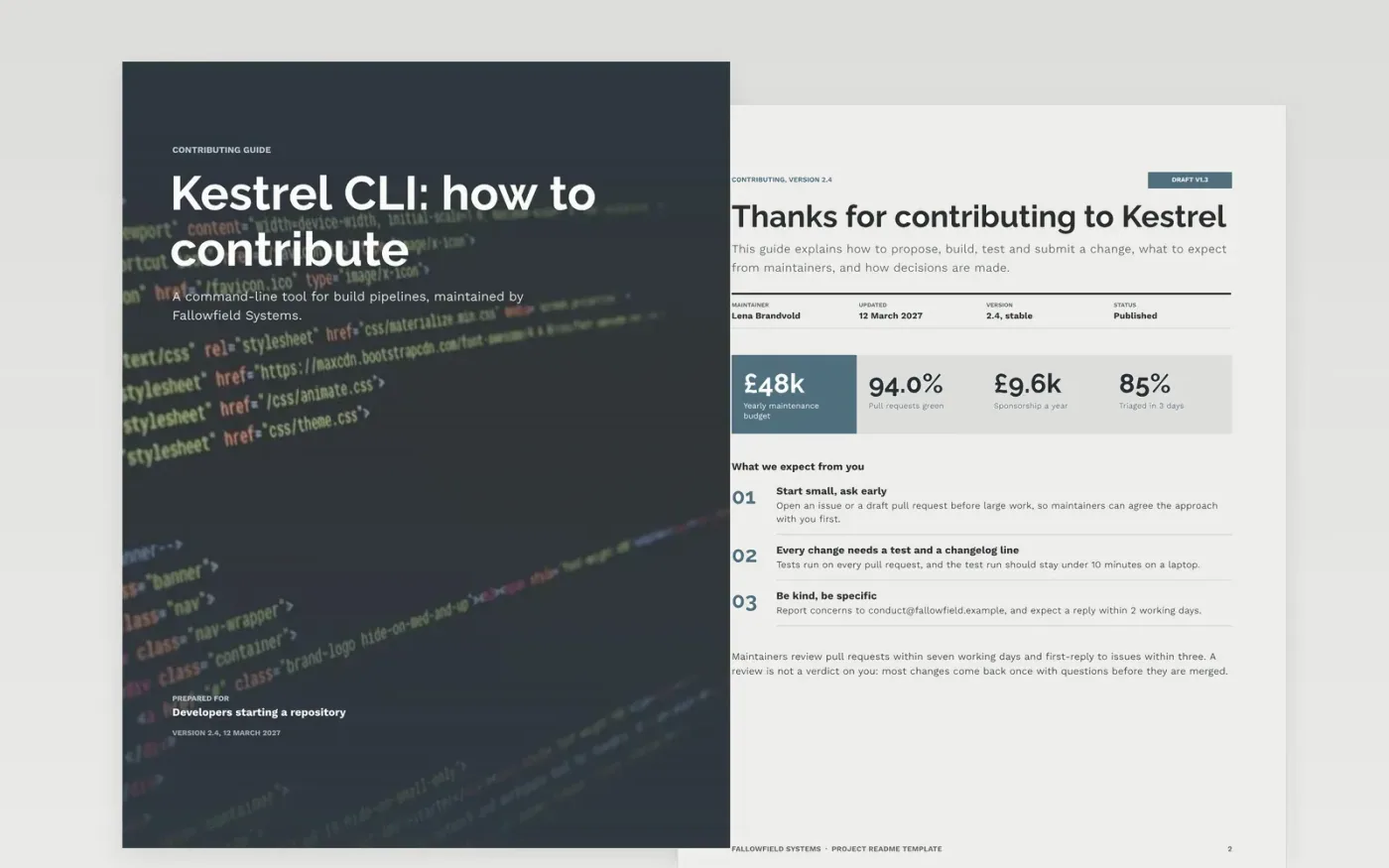
Open source projects lose contributors who cannot get a build running, or who wait weeks for a reply without knowing why. This template sets out the contributing guide in the order a newcomer needs it: the purpose, the install steps, usage, configuration, the contribution policy and the licence. Each section answers one question a first-time contributor would otherwise have to ask on a public issue.
The sample is for Kestrel CLI, a fictional command-line tool maintained by Fallowfield Systems, with set-up steps that take a fresh machine to a passing test run in about fifteen minutes. It shows a usage scorecard, a configuration reference, a policy page and a pricing page for paid support. Replace the project name, commands, maintainer names and licence with your own, then run every install step on a clean machine before you publish.
Click Make a copy in Google Docs, then confirm on the Google page. The copy is saved to your own Google Drive.
Rename the project and the repository links on the first page before anyone reads the guide.
Run every install step on a fresh machine, and correct any command or time that does not match.
Label real good first issues, then link them from the contributing page.
Delete the guide page, then share the guide in the repository and link it from the README.
Yes. Fallowfield Systems, the Kestrel CLI project, its maintainers, email addresses, prices and usage figures are fictional. Replace them with your own details before publishing the guide.
Long enough to answer the questions newcomers ask most, and no longer. Keep set-up to a few minutes of reading and link to detailed design notes rather than pasting them in.
Yes, and state them honestly. A stated turnaround of seven working days is far better than an unstated one that people quietly wait for. Update the figures whenever the review rota changes.
More Google Docs templatesMore developer workflows templates
Docs + Word7 pages
Free
Docs + Word8 pages
Free
Docs + Word7 pages
Free
Docs + Word7 pages
Free
Slides + PowerPoint12 slides
Free
Docs + Word7 pages
Free
Slides + PowerPoint12 slides
Free










