
Project Plan Presentation
Slides + PowerPoint11 slides
Free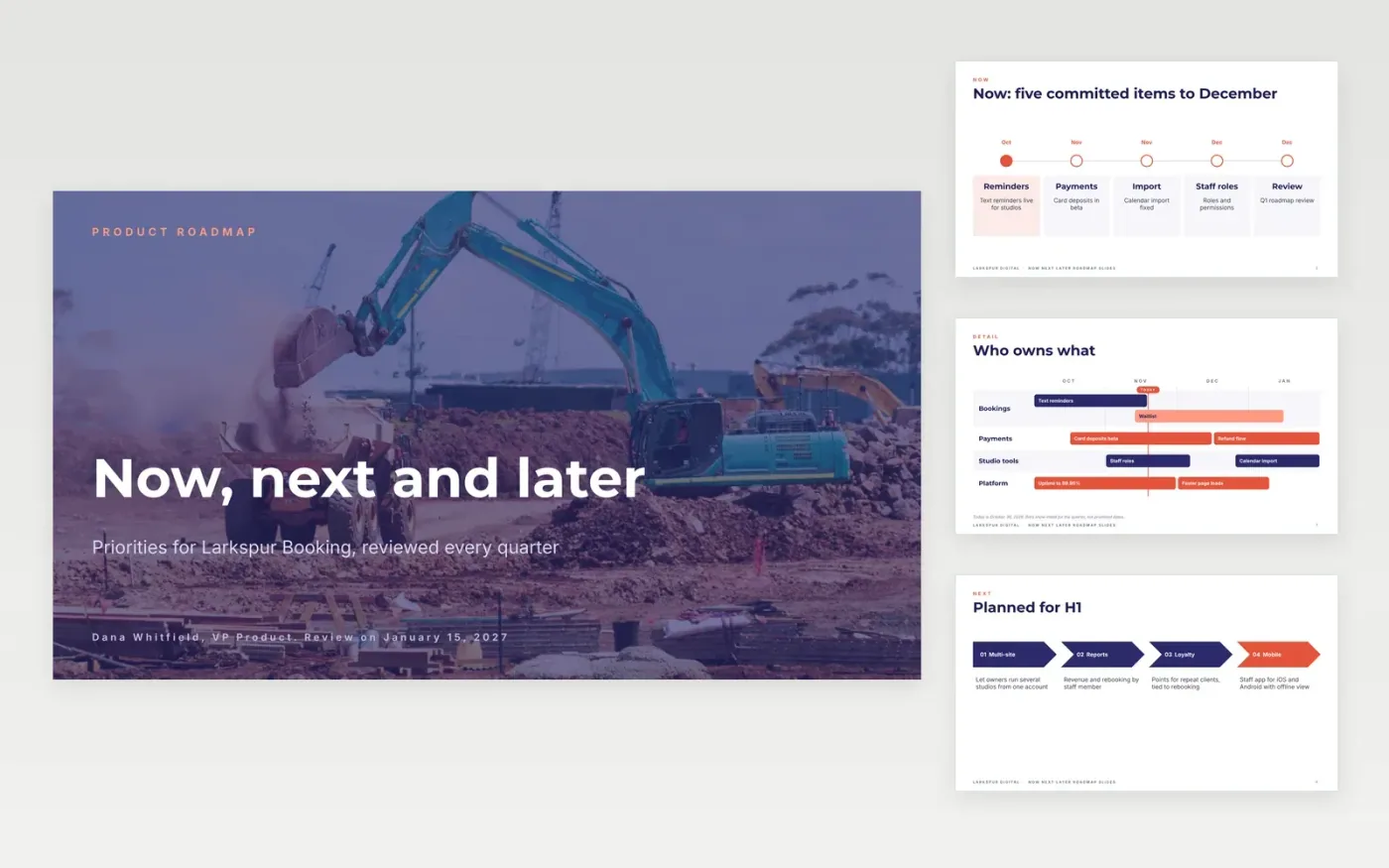
Dated roadmaps break the first time priorities change, and then nobody trusts them. A now, next, later roadmap groups work by confidence instead of by date: committed now, planned next, exploring later. This ten-slide deck gives each horizon its own slide, plus a swimlane view and an explicit not-doing list.
The sample follows Larkspur Digital, a booking platform for independent studios, with five committed items this quarter, four planned for the first half of 2027, four ideas with no dates and a short list of things it will not build. Replace the lanes, owners, confidence levels and the review date with yours.
Click Make a copy in Google Slides, then confirm on the Google page. The copy is saved to your own Google Drive.
Choose your time horizon and relabel the months, then replace the swimlanes with your own teams or themes.
Mark each item as committed, planned or exploring, and remove dates from the last group.
Add the two or three dependencies most likely to move your dates, then set a review date and name the roadmap owner.
Delete the Make it yours slide, then share the deck or present it.
Yes. Make a copy in Google Slides and edit it in your own Drive. There is nothing to install and no account to create beyond your Google account.
No. Larkspur Digital, the people named, the product and every figure and date are fictional sample data. Replace them with your own work and owners.
Dates promise certainty you rarely have. Horizons show order and confidence, so priorities can change without a missed deadline. Keep exact dates only for committed work.
More Google Slides templatesMore project management templates
Slides + PowerPoint11 slides
Free
Docs + Word9 pages
Free
Docs + Word5 pages
Free
Slides + PowerPoint11 slides
Free
Slides + PowerPoint10 slides
Free
Docs + Word7 pages
Free
Slides + PowerPoint12 slides
Free










