Annual Sales Plan Presentation
Slides + PowerPoint10 slides
Free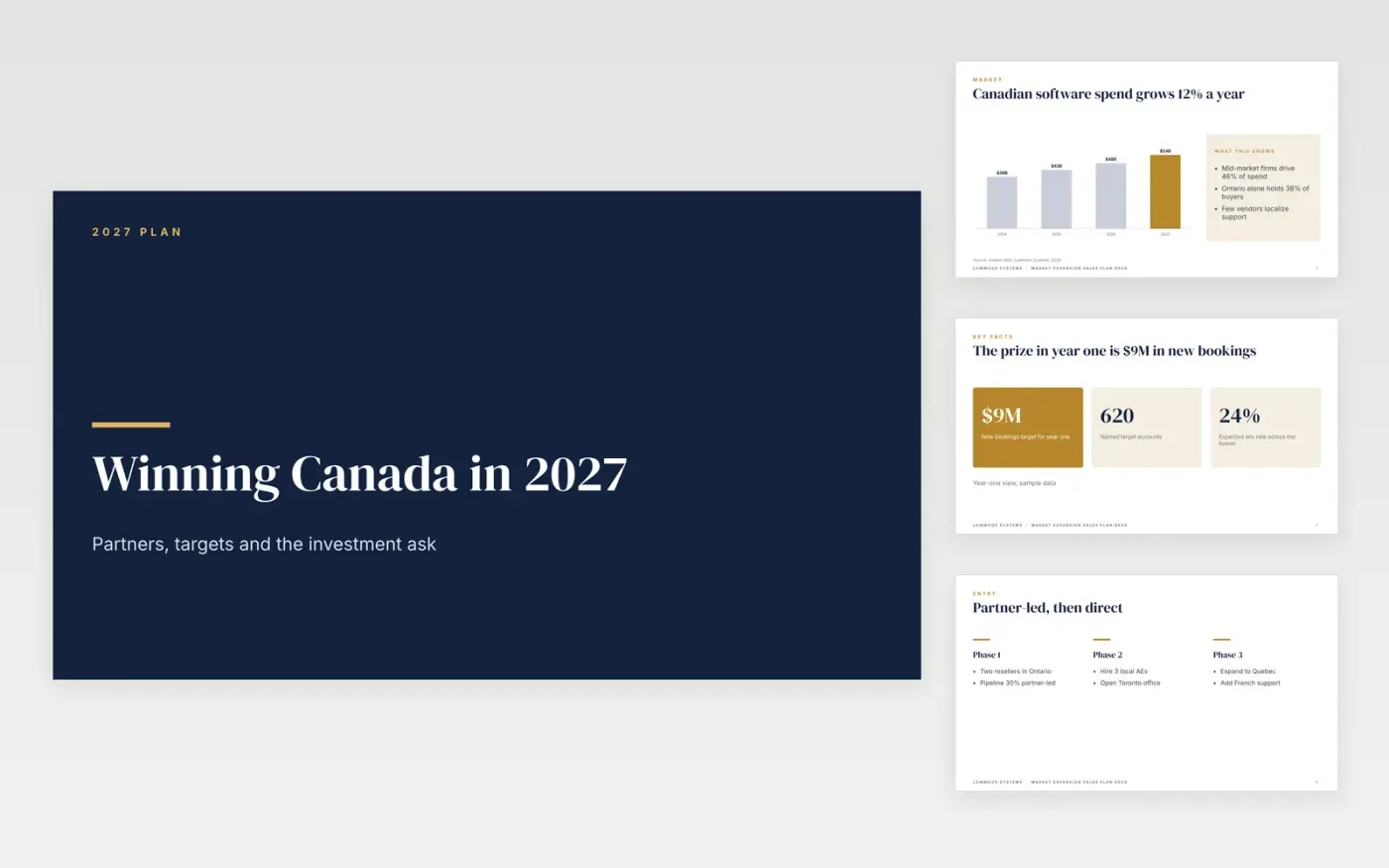
Sales leaders asked to open a new country need one story that links the market, the route in and the money. This sales strategy presentation for Google Slides covers ten slides: a cover, a market chart, headline numbers, a three-phase entry model, action cards, a partner table, a KPI scorecard, three funding options, a guide and a contact slide.
The sample shows Lowmoor Systems planning a Canadian launch with a $9M new bookings target, five resellers and a recommended $2.4M budget. Replace the country, partner names, win rate and budget lines with your own numbers, and check that the totals still agree before you present.
Click Make a copy in Google Slides, then confirm on the Google page. The copy is saved to your own Google Drive.
Enter your own target and last year's bookings on the headline numbers slide, then update the market chart.
Replace the partner names, reps and focus areas with the ones in your CRM, and reset the scorecard figures and status.
Edit the three funding options so the recommended budget matches your plan, and check the sum against the target.
Delete the Make it yours guide slide, then share the deck or present it.
Not as a separate slide. The entry model columns and action cards give a phased plan that you can relabel as 30, 60 and 90 days if your team prefers that view.
No. Lowmoor Systems, every partner, person and email address and all figures are fictional sample data, written to show what a finished expansion plan looks like.
Yes. Cut the partner table to one or two rows, lower the target and budget, and keep the scorecard to the five measures you will review every week.
Slides + PowerPoint10 slides
Free
Slides + PowerPoint12 slides
Free
Slides + PowerPoint12 slides
Free
Docs + Word7 pages
Free
Docs + Word7 pages
Free
Docs + Word7 pages
Free
Slides + PowerPoint11 slides
Free
Docs + Word10 pages
Free
Slides + PowerPoint12 slides
Free
Docs + Word6 pages
Free
Google Sheets
Free