
Admin Training Deck
Slides + PowerPoint11 slides
Free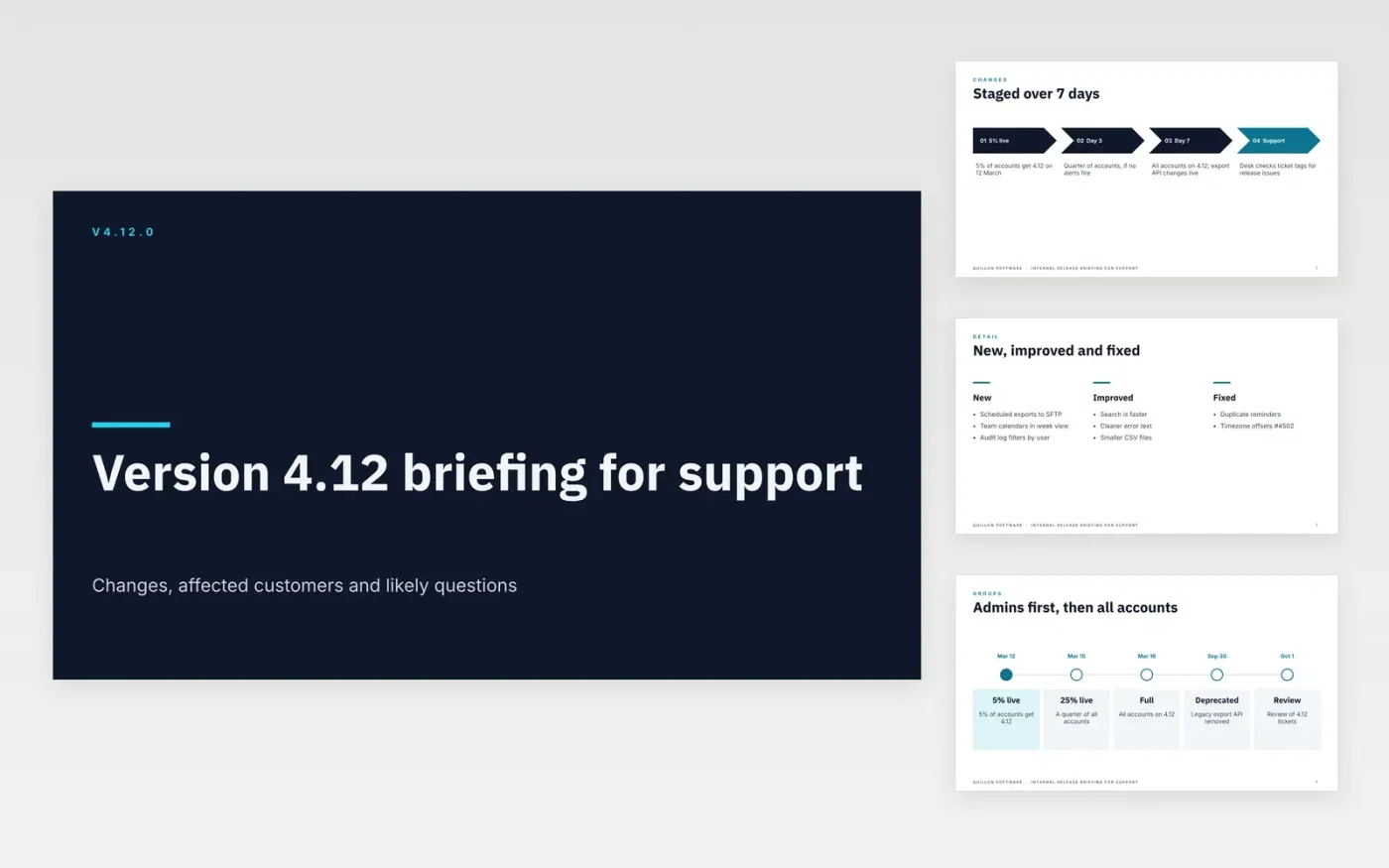
Support teams hear about a release from customers first when the briefing arrives late or lists internal ticket titles. This deck gives support leads one clear version of what changed, who is affected and what to do, in the order of how much it matters to callers. It moves from the change itself to the affected groups, the likely questions, the answers, and finally the escalation route to engineering.
The sample describes version 4.12.0 of the Quillon Software scheduling tool, rolled out in stages from 12 March 2027, with one breaking change to the export API and one deprecation. Every name, version and figure is fictional. Replace the version, dates and audience on the cover, rewrite each point as what a customer can now do, and move anything that breaks existing use to the front.
Click Make a copy in Google Slides, then confirm on the Google page. The copy is saved to your own Google Drive.
Set the version number, release date and audience on the cover, then rewrite each point as an outcome for the user.
Move anything that breaks existing use to the answers slide, with a before and after example.
Link every fix to its issue number, and delete fixes that users will never notice before the briefing goes out.
Delete the guide slide, then share the deck with the support team or present it in Google Slides.
Yes. Quillon Software, its staff, the email addresses and every version number, date and figure in this sample are fictional. Replace them with your own release details before the briefing goes to your team.
Include two to five known issues with a workaround for each if you have them. If you have none, say so plainly on the what changed slide, so support knows the release is clean.
List the team that takes each type of issue, its contact address and the time it takes to respond. Keep the list short, so support knows who to call for a breaking change or a data problem.
More Google Slides templatesMore developer workflows templates
Slides + PowerPoint11 slides
Free
Docs + Word7 pages
Free
Docs + Word7 pages
Free
Docs + Word6 pages
Free
Docs + Word8 pages
Free
Docs + Word7 pages
Free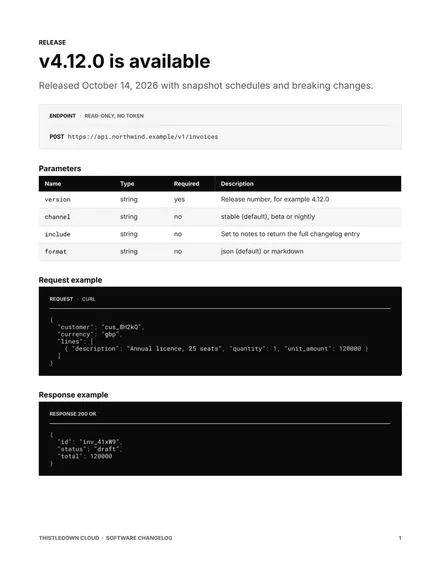
Docs + Word9 pages
Free









