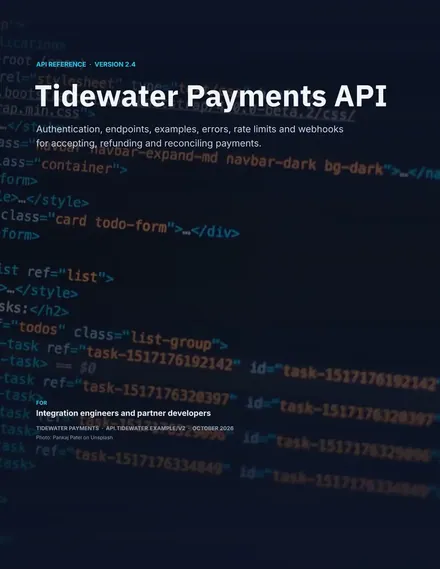
API Documentation
Docs + Word14 pages
Free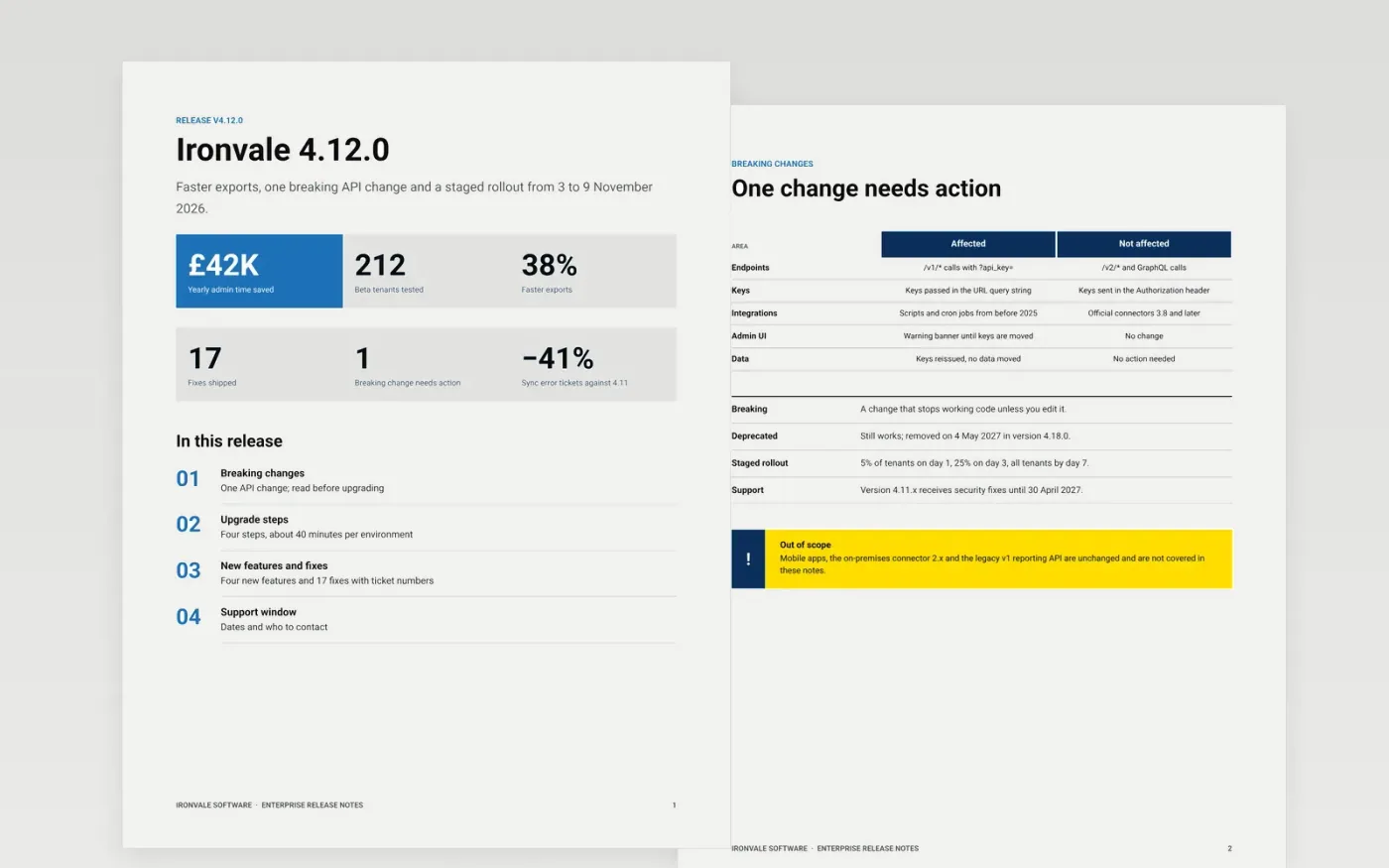
Enterprise customers do not read release notes for the headlines. They read them to find out whether an upgrade will break an integration, how long it will take and when the old version stops being supported. This template puts breaking changes and upgrade steps ahead of the feature list, then closes with the support window and an escalation path.
The sample is a release note for version 4.12.0 of a fictional vendor, Ironvale Software. It shows a single breaking API change with a before-and-after migration, a staged rollout, user-facing fixes with ticket numbers and named support contacts. Replace the version, dates, changes and contacts with your own.
Click Make a copy in Google Docs, then confirm on the Google page. The copy is saved to your own Google Drive.
Set the version number, release date and audience in the title block, and update the rollout dates.
Rewrite each highlight as what the user can now do, and move anything that breaks existing use into the breaking changes page.
Add the issue number to every fix, and replace the support dates and contacts with your own.
Delete the Make it yours guide page, then share the document or present it.
No. Ironvale Software, its people, version numbers, ticket numbers and all figures are fictional sample content. Replace them with your own details.
Yes. Keep the breaking changes page and say plainly that there are none, or remove it and the matching row in the contents list.
Yes. Swap the customer wording for your teams, and use the escalation page for your own on-call or service desk path.
More Google Docs templatesMore developer workflows templates
Docs + Word14 pages
Free
Slides + PowerPoint12 slides
Free
Docs + Word21 pages
Free
Docs + Word6 pages
Free
Slides + PowerPoint12 slides
Free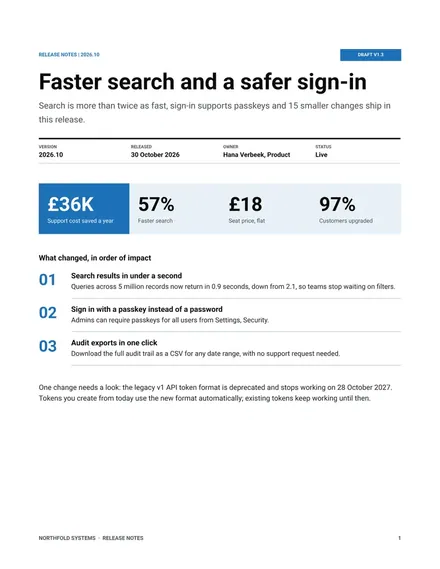
Docs + Word7 pages
Free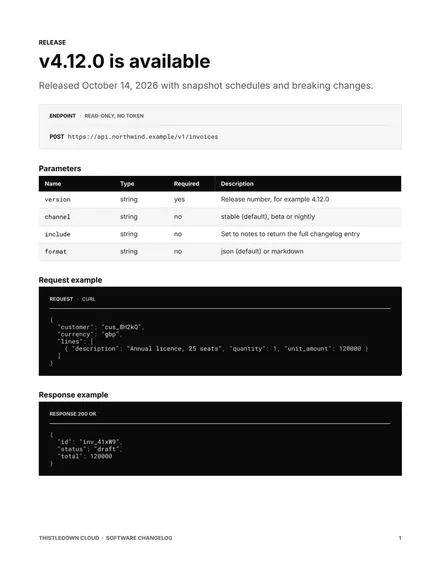
Docs + Word9 pages
Free










